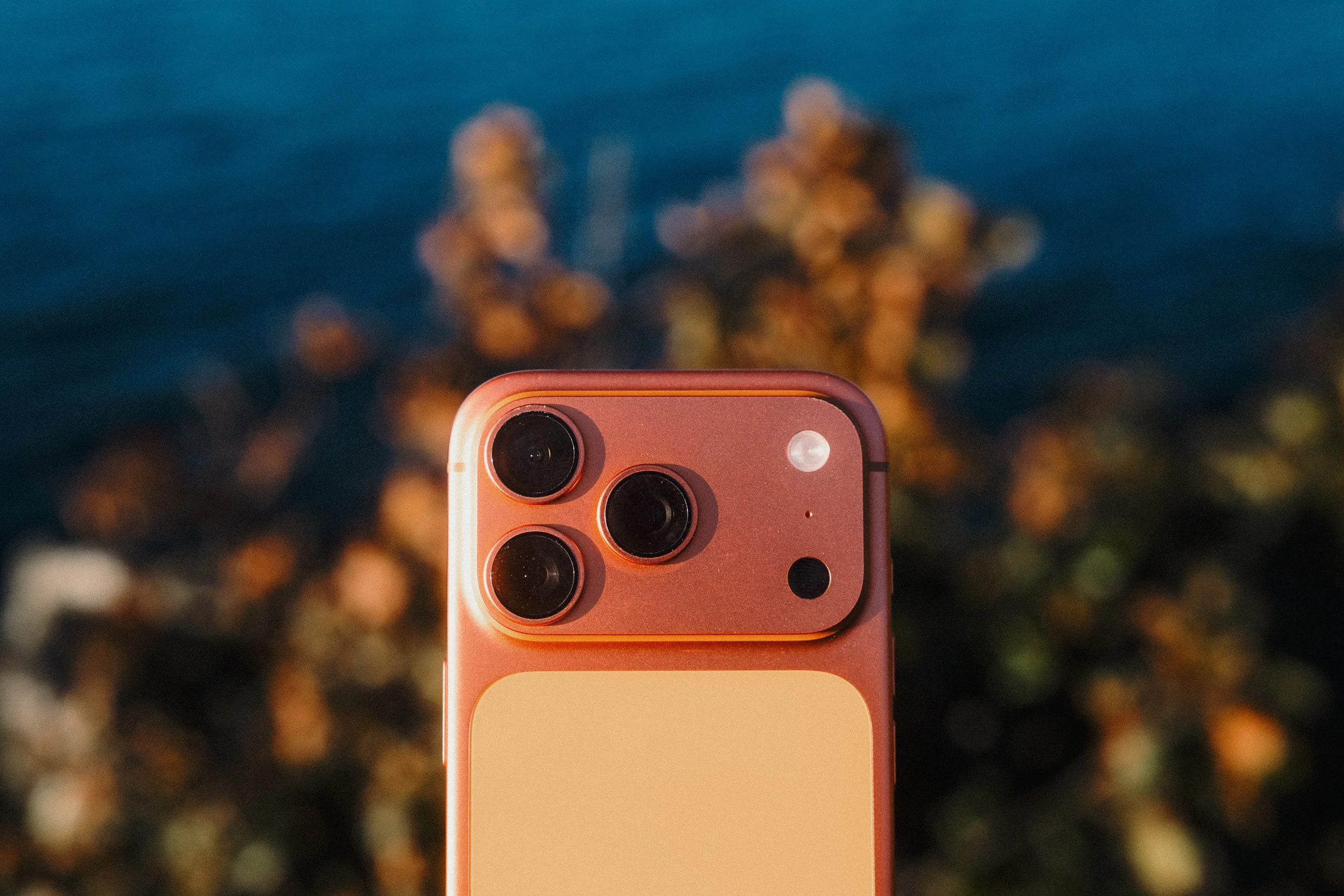
iPhone 17 Pro
+ Lenses & Accessories
iPhone 17 Pro
-
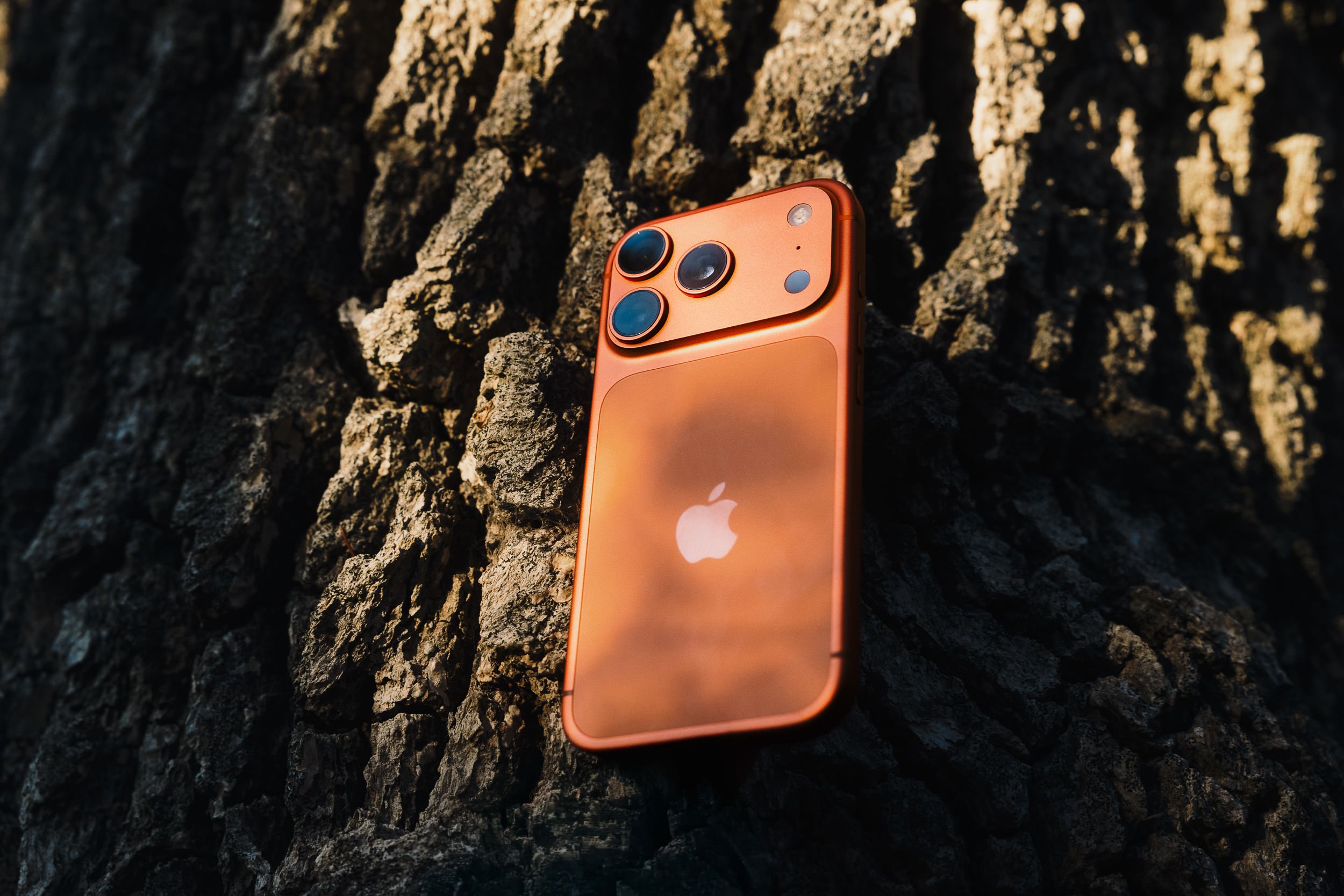
48MP Fusion Main: 24mm, ƒ/1.78.
48MP Fusion Ultra Wide: 13mm, ƒ/2.2.
48MP Fusion Telephoto: 100mm 4x, ƒ/2.8, tetraprism design.
Photo features include ProRAW, latest-generation Photographic Styles, spatial photos, Night mode, portraits with Focus and Depth Control, and wide colour capture.
Video recording includes 4K at 24/25/30/60 fps in Apple Log 2.
ProRes up to 4K/120 with external recording, ProRes RAW, Apple Log 2, ACES, and Genlock support.
Open Gate ProRes RAW HQ with external recording.
Vapor-chamber cooling for better sustained performance during high-end photo and video workflows.
-
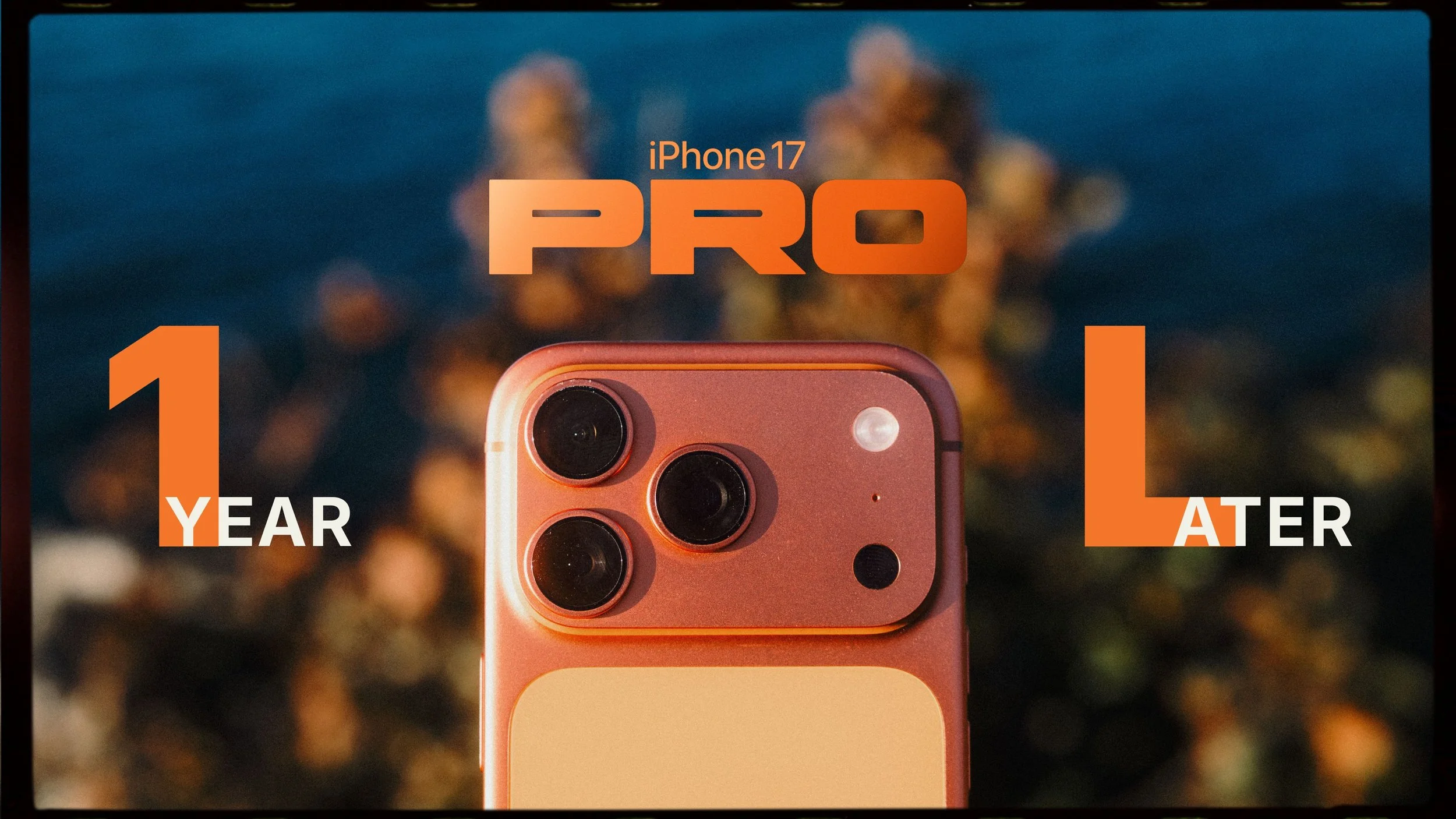
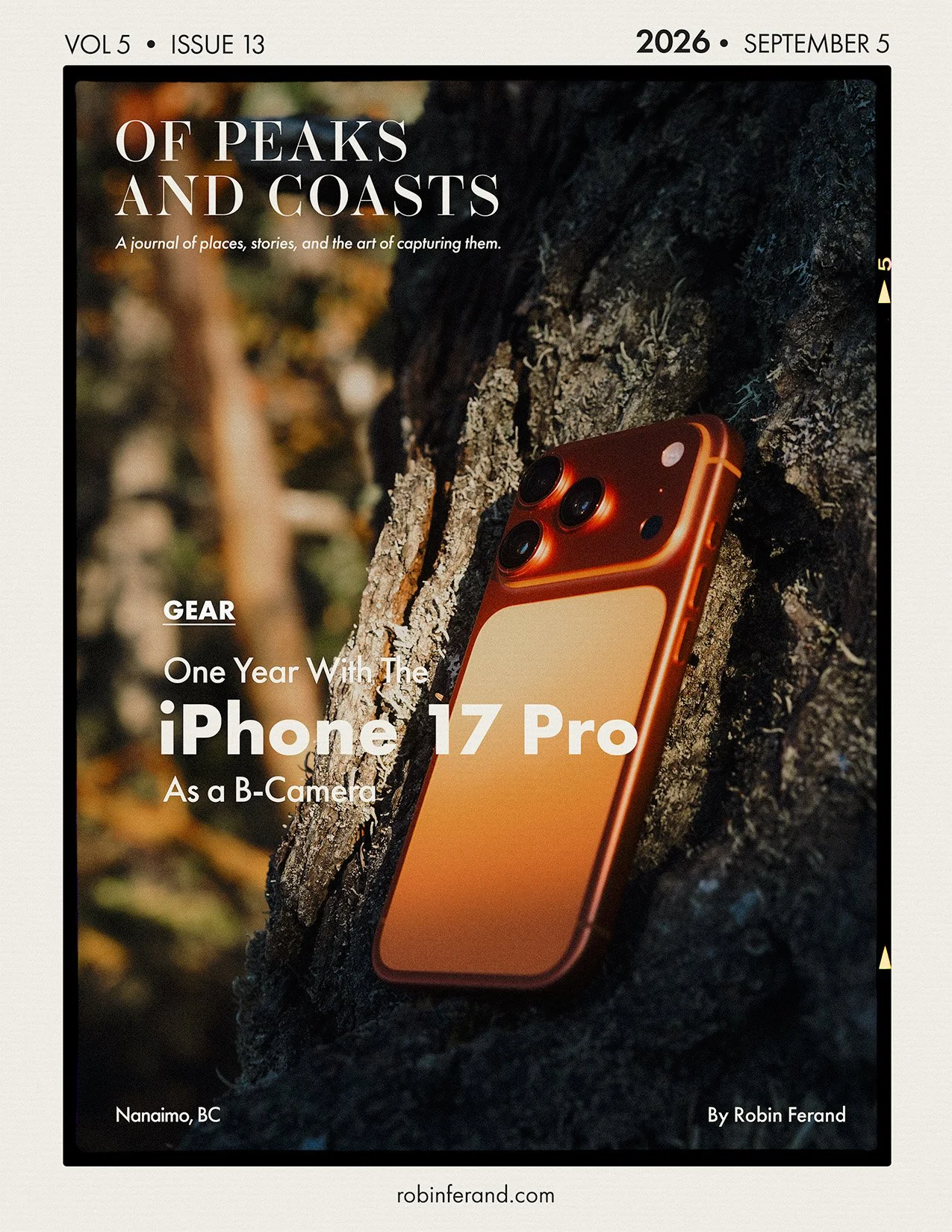
Upgrading from the iPhone 13 Pro, I did not see the iPhone 17 Pro as simply the coolest new smartphone. I saw it as the first iPhone that could realistically become a proper B-camera in my kit.
Like many people have said many times, the iPhone is the camera that is always with you. But with Apple Log 2, ProRes, ProRes RAW, external recording, and better thermal management, it is now capable of genuinely serious results. Footage from the iPhone 17 Pro can cut surprisingly well with other log-based cameras, which makes it much more useful than just a behind-the-scenes or social media tool.
For photography, it is also an incredible pocket camera, but I expected a little more from the Quad Bayer approach. To shoot 48MP files, you need to use ProRAW, even in third-party apps. That appears to be an Apple limitation, and I wish there were a way to bypass ProRAW while still accessing the higher-resolution 48MP output. ProRAW can be useful, but the noise reduction can sometimes feel too strong, removing detail, while the HDR stacking can look unnatural. You can shoot a more traditional RAW DNG, but only at 12MP, which was already one of the limitations I noticed with my previous iPhone 13 Pro. The optics are excellent, but in the age of Super Retina XDR displays everywhere, 12MP can fall short, especially if you want to print.
Where the iPhone 17 Pro shines most for me is video. Apple Log 2 is genuinely impressive, and 4K 120p in Log from a phone is still kind of ridiculous. Do I use it every day? No. But the fact that it is there matters. USB-C and external recording also make the phone easier to integrate into a real workflow, especially when paired with accessories, cages, SSDs, or mobile filmmaking rigs.
The telephoto camera is another big reason this phone feels more useful than my older iPhones. The 4x lens is excellent, and the optical-quality 8x option gives you an equivalent 200mm field of view while still keeping 4K resolution. I often mount the iPhone on top of my camera when photographing wildlife so it can act as a second angle. If I am shooting photos with the main camera, the iPhone can capture video. If I am shooting long-lens video, the iPhone can give me a wider contextual view.
The Good:
All three rear cameras are now 48MP Quad Bayer sensors.
Apple Log 2 is excellent and makes iPhone footage much easier to match with other log-based cameras.
Despite some Android phones offering more megapixels, iPhone video quality is still at the top.
4K 120p in Log on a smartphone is incredible, even if it is not something I use every day.
USB-C with fast transfer support makes the iPhone easier to integrate with modern accessories and external recording workflows.
The telephoto camera is excellent and can give a 200mm equivalent field of view while staying usable for 4K video.
Vapor-chamber cooling helps sustain demanding video features better than older iPhones.
The Bad:
It is not truly a native 48MP camera in the traditional sense, like most Quad Bayer systems.
I wish Apple allowed a more neutral high-resolution RAW option without relying on ProRAW, similar to what DJI offers on some action cameras and drones.
ProRAW processing can feel too aggressive, especially with noise reduction and HDR stacking.
The iPhone keeps getting more expensive, and serious shooting pushed me toward the 512GB model.
Open Gate is limited to ProRes RAW HQ, which creates massive files. Some third-party apps offer lighter open-gate options, but closer to 2K resolution.
It is still a phone, so heat, battery, storage, and handling can become limiting during heavier video use.
-
Get it if you own an older iPhone generation, such as an iPhone 11, 12, or 13, and want newer creative tools along with longer OS support.
Get it if you already own dedicated cameras but want the best possible camera that is always in your pocket.
Get it if Apple Log 2, ProRes, ProRes RAW, USB-C workflows, and stronger video tools matter to you.
Pass if you already own an iPhone 15 Pro or 16 Pro. Apple Log 2 is a nice upgrade, but Apple Log 1 is still powerful.
Pass if you do not use the camera and video features enough to justify the Pro model.
Pass if you expect it to replace a dedicated camera system for lens character, ergonomics, depth, or full manual control.
-
Writing this in July 2026, I would usually tell people to hold off on buying an iPhone in the summer because new models are normally announced in September.
This year, rumours point to camera improvements, including a possible variable-aperture main lens. But we also know Apple’s priority may be the foldable phone, so it is hard to know how much the regular Pro model will change.
There is one major difference this year: recent Apple price increases. You may have noticed that iPhone prices have not moved much in many countries, which likely means the new pricing will appear with the next generation. So this summer might actually be a good time to upgrade after all, as long as you are comfortable not having the latest model a few months from now.
Keep in mind that the iPhone 17 Pro is already an excellent camera that also happens to work as a phone.
Discover past reviews

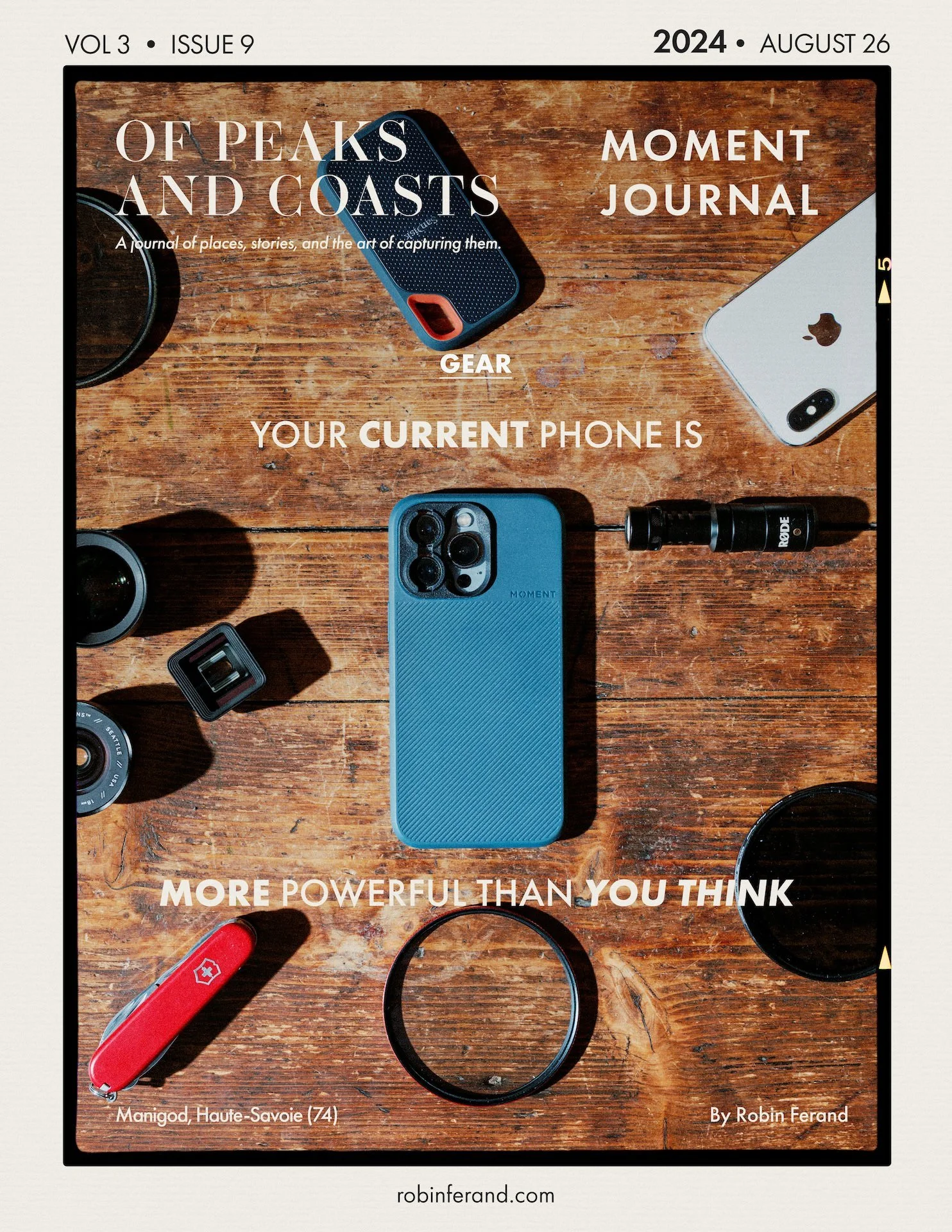
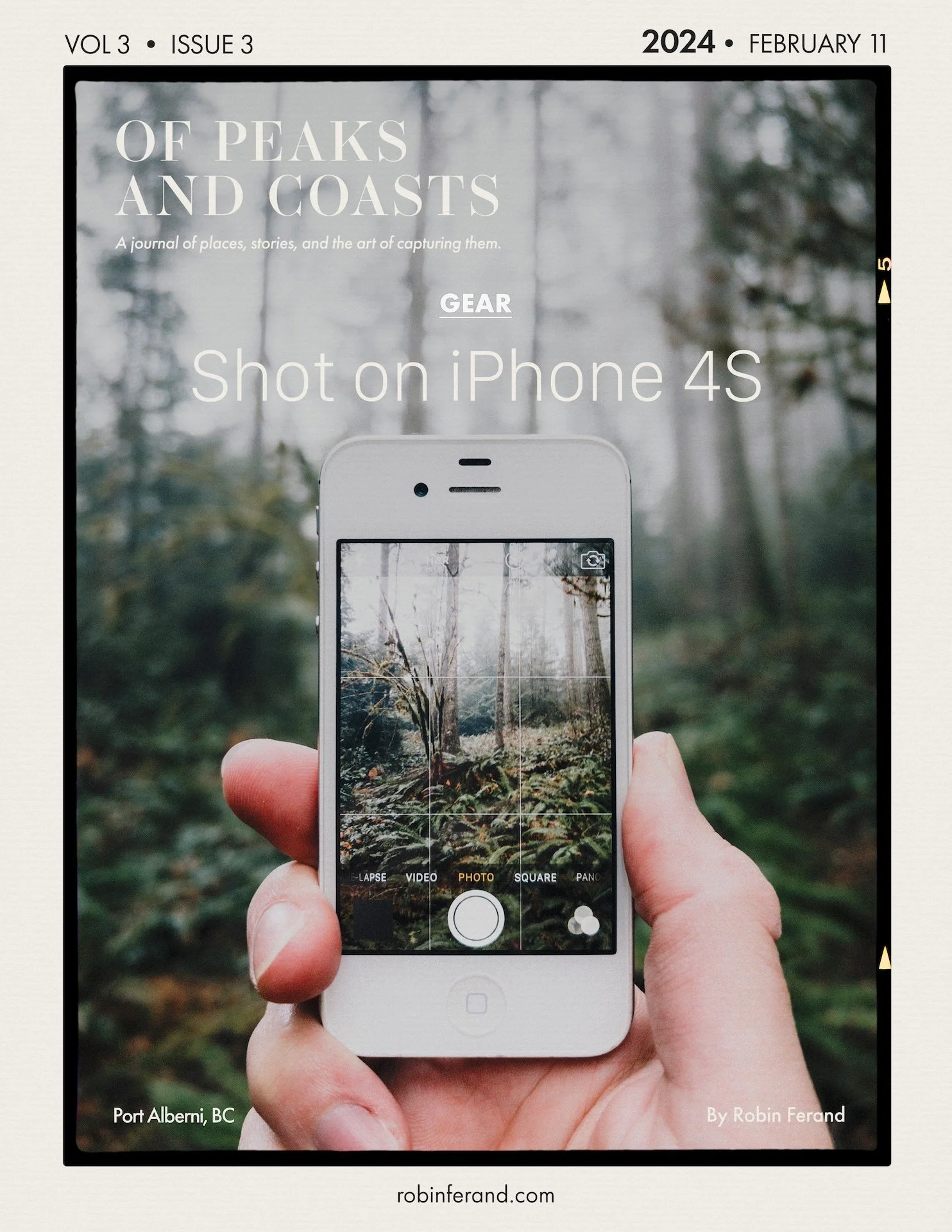
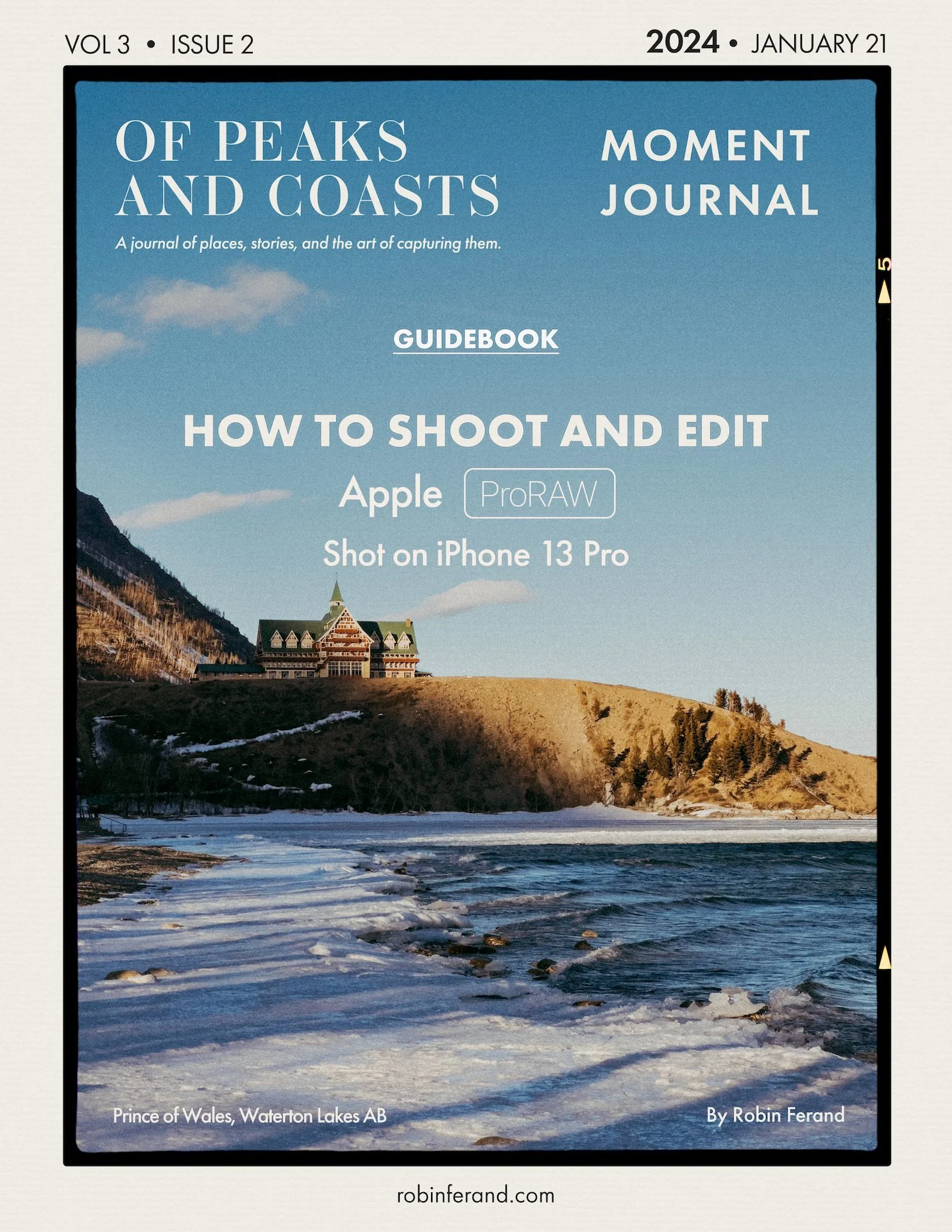
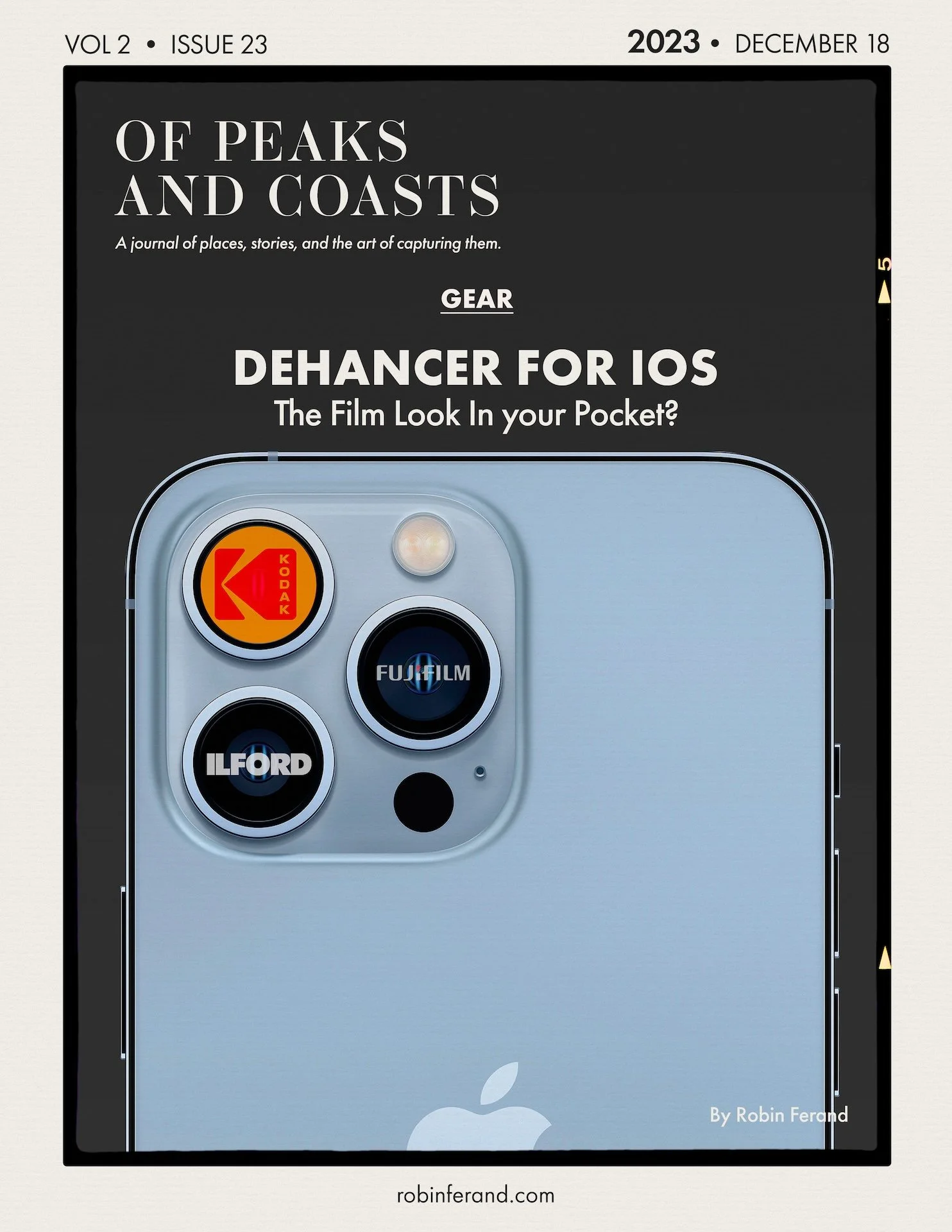
ESSENTIAL LENSES
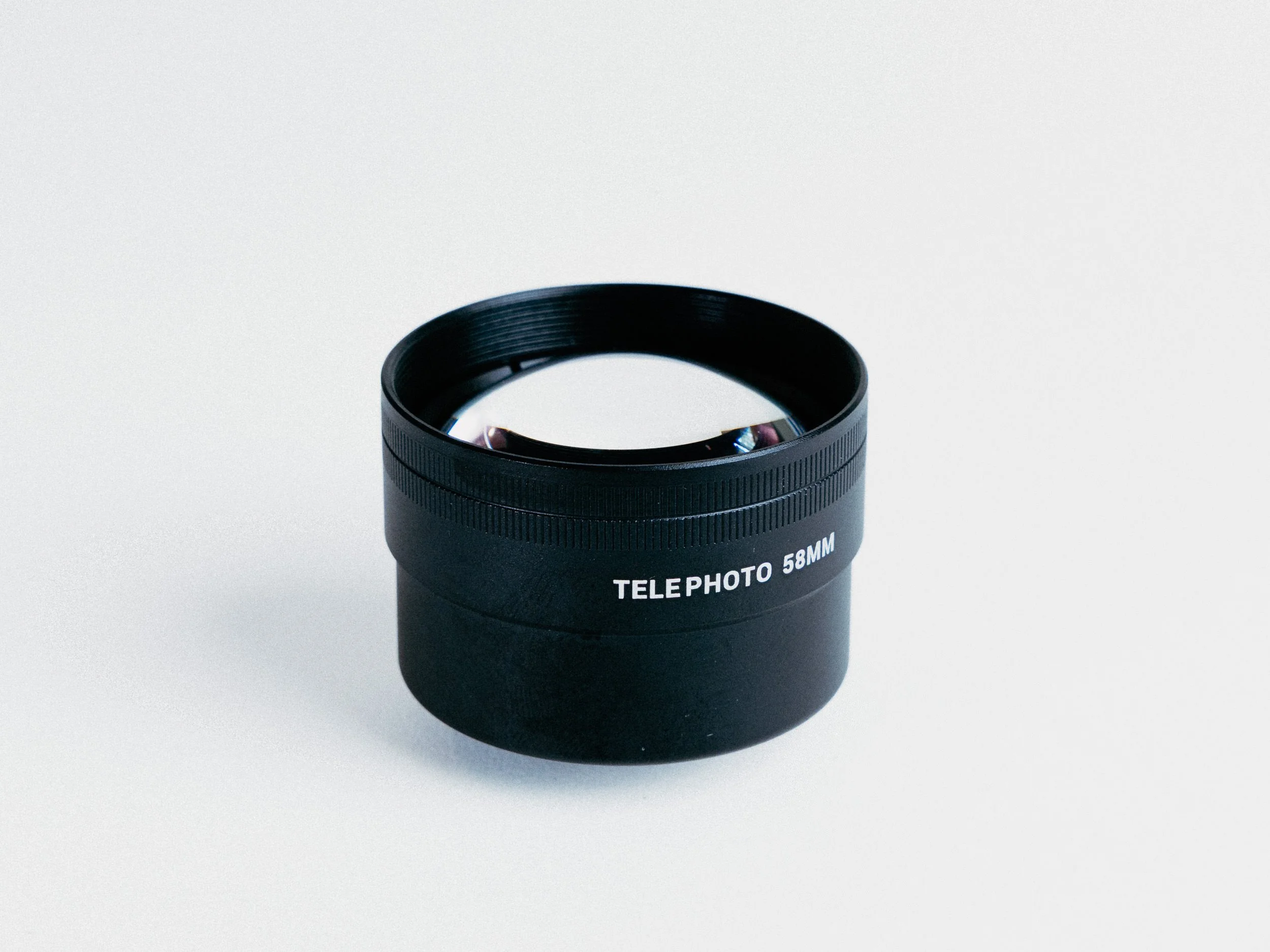
Sandmac Telephoto 2x 58mm Lens
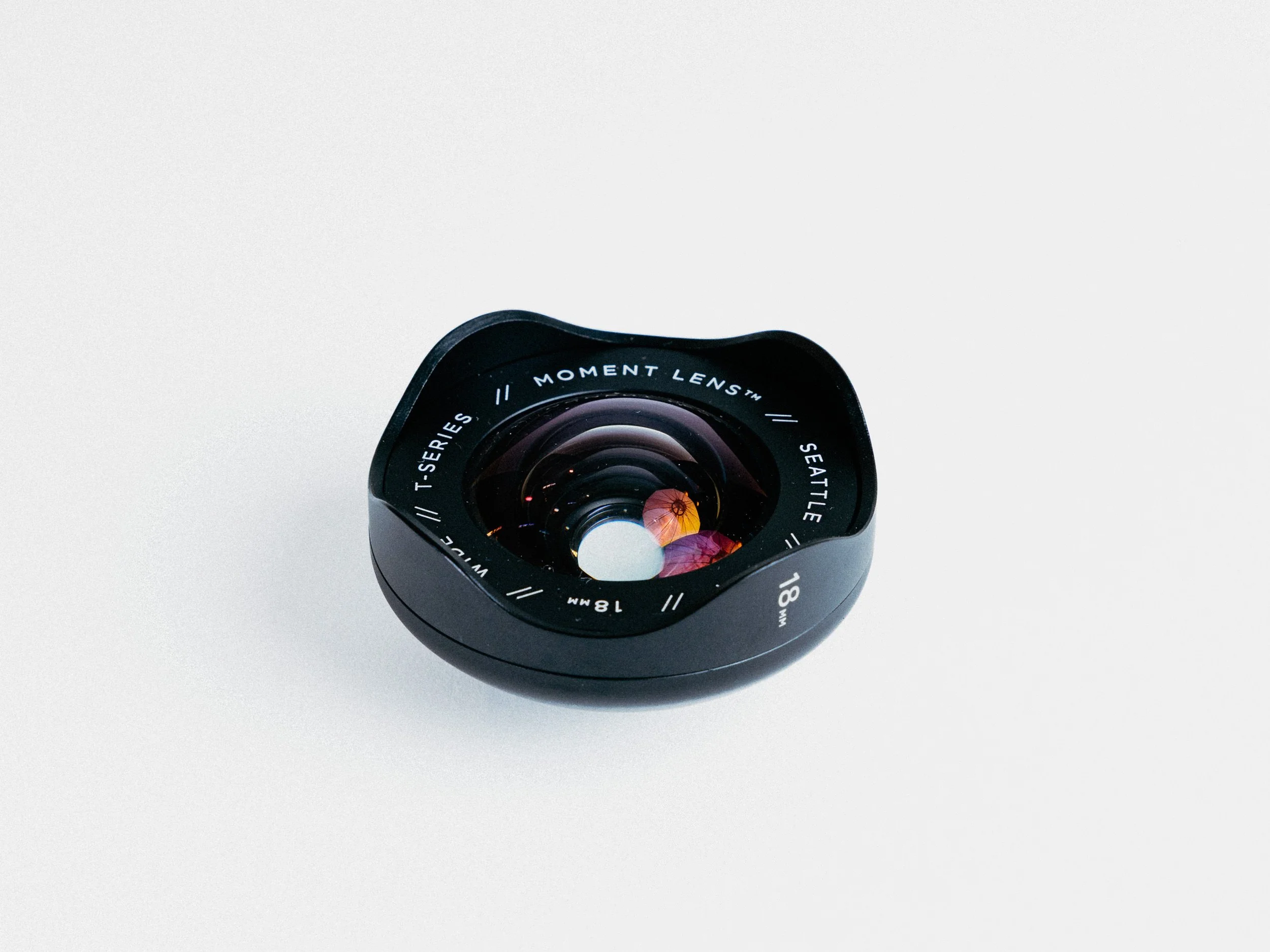
Moment Wide 18mm T-Series (V1)
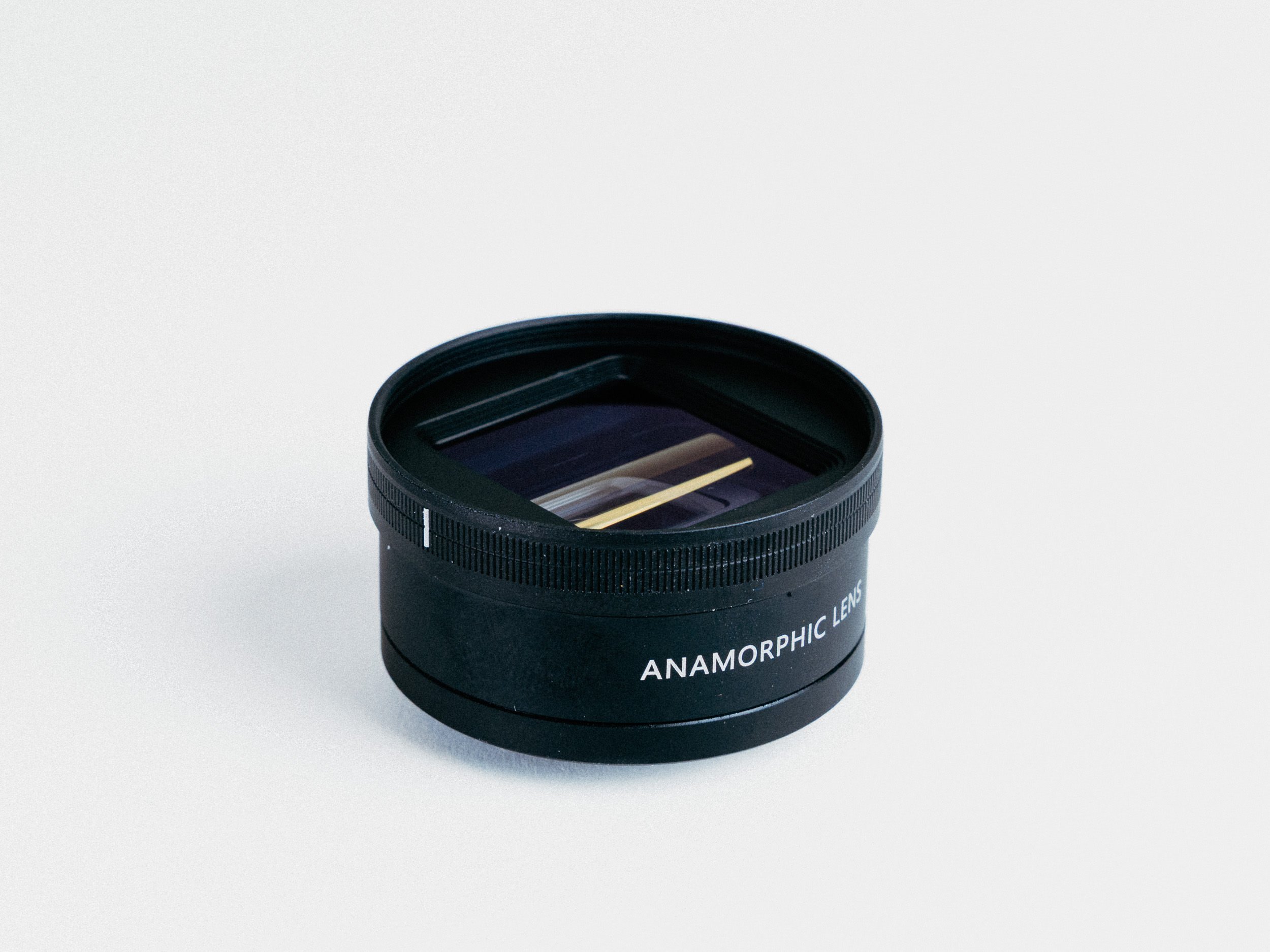
Sandmarc Anamorphic 1.33x Lens
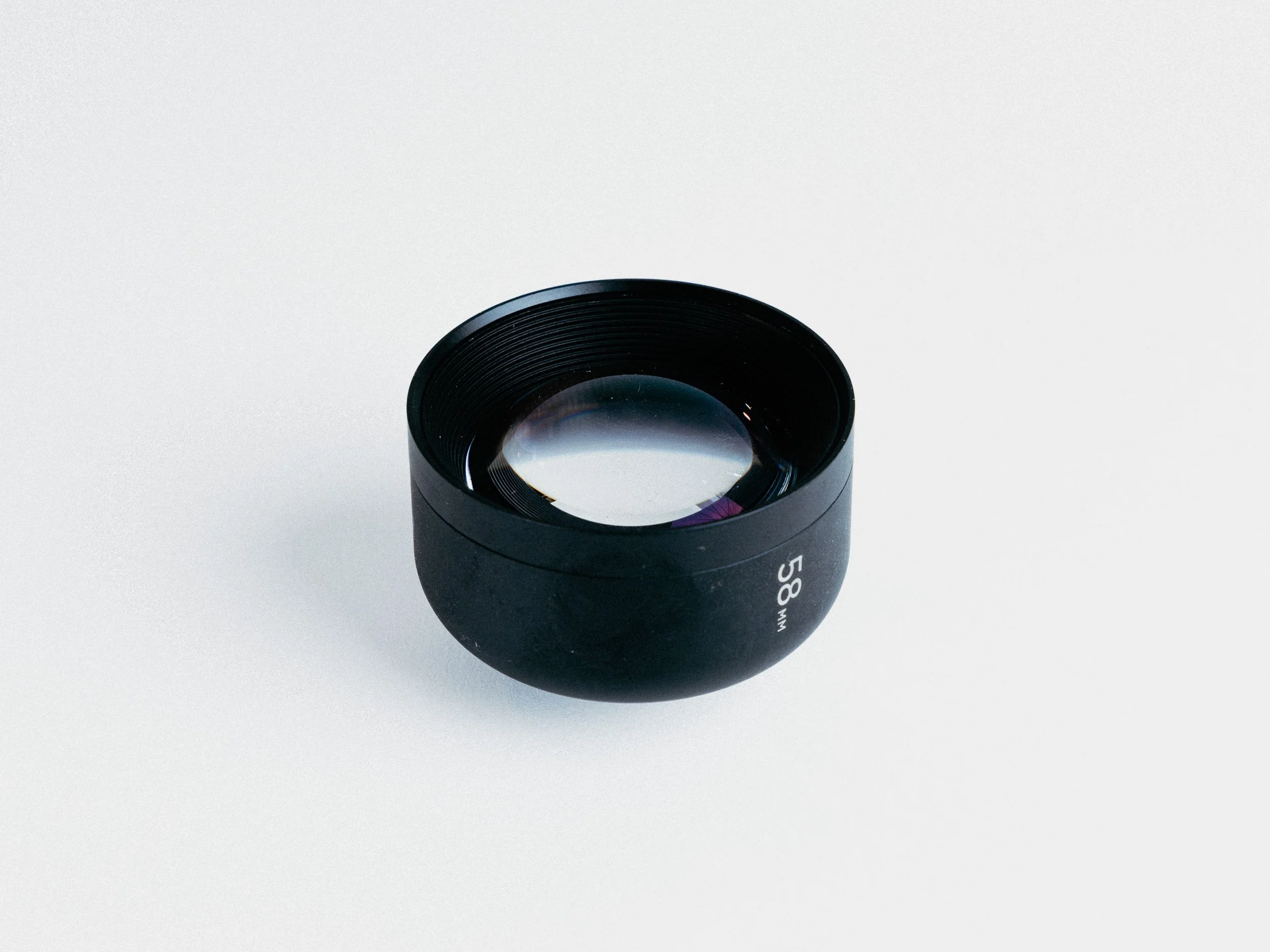
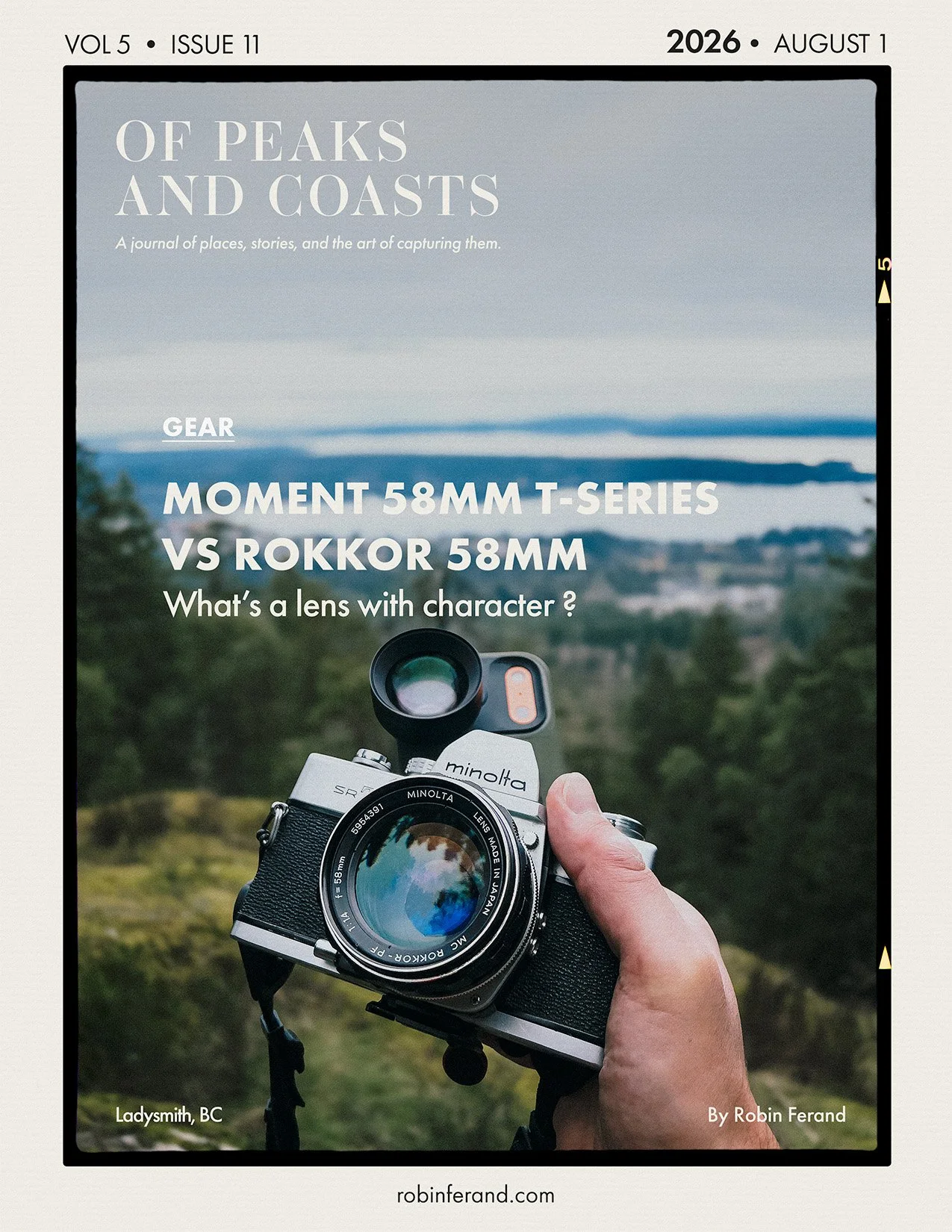
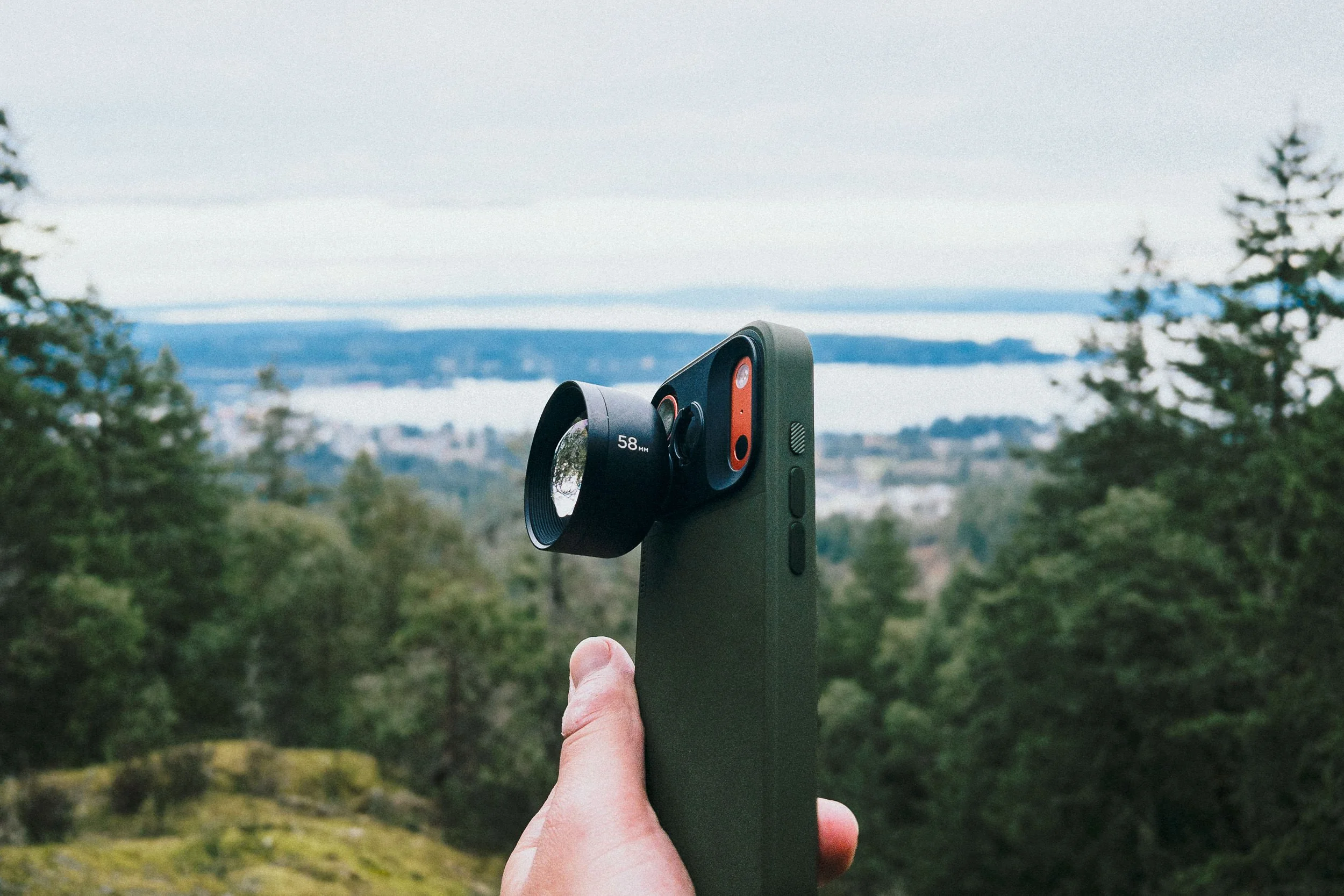
Moment Mobile Lens 58mm Tele T-Series (V1)
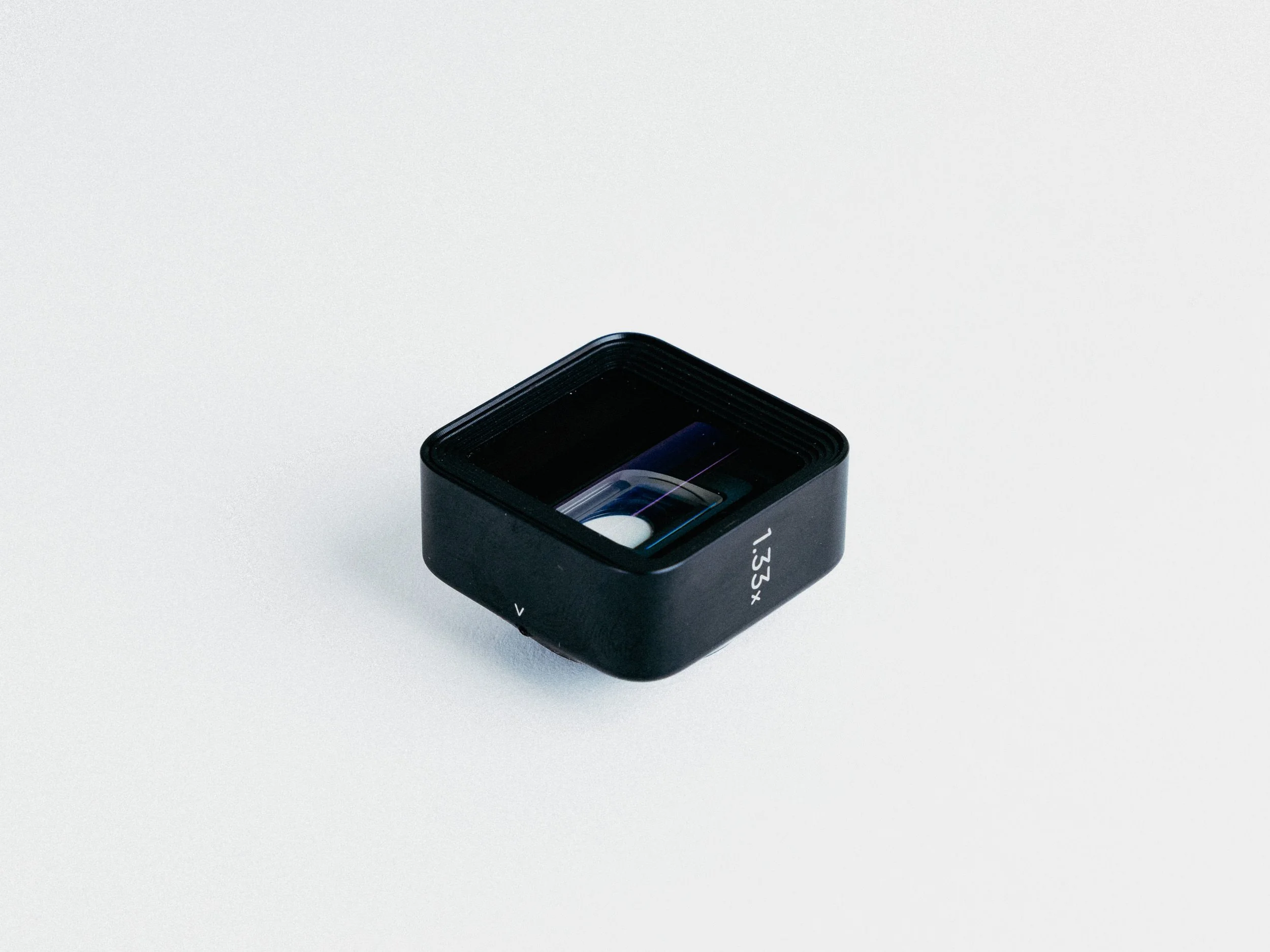
Moment 1.33x Anamorphic Lens (Blue Flare) T-Series (v1)
RIG ACCESSORIES
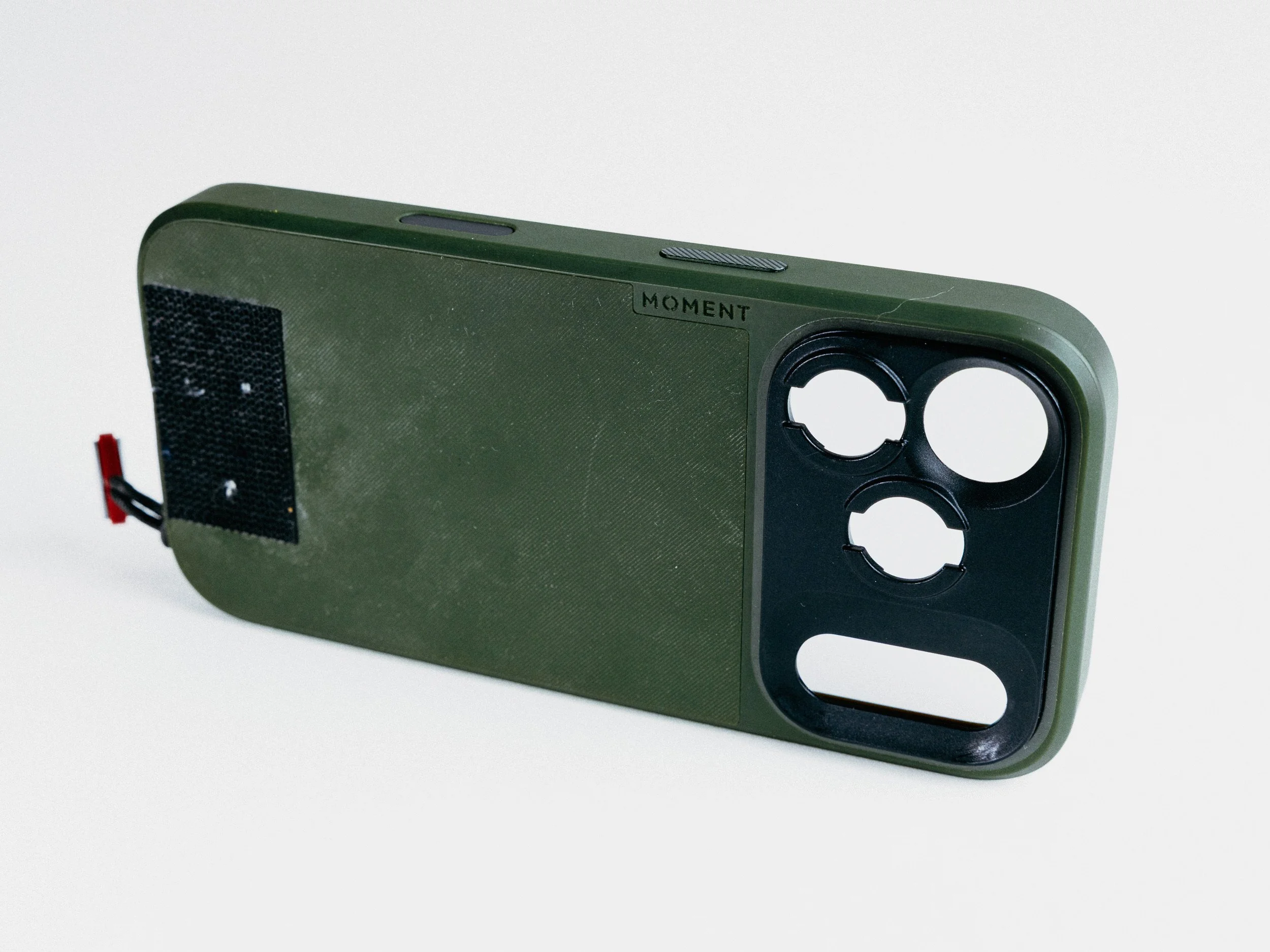
Moment Camera Case for iPhone 17 Pro
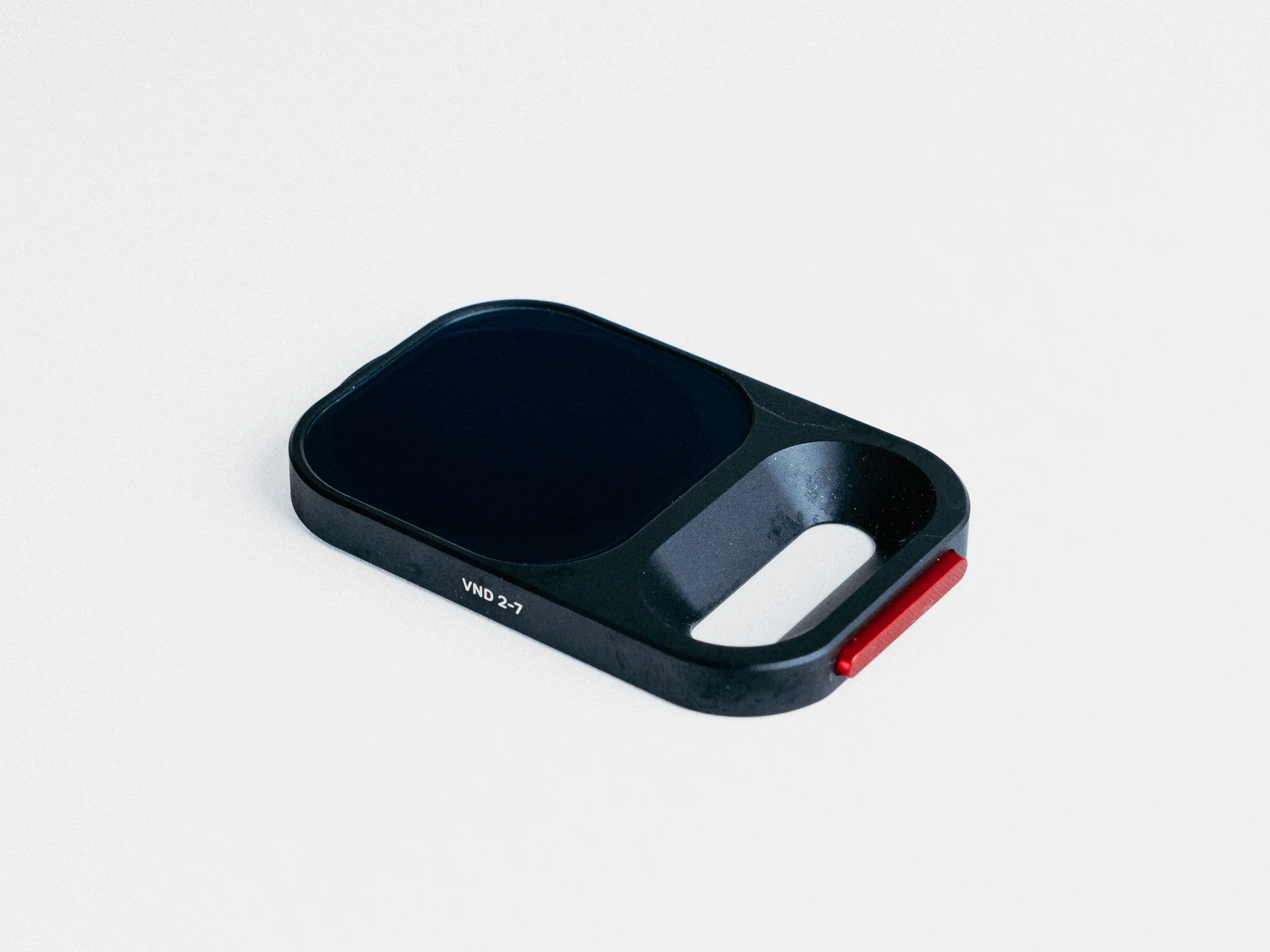
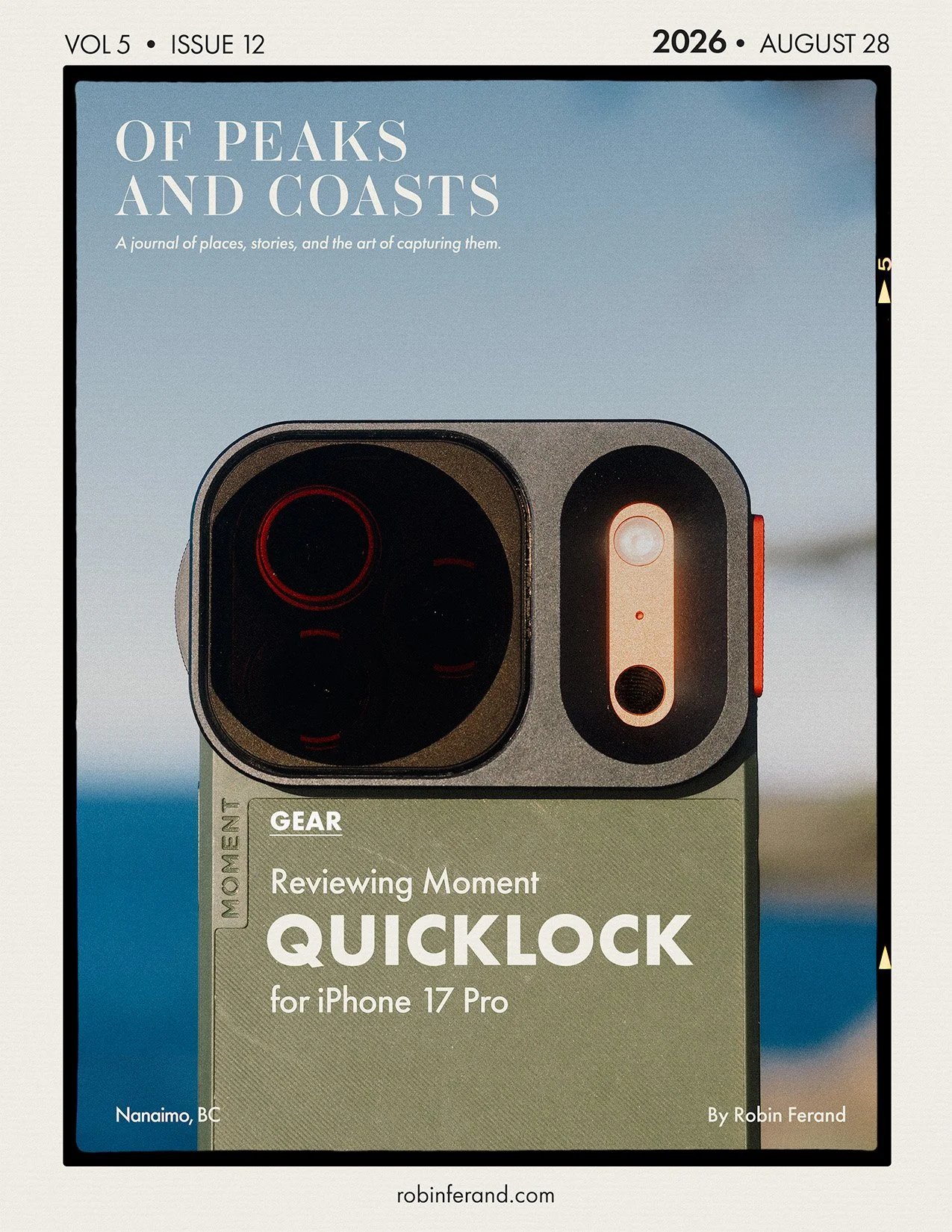
Moment QuickLock Filter VND (2-7 Stop)
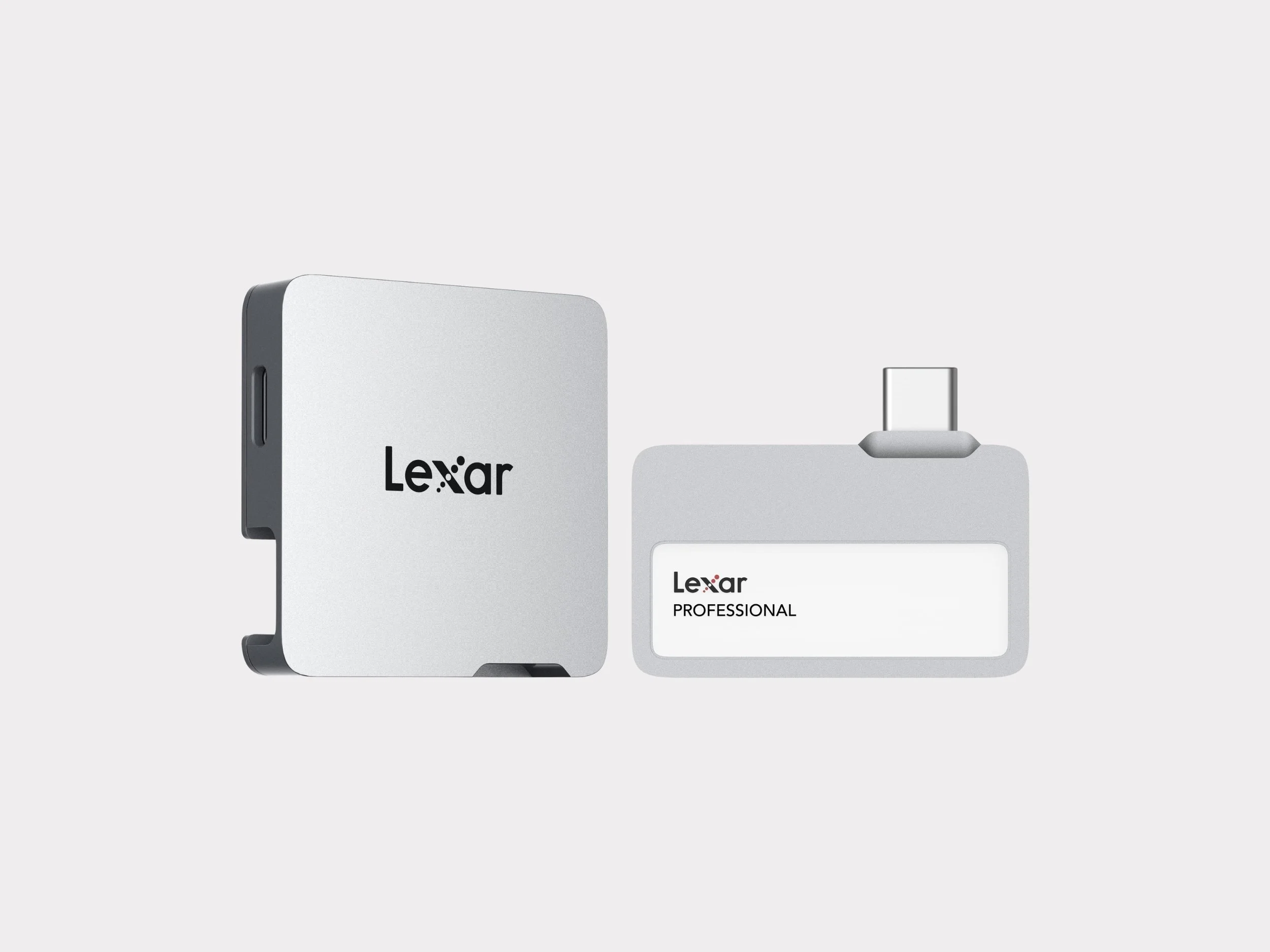
Lexar Go SSD 1TB with Hub
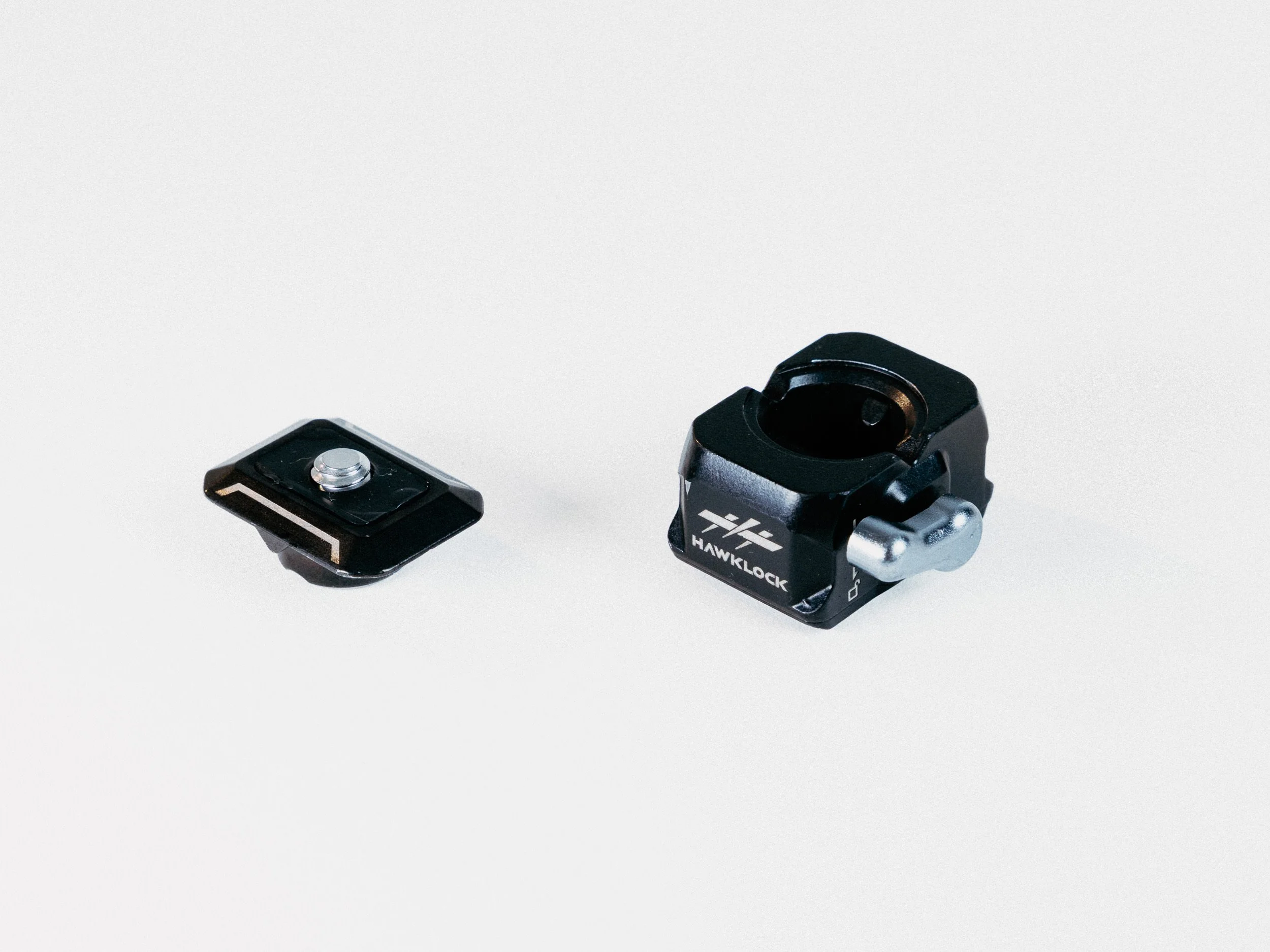
SmallRig Hawklock System 3513C
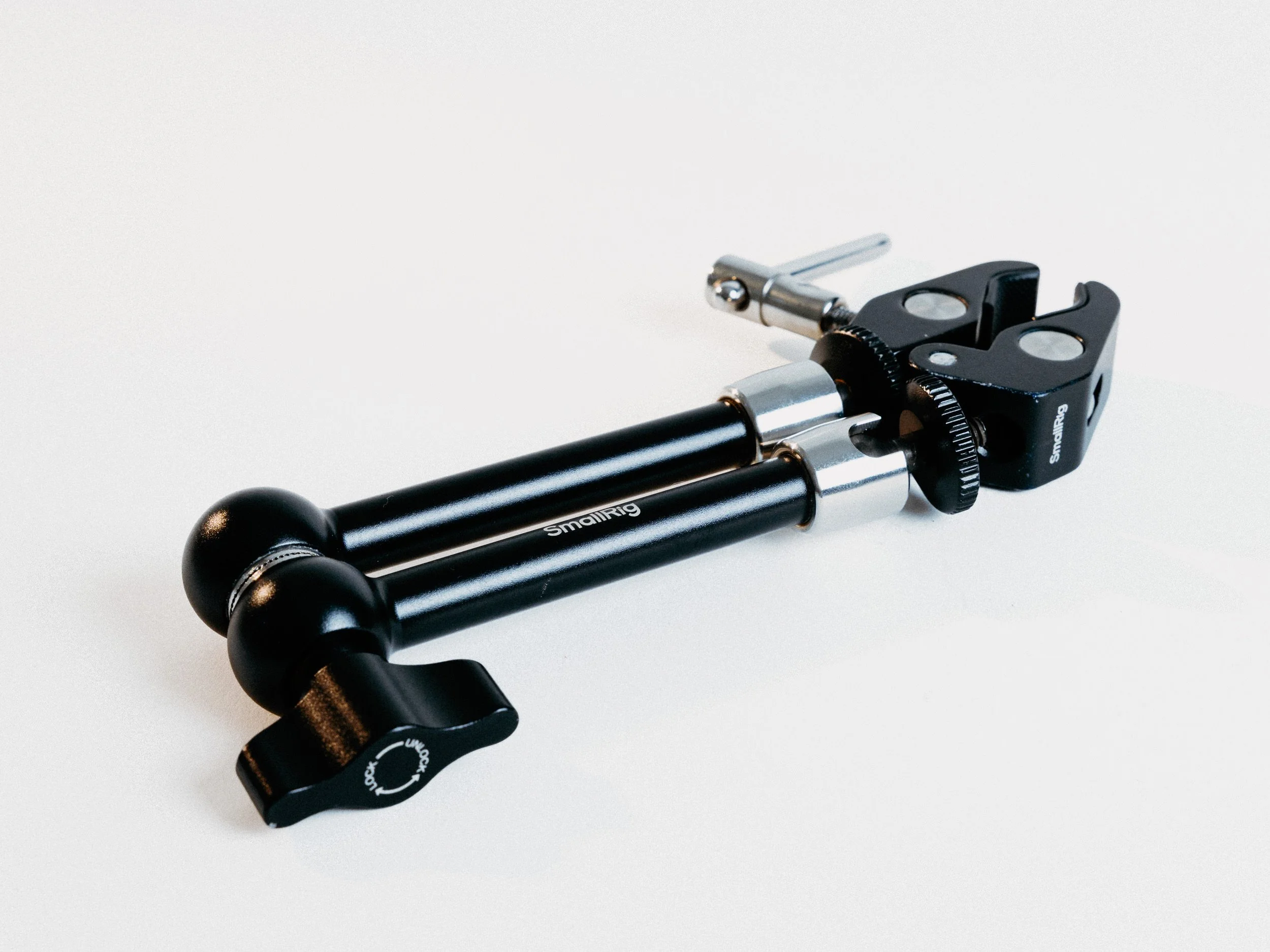
SmallRig Magic Arm with Super Clamp 5605
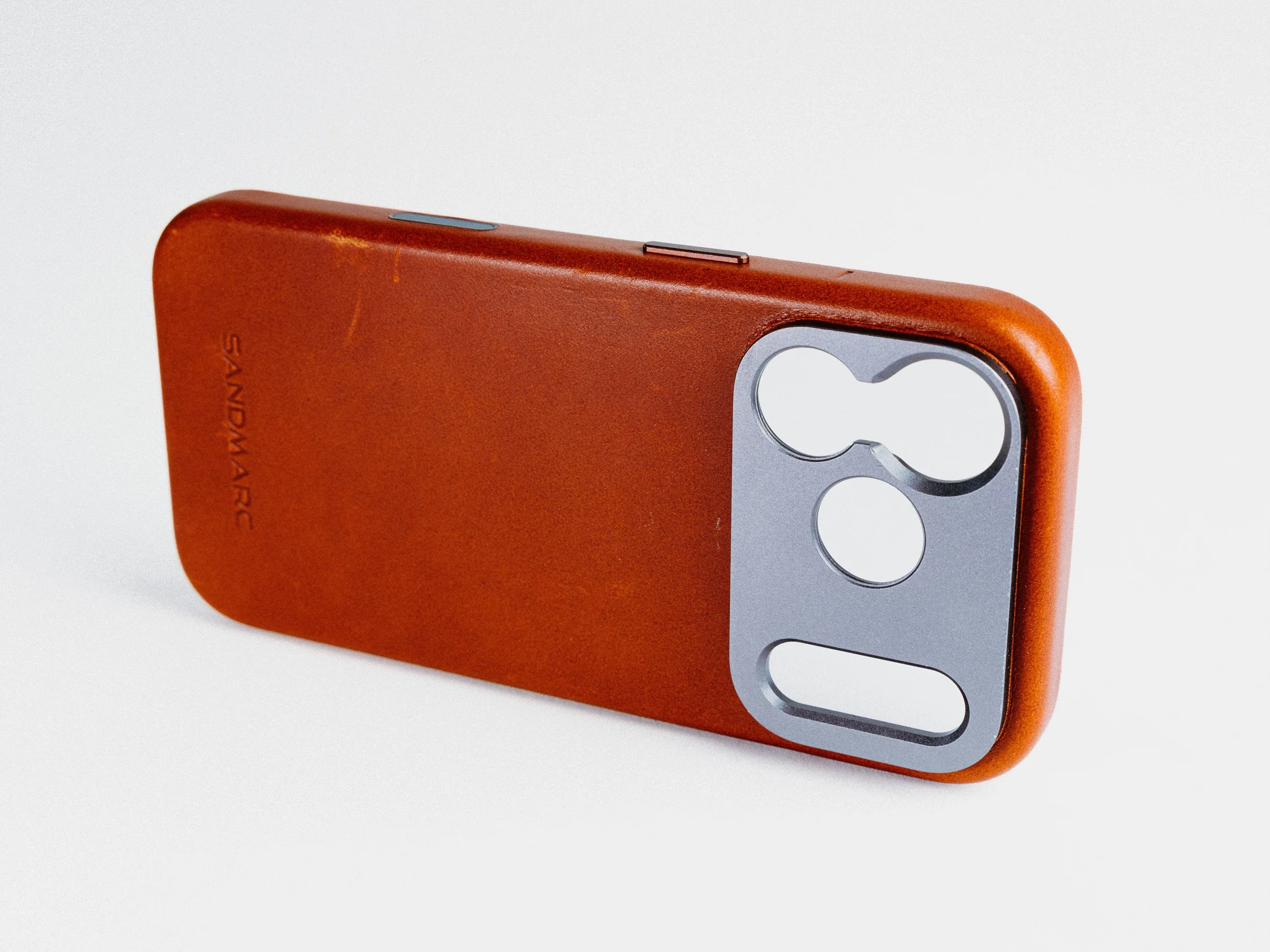
Sandmarc Pro Leather Case for iPhone 17 Pro
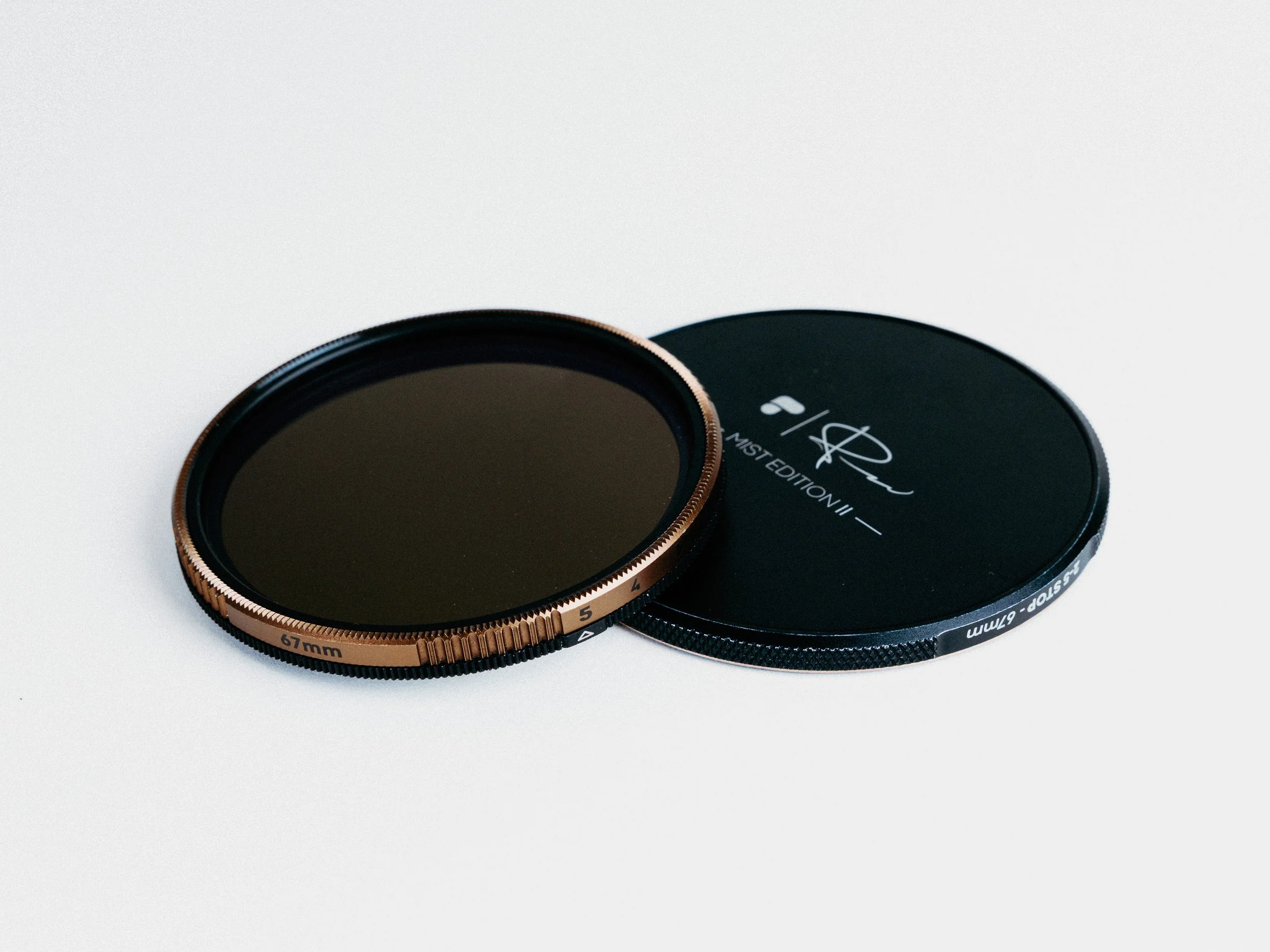
PolarPro PMVND+Mist II 67mm
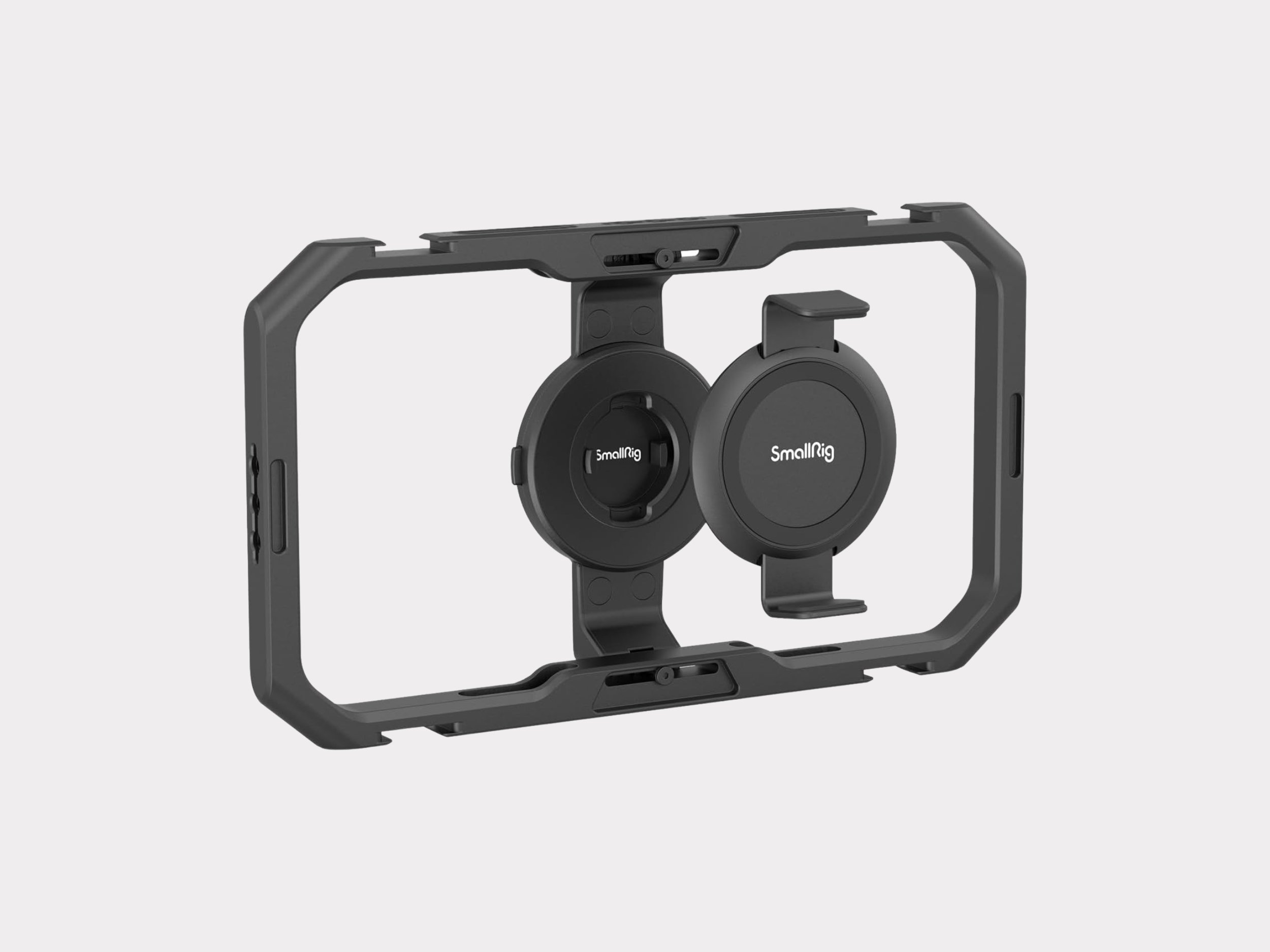
SmallRig Smartphone Cage Quick Release 4299
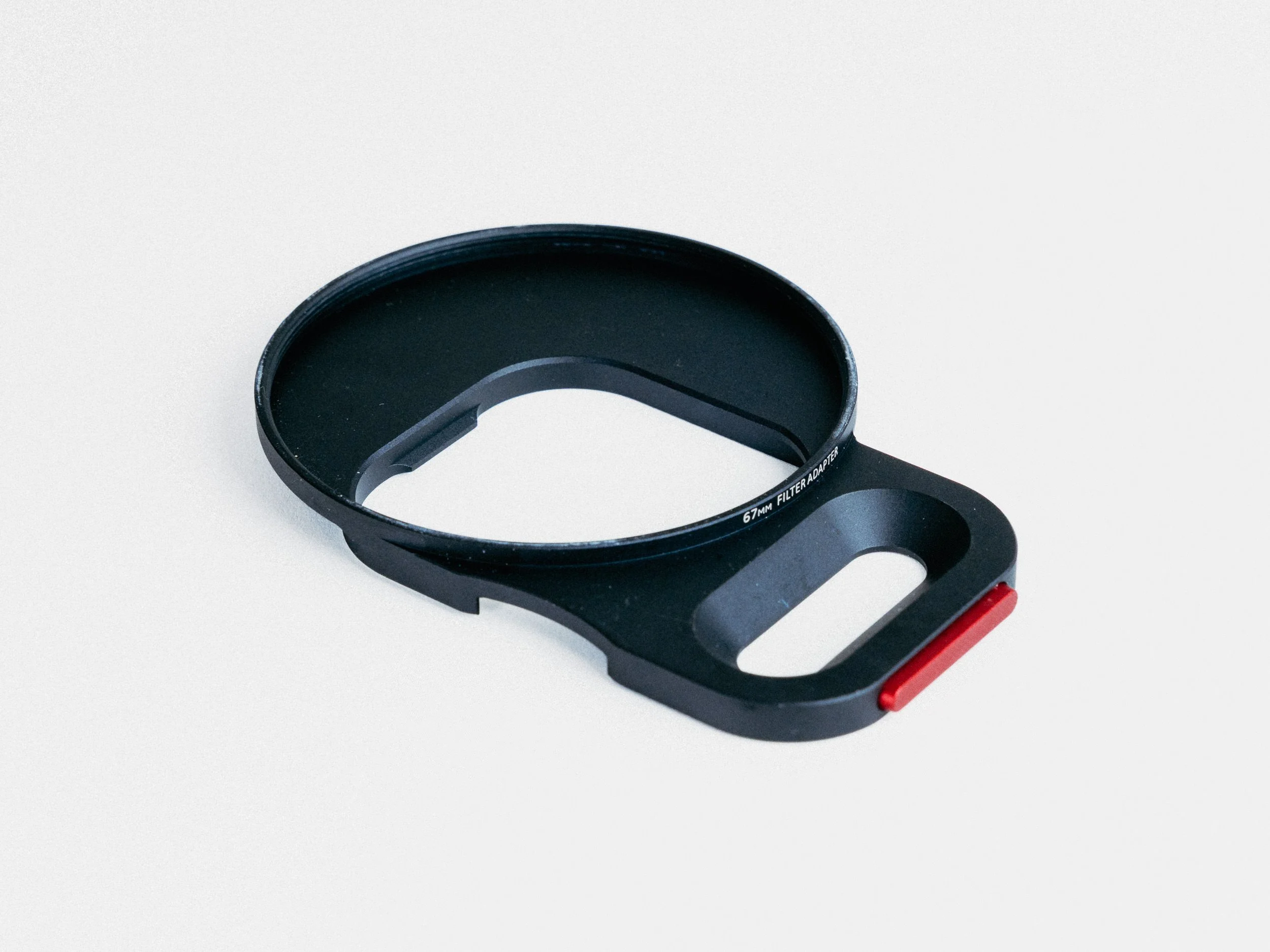
Moment 67mm QuickLock Filter Mount
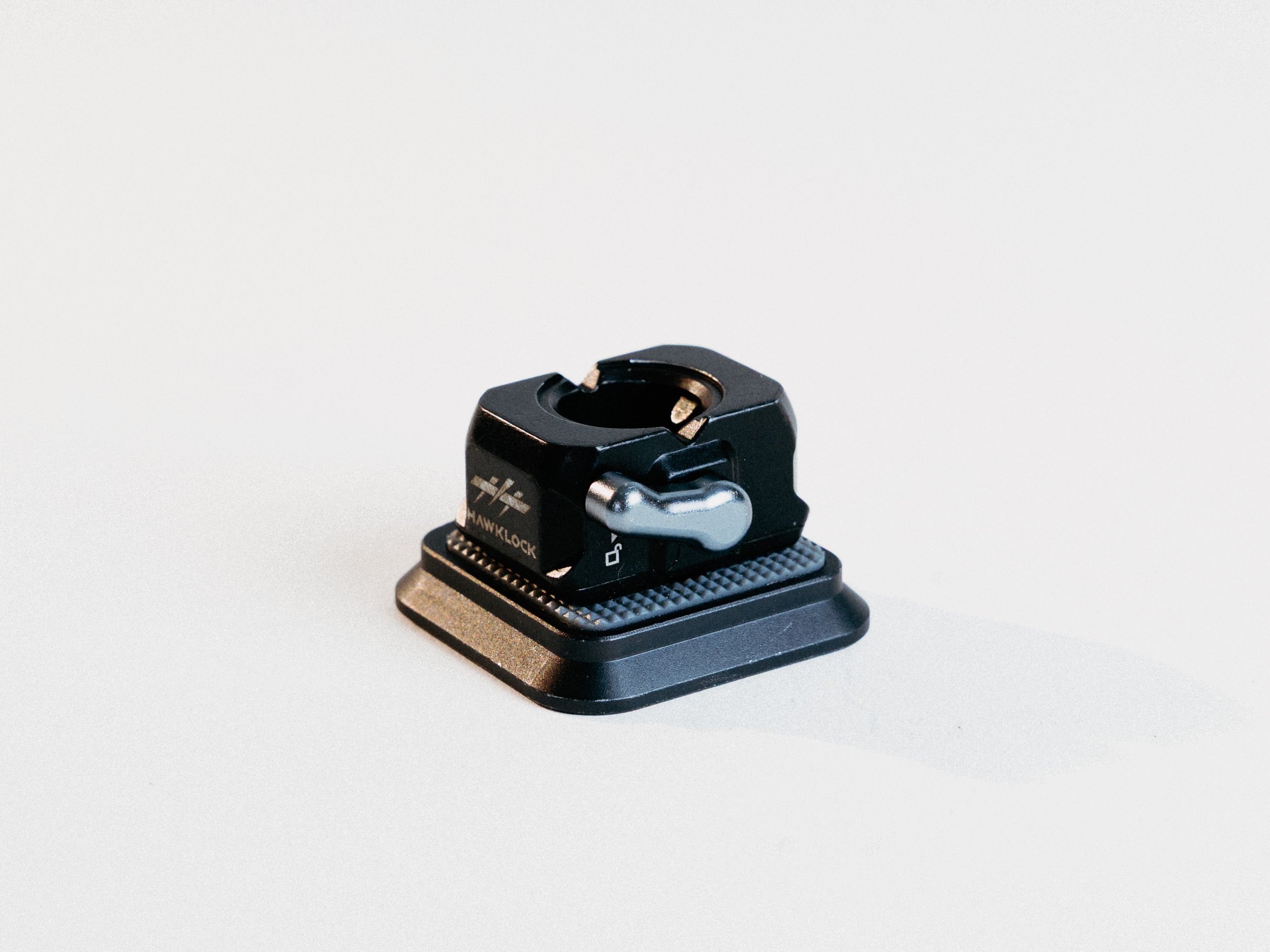
Arca-Swiss Plate + Hawklock 3513C)
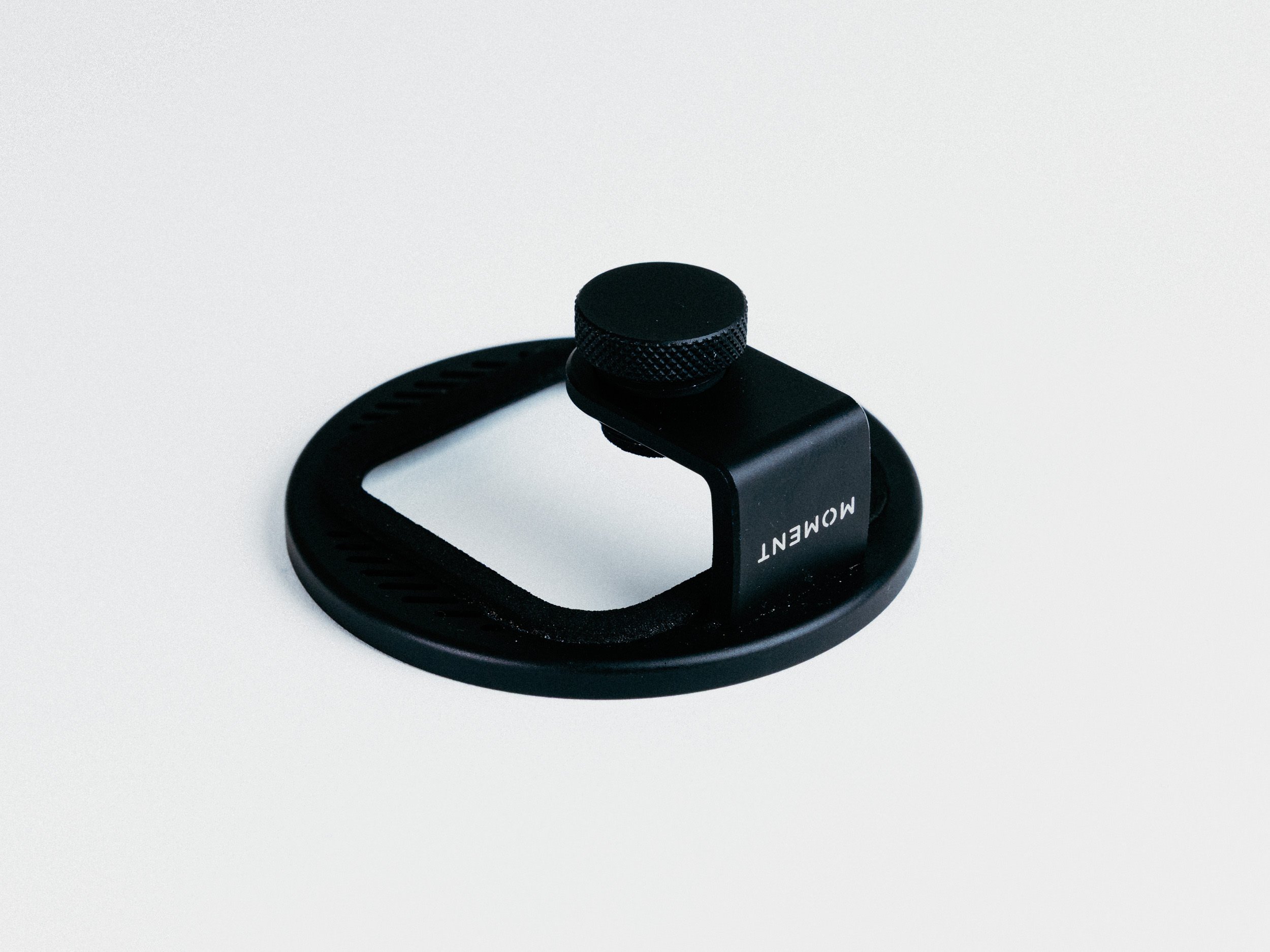
Moment 67mm Universal Phone Filter Mount
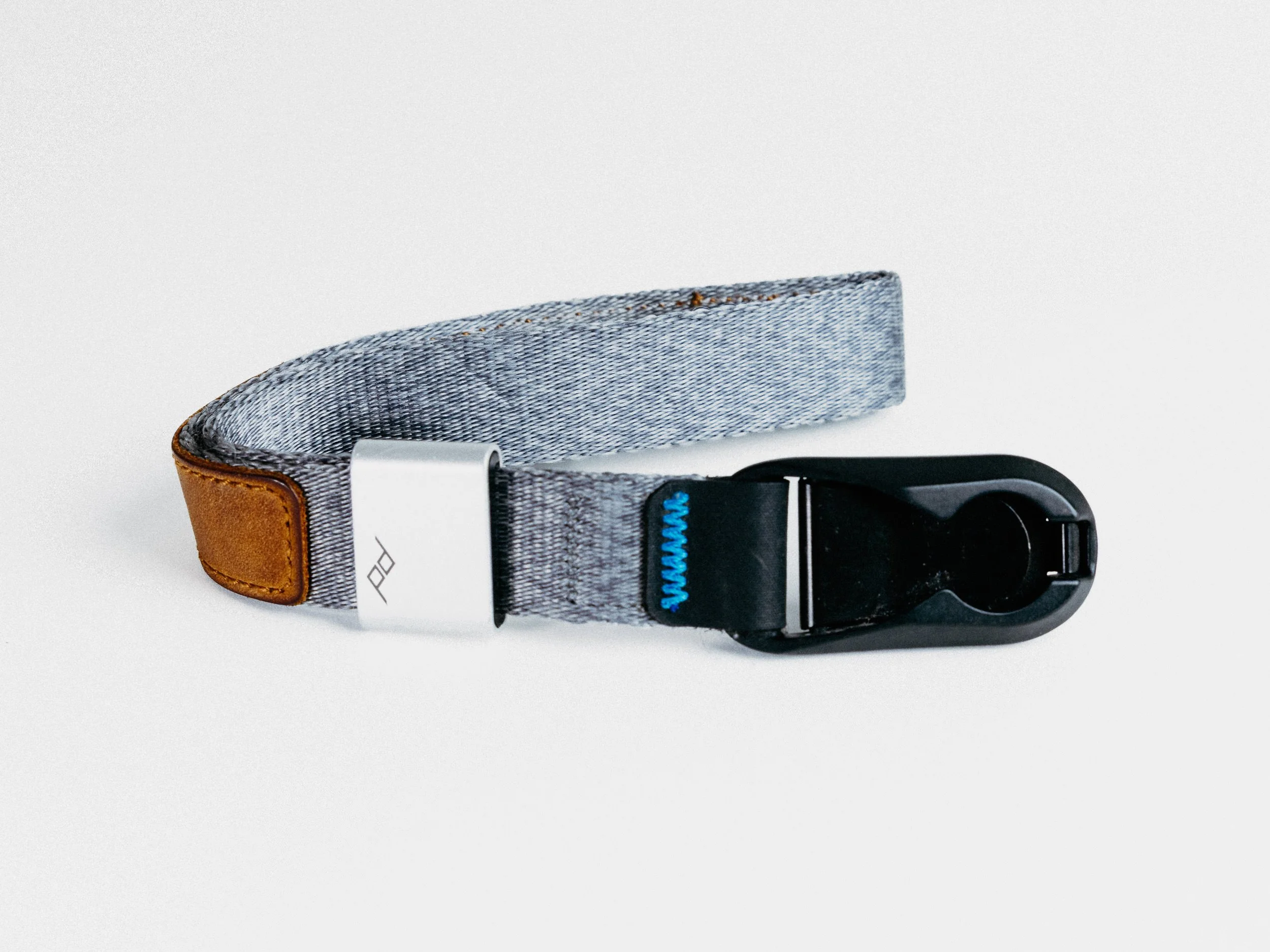
Peak Design Cuff Camera Wrist Strap
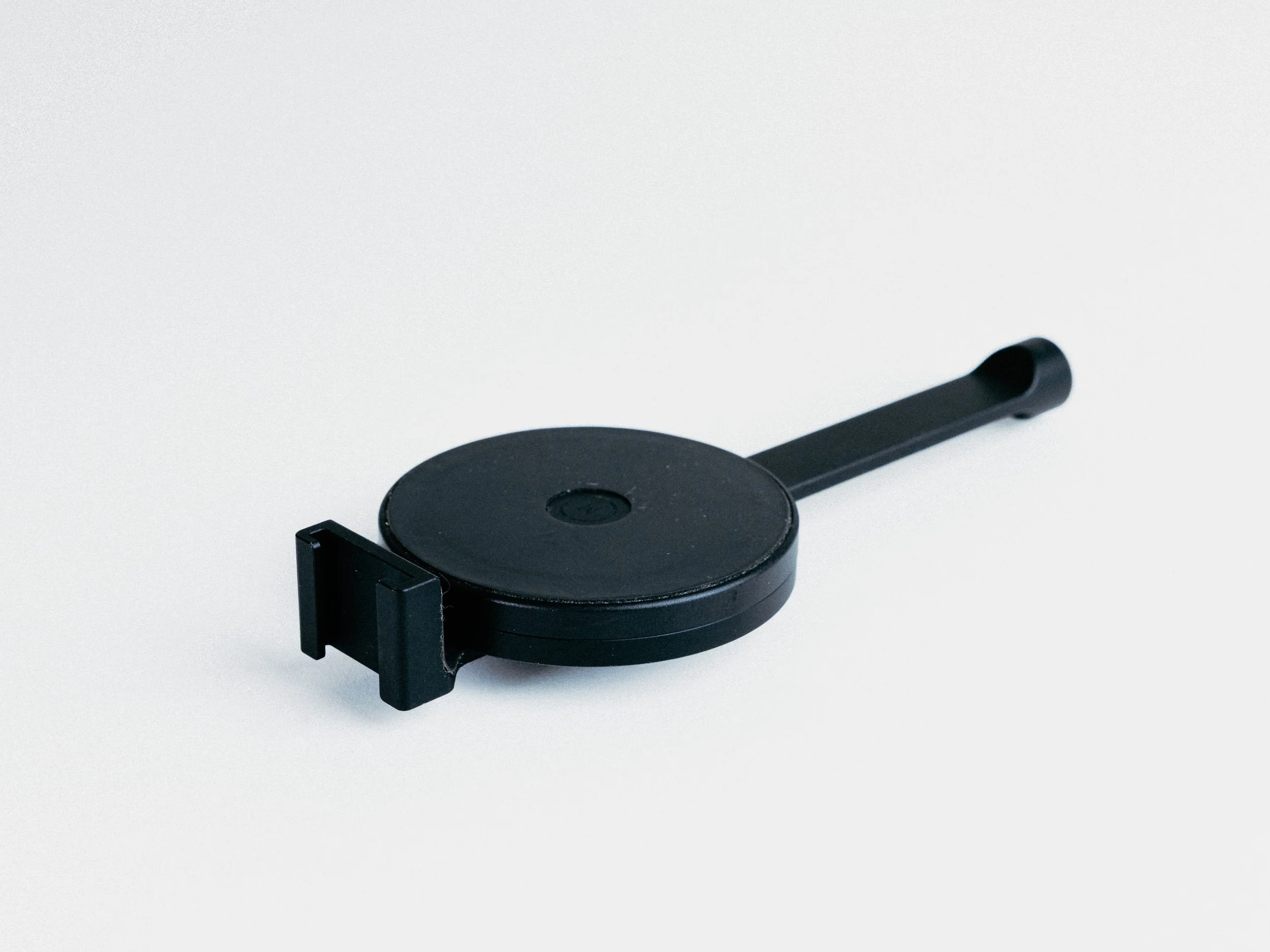
Moment Pro Tripod Mount for MagSafe - Landscape & Portrait
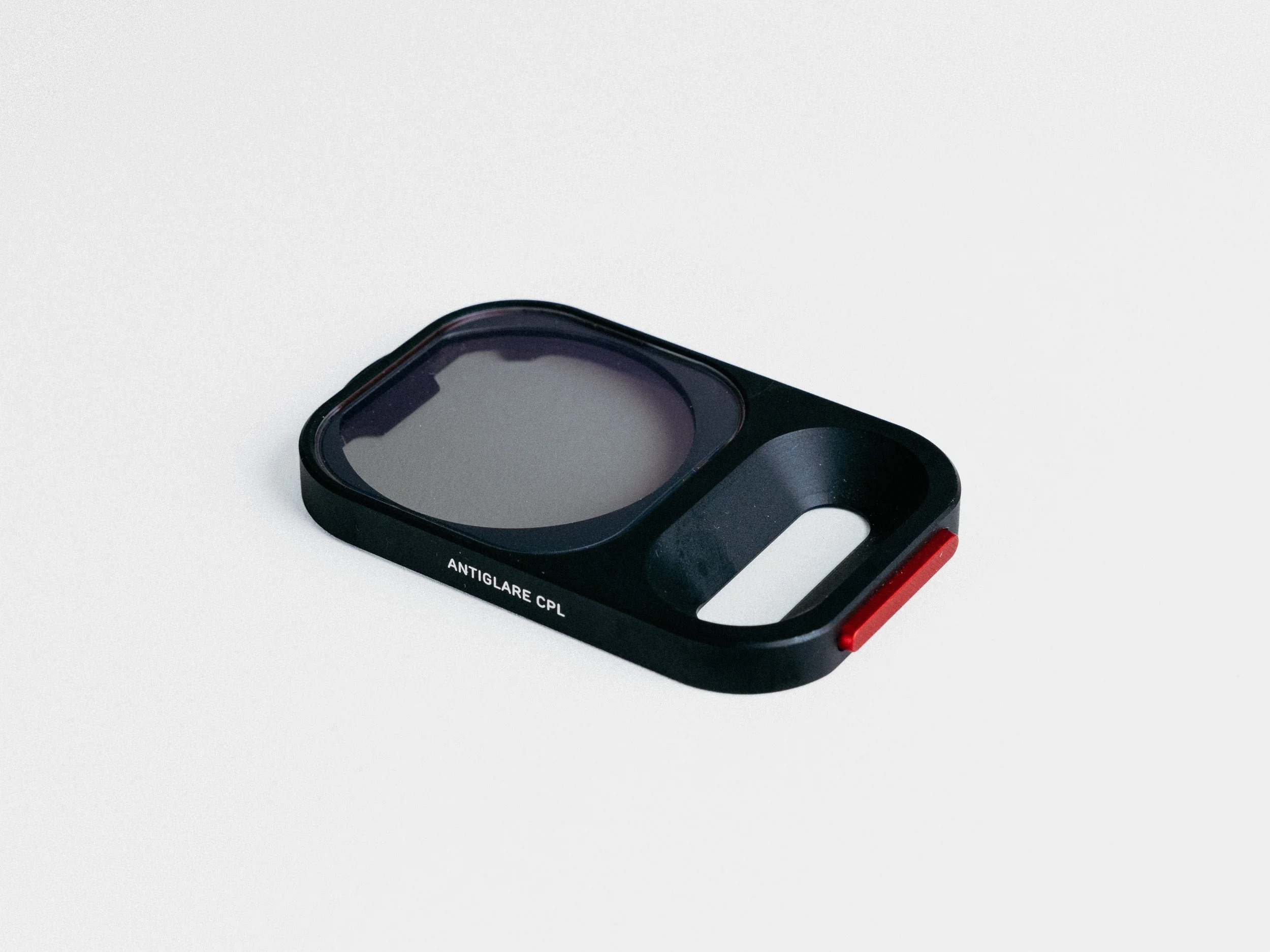
Moment QuickLock Filter CPL
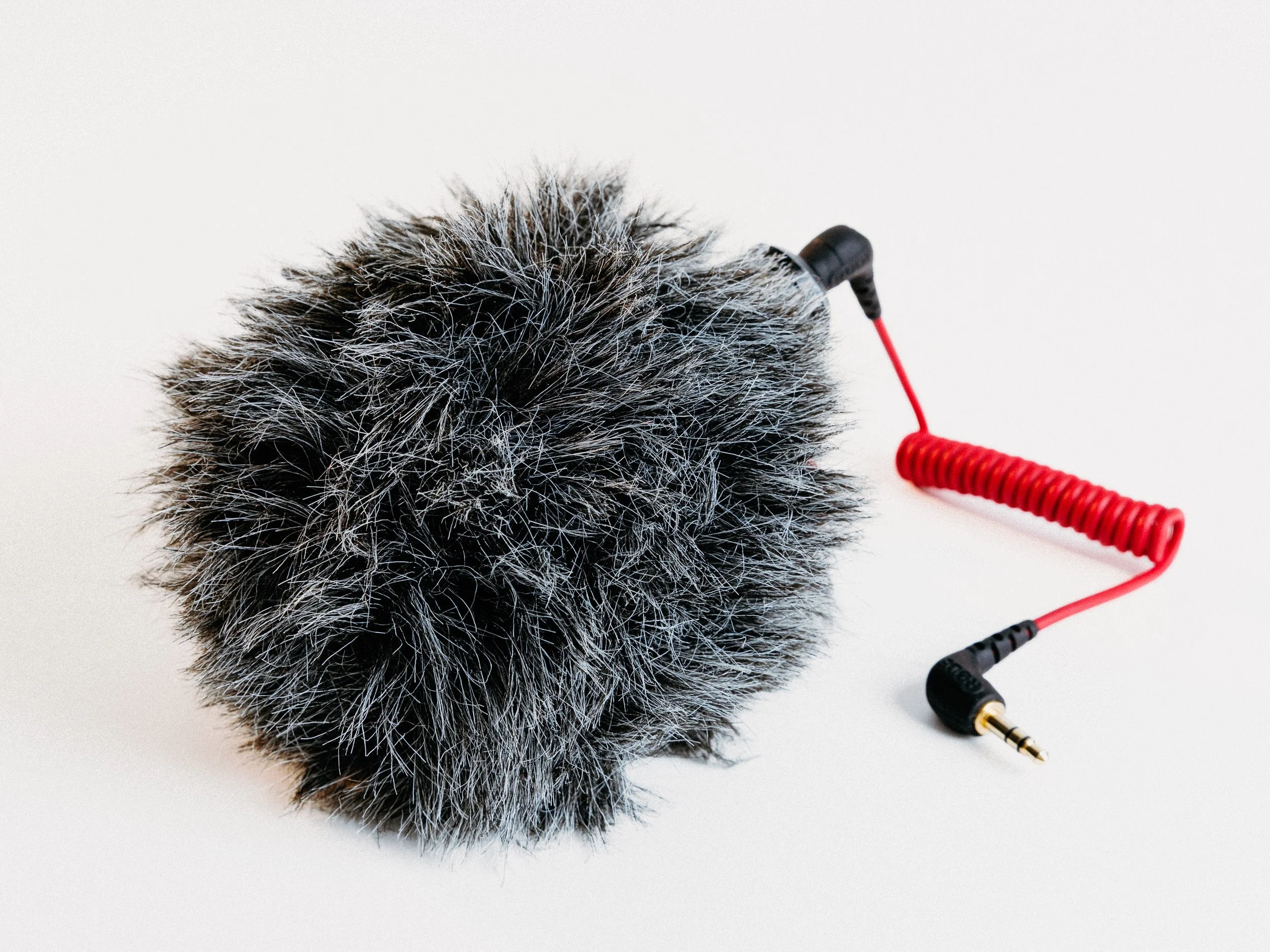
Rode VideoMicro Shotgun Mic
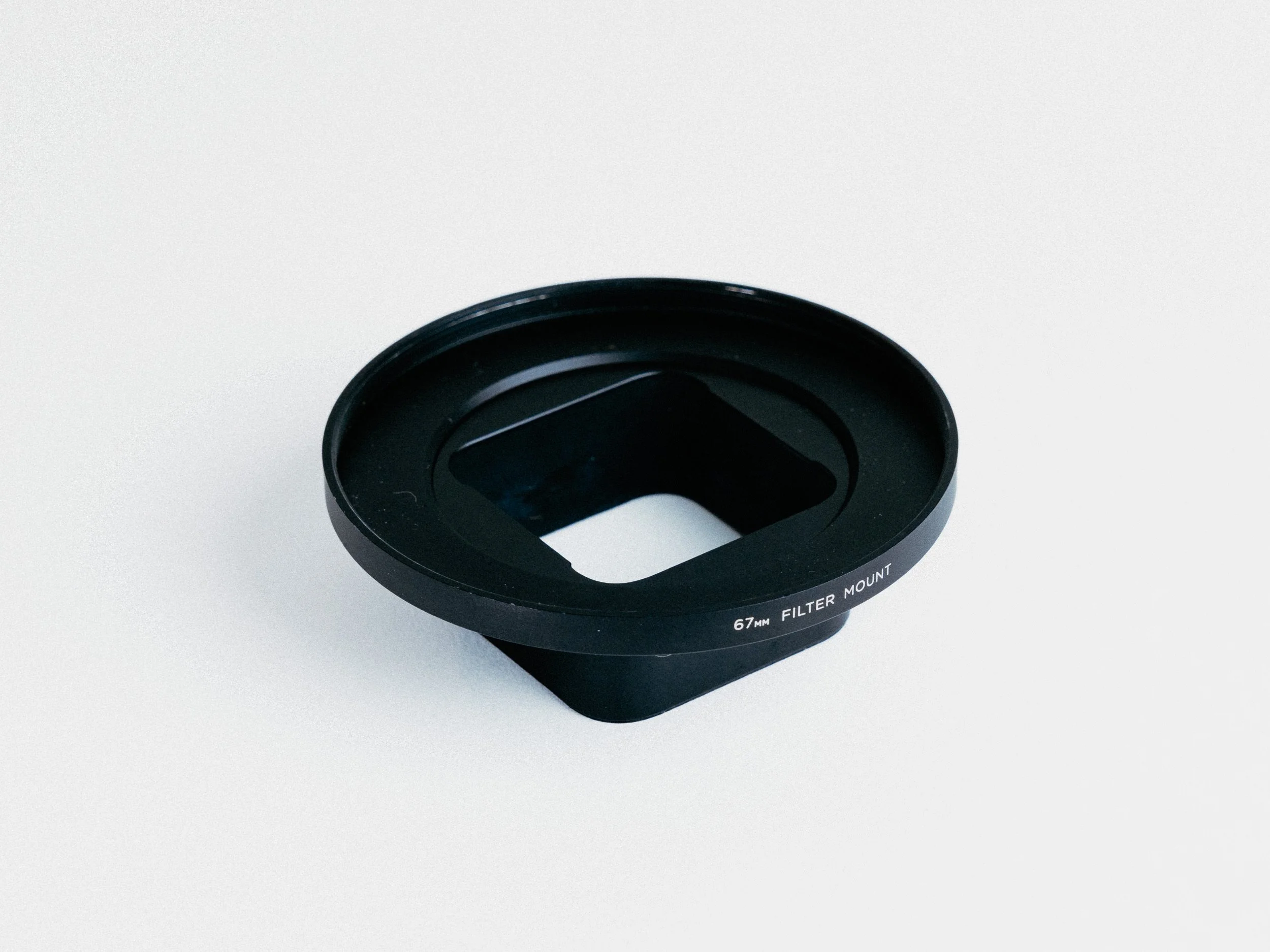
Moment 67mm Mobile Lens Filter Mount (T-Series)
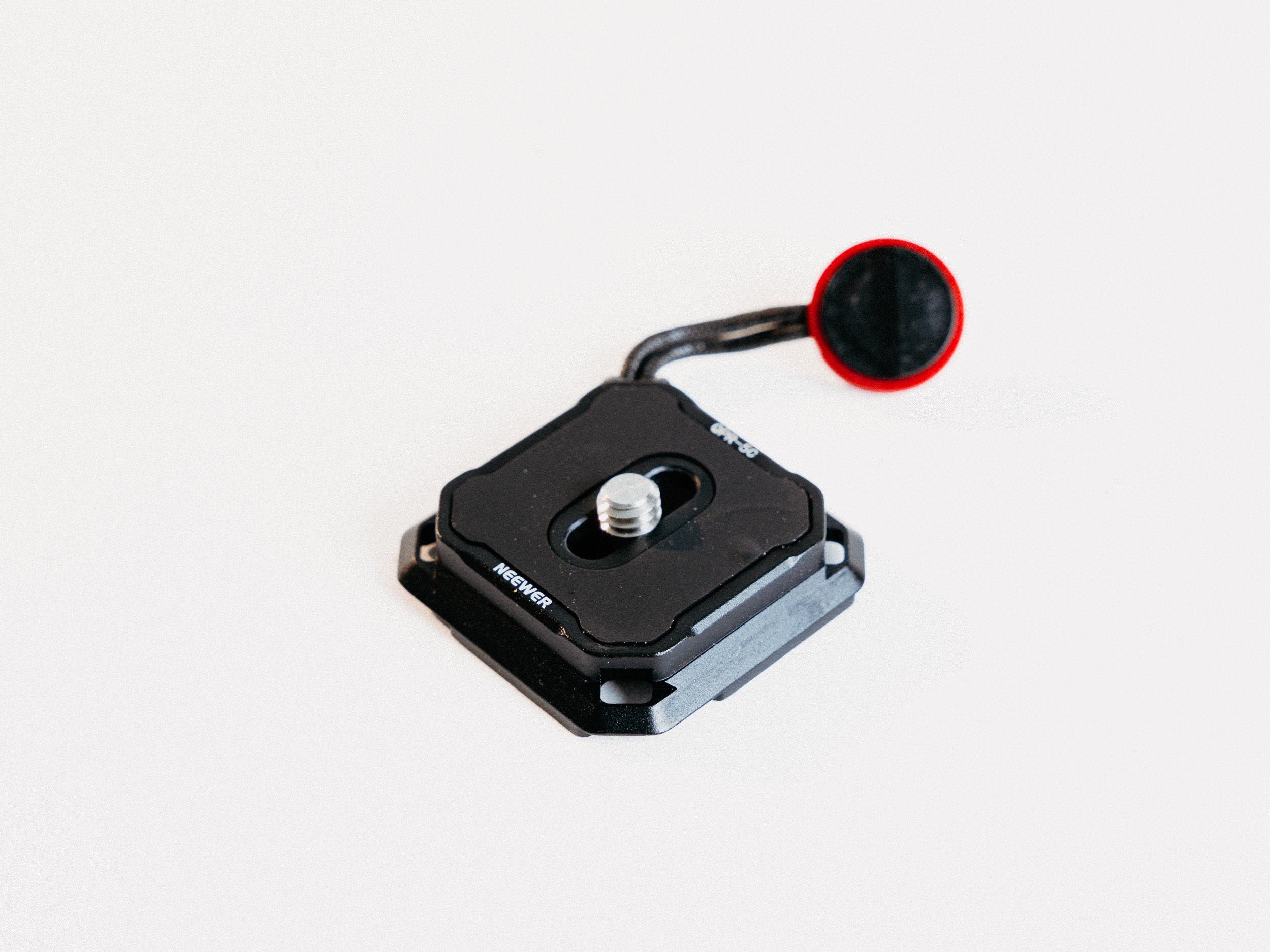
Neewer Quick Release Plate Arca-Swiss, 38mm (compatible PD V3 + SmallRig VMount Plate)
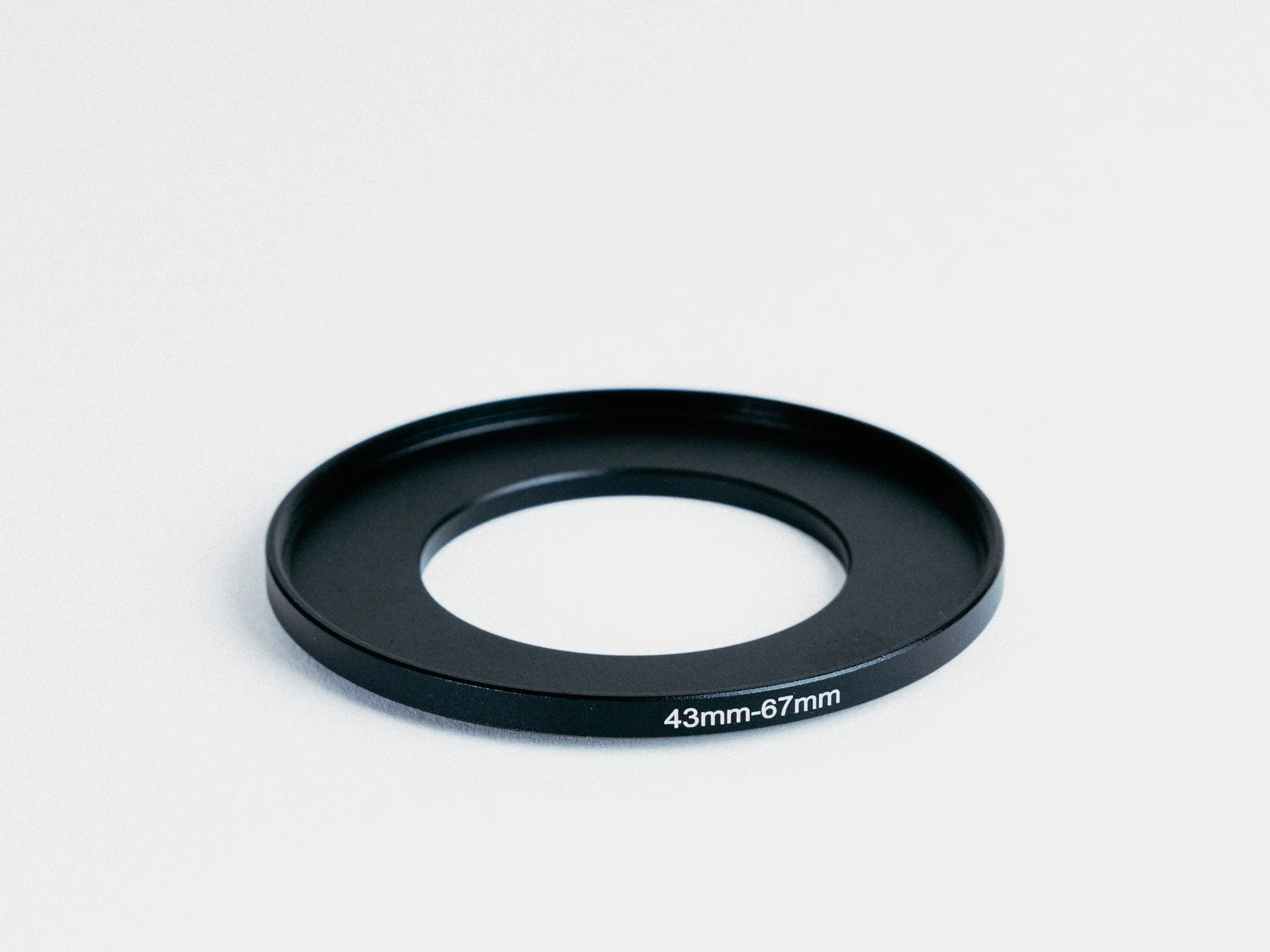
43mm to 67mm Step-up Adapter Rings
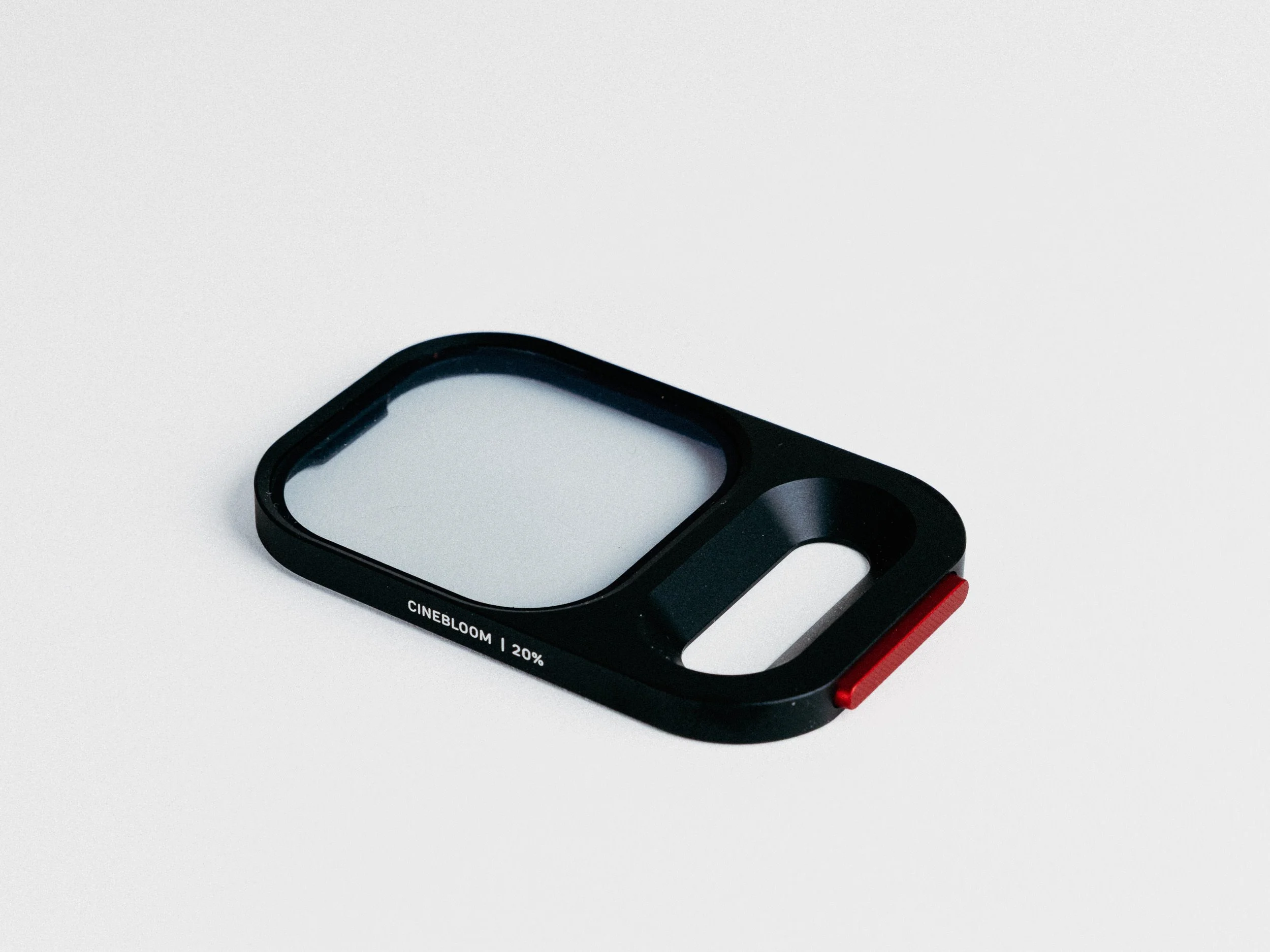
Moment QuickLock Filter Cinebloom
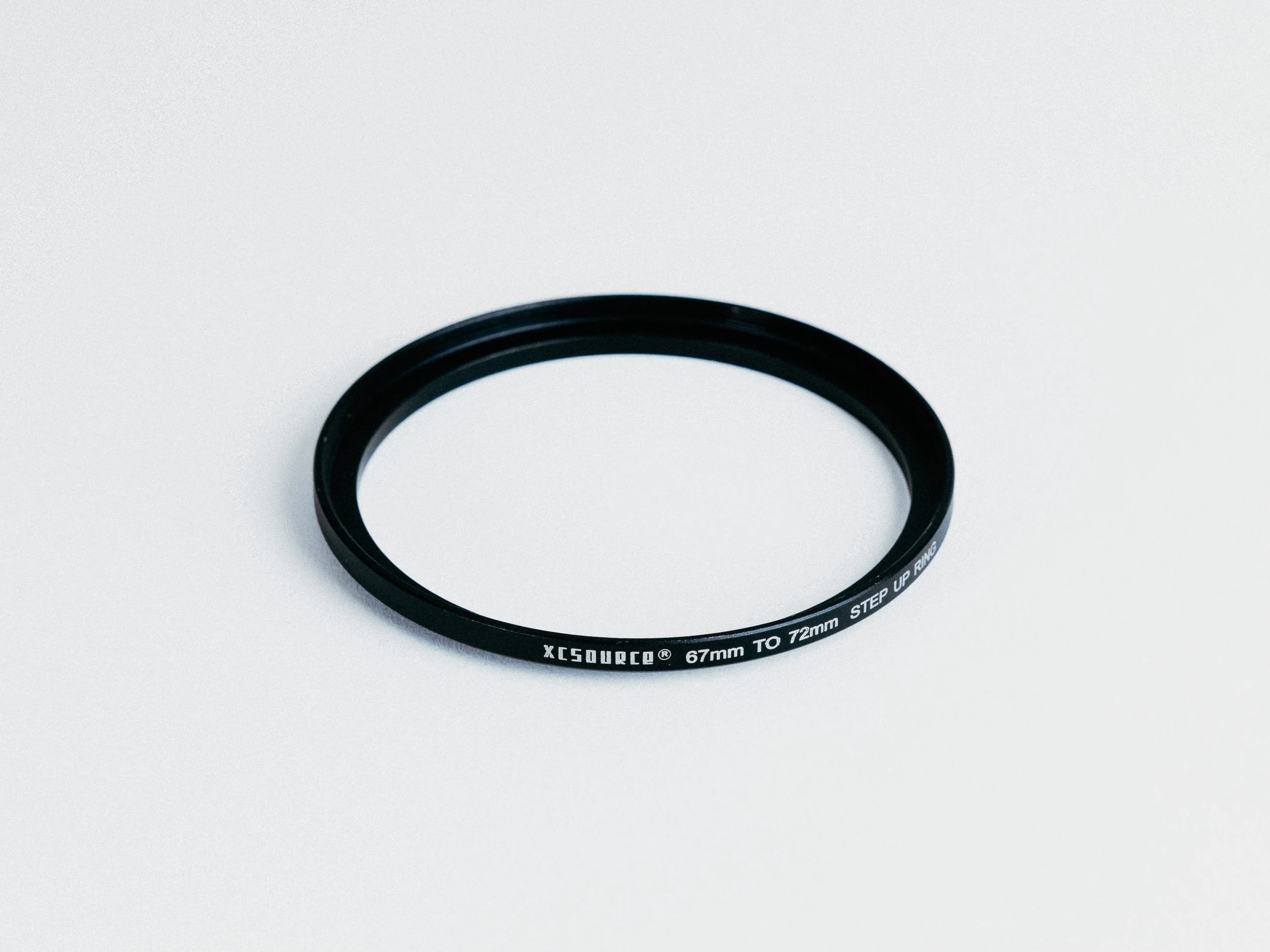
X-Source 67 to 72mm Step Up Ring
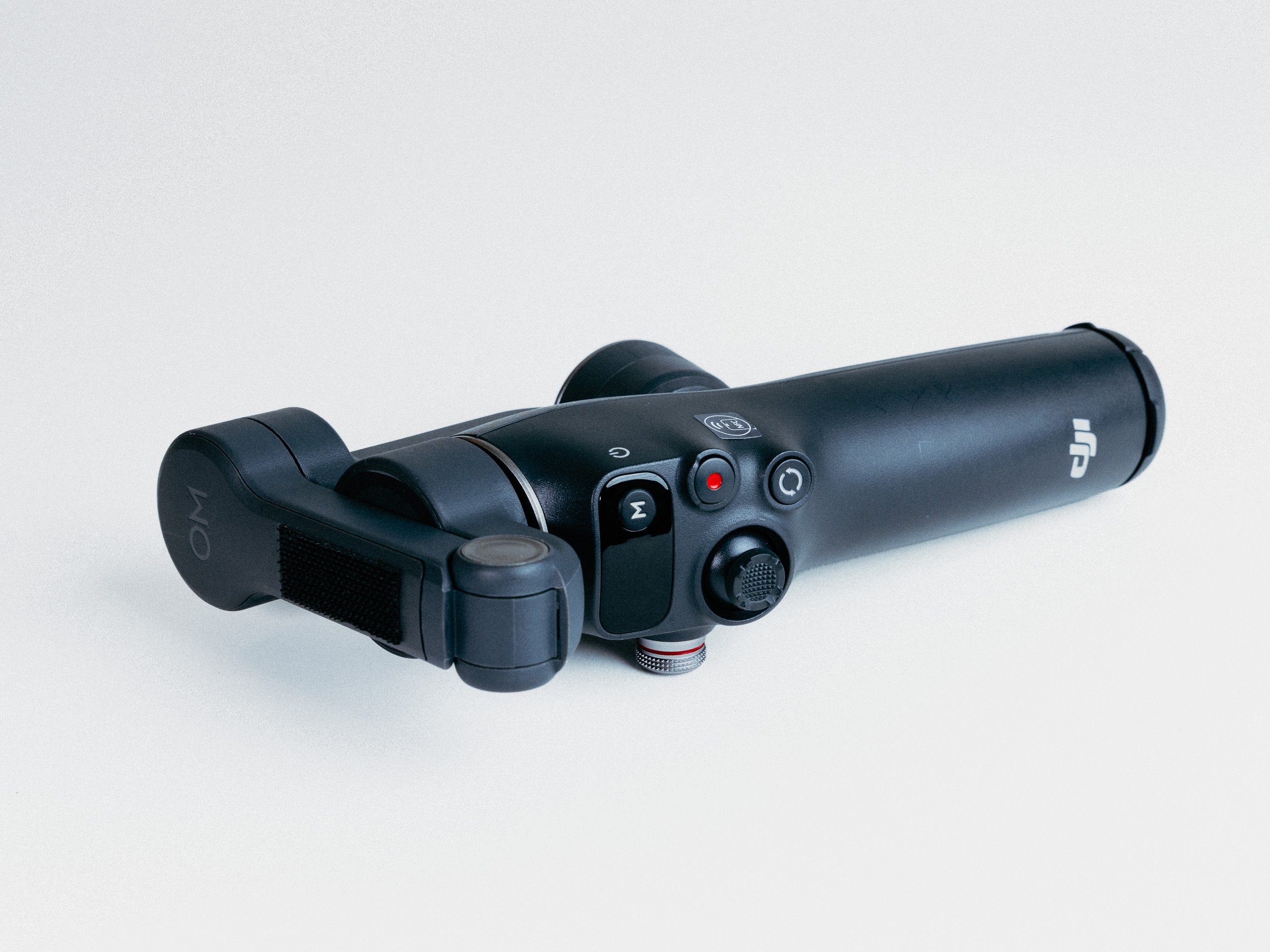
DJI Osmo Mobile 8
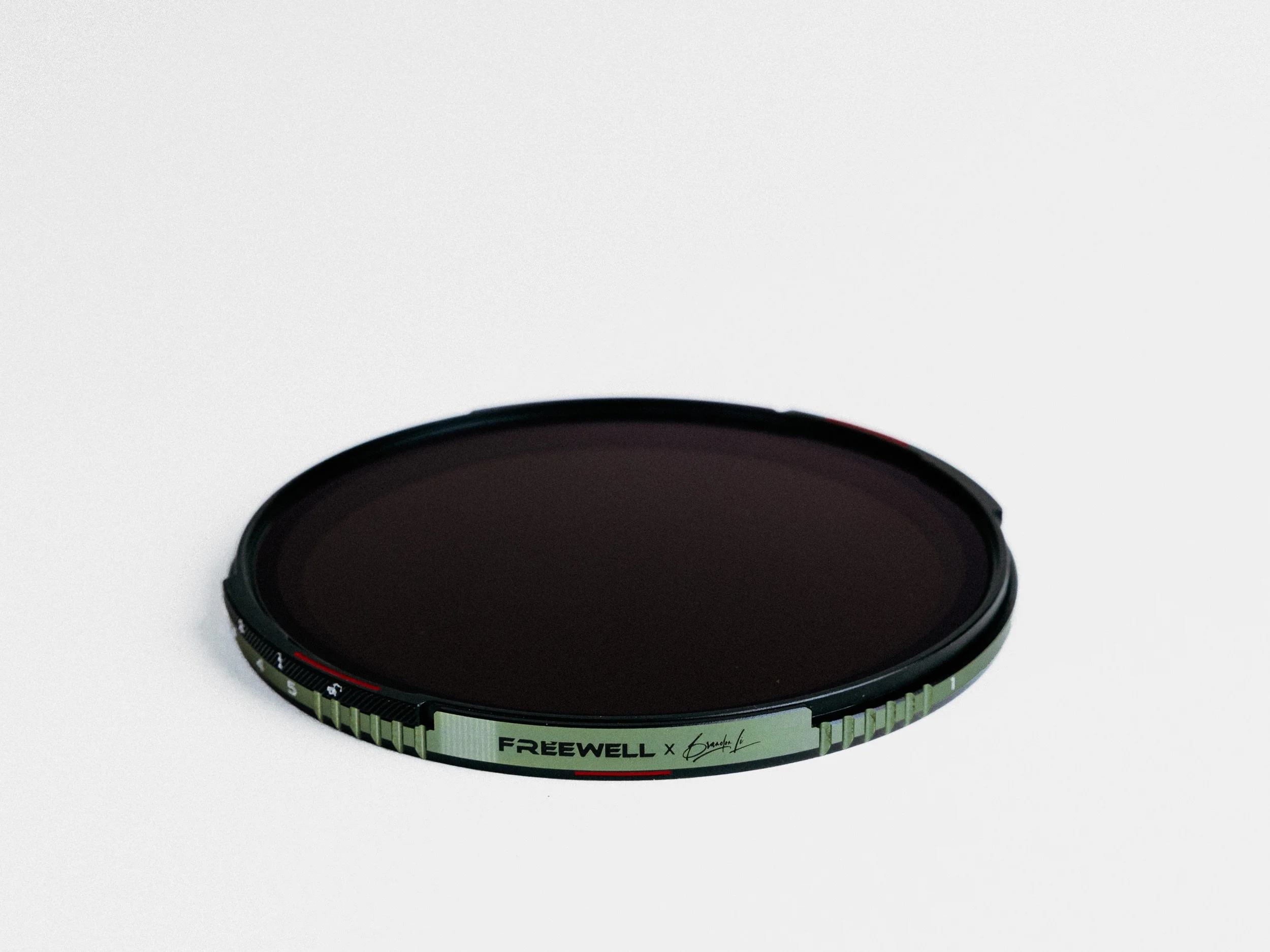
Freewell x Brandon Li Magnetic VND+CPL Kit
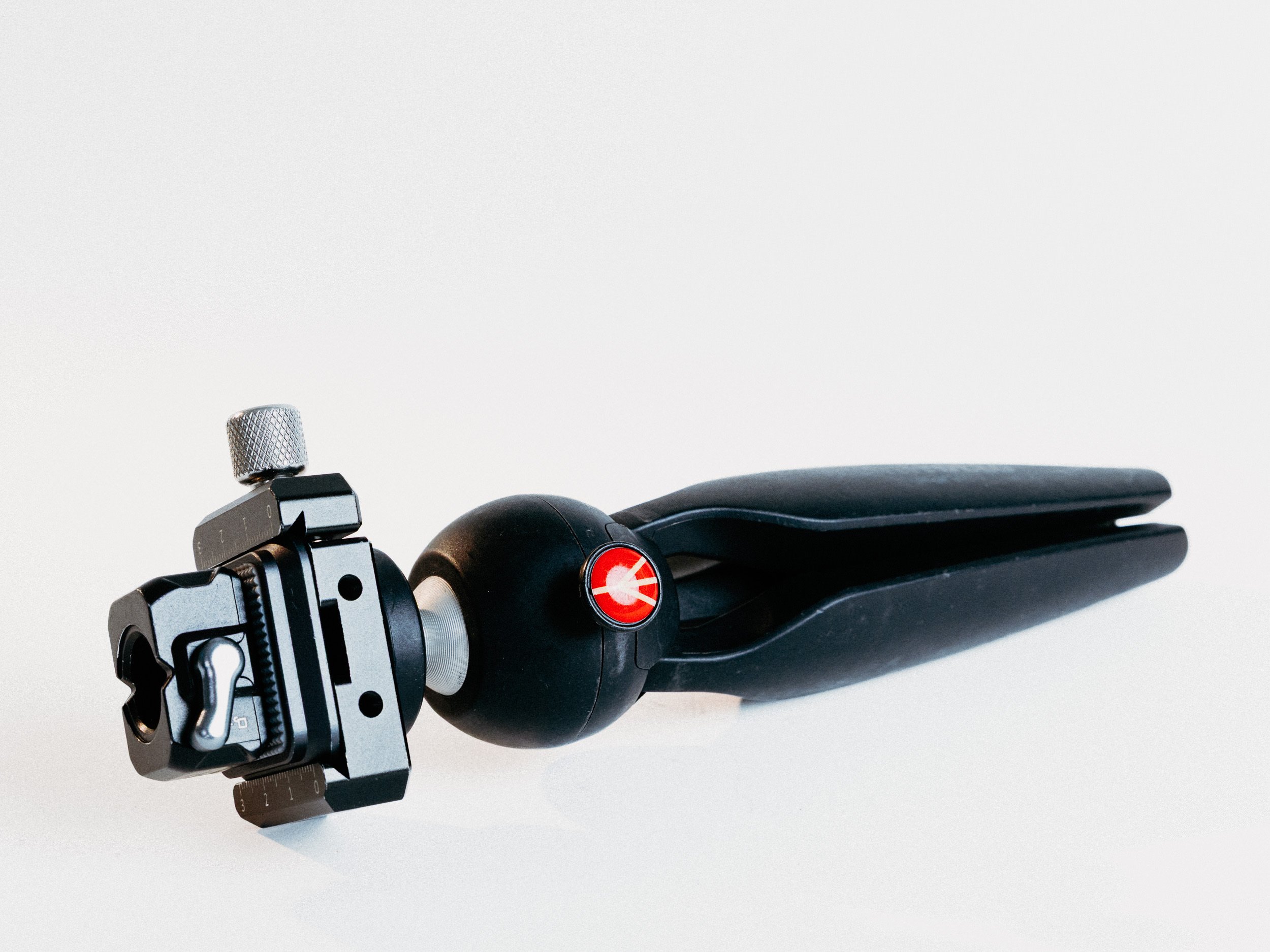
Manfrotto MTPIXIMII-B, PIXI Mini Tripod with Smallrig DCB2506B
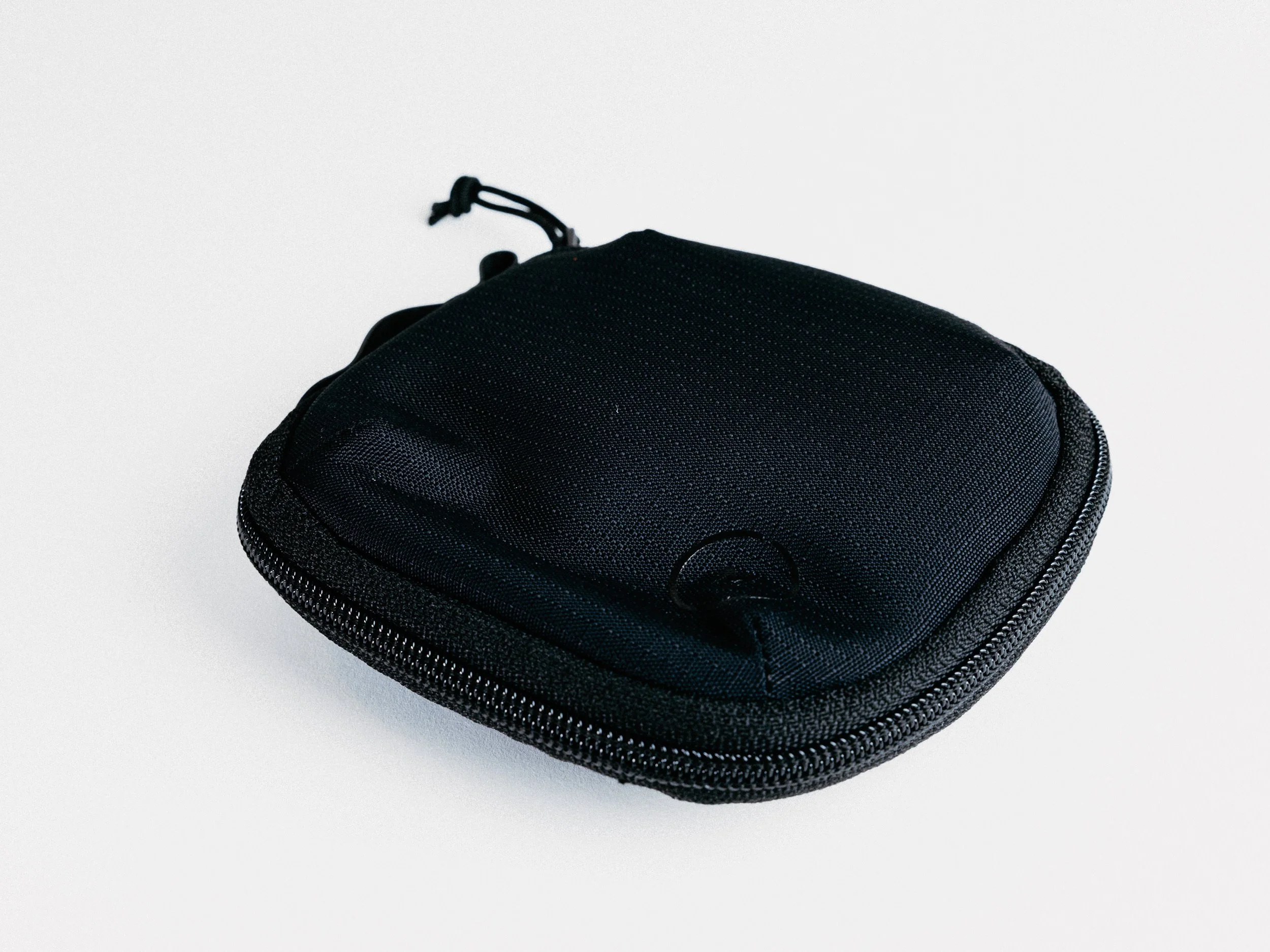
Moment Everything Soft Filter Case - 4
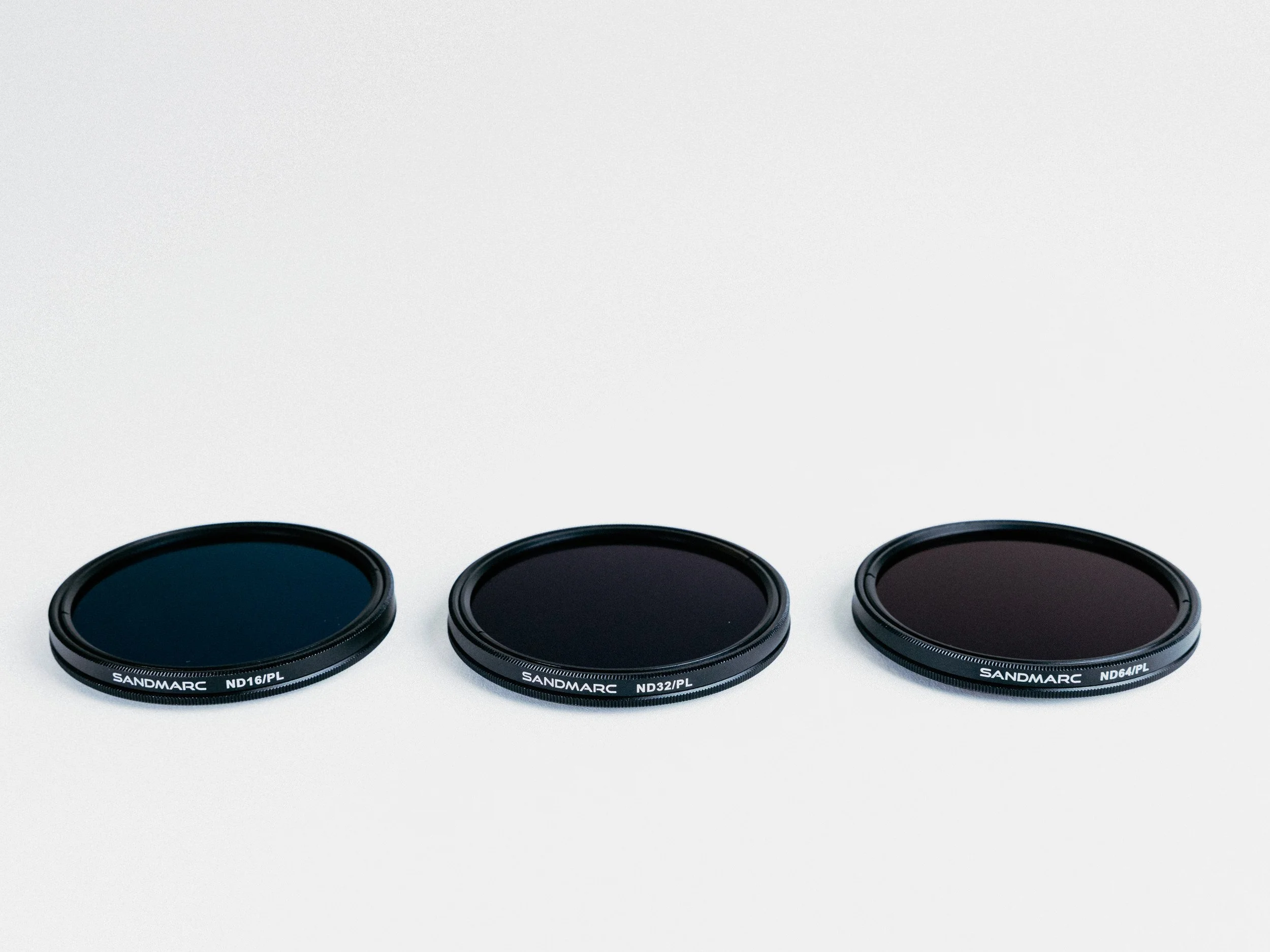
SandMarc Hybrid ND/PL Filters
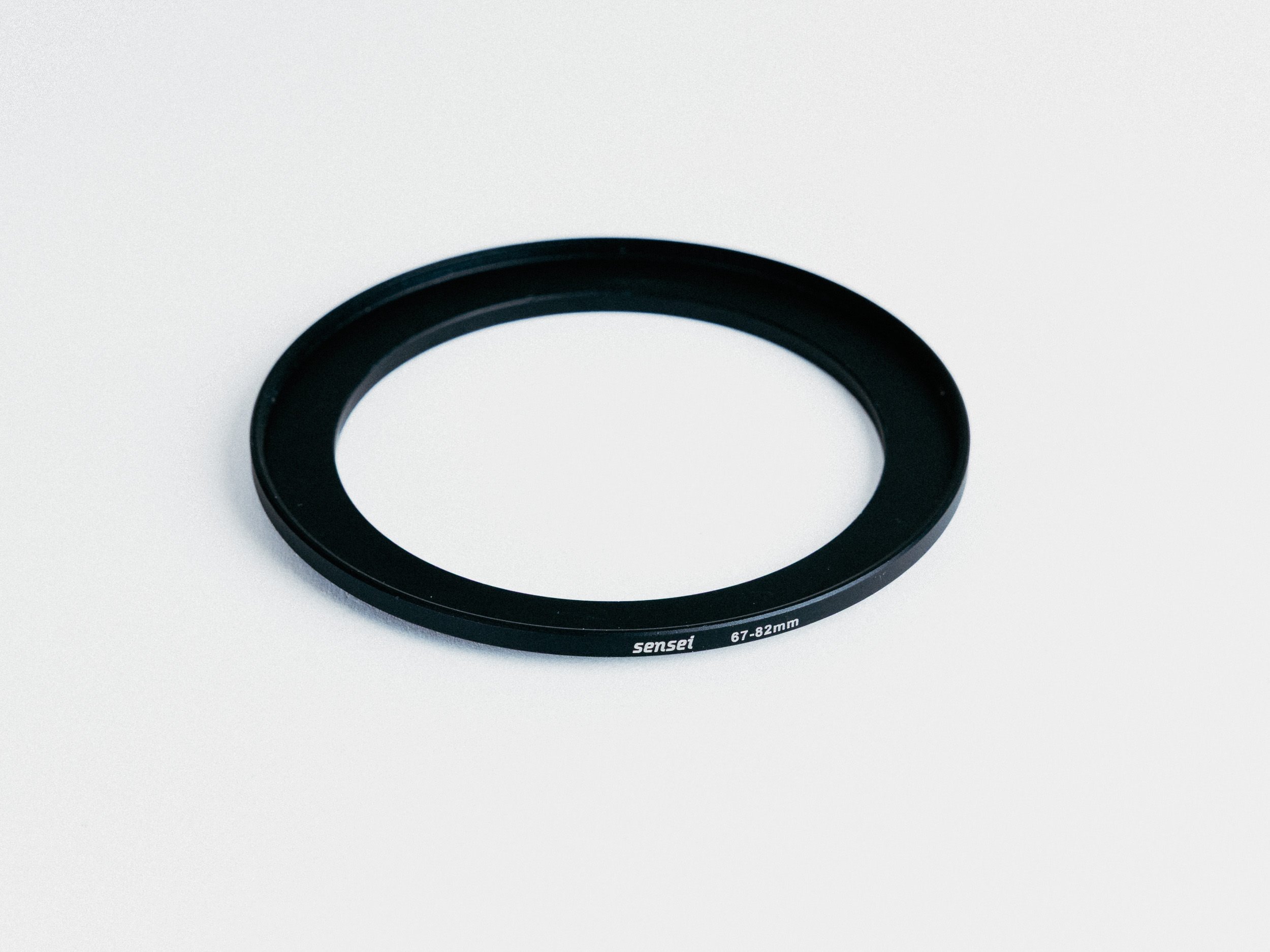
Sensei 67 to 82mm Step Up Ring
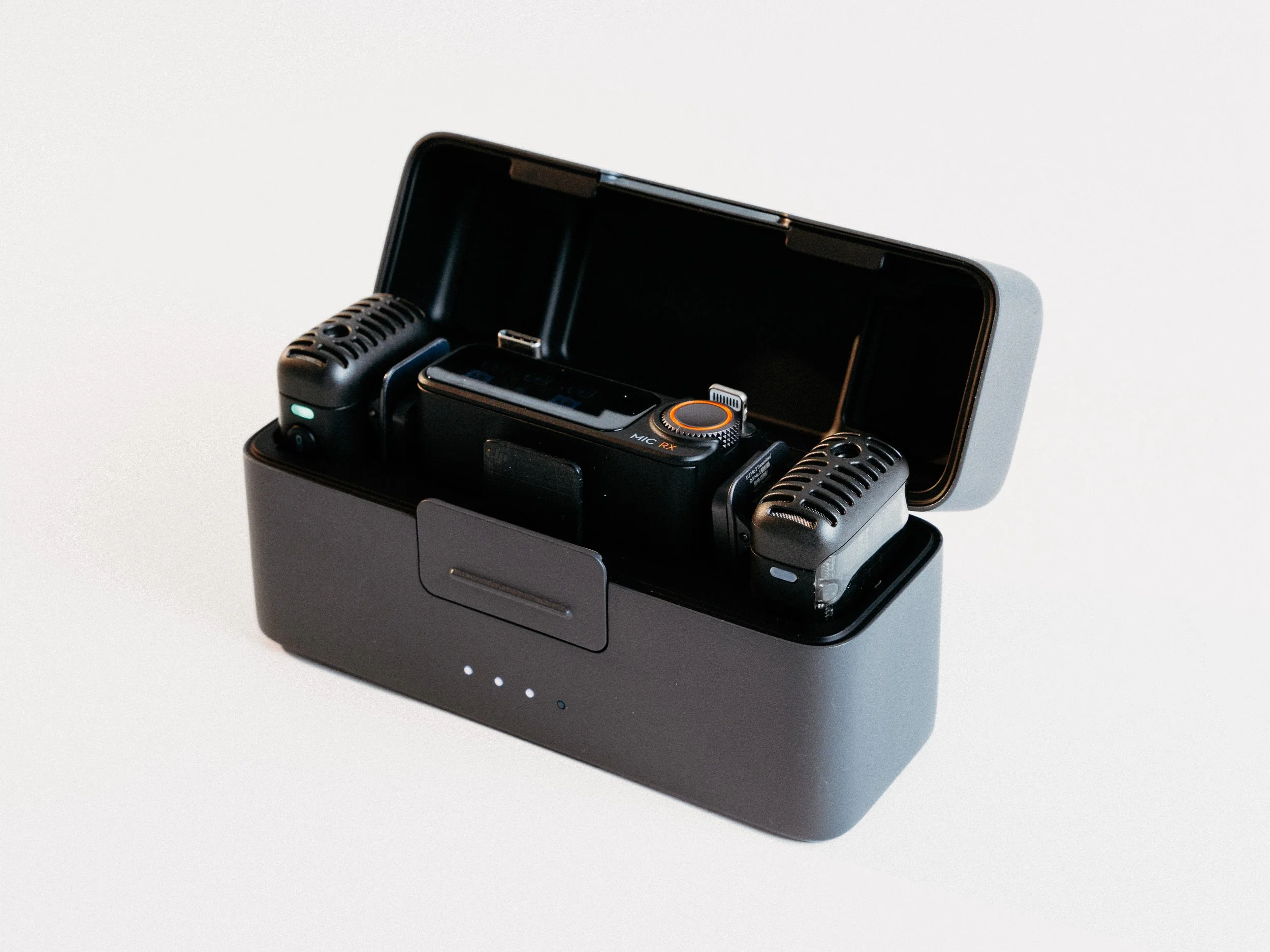
DJI Mic 2
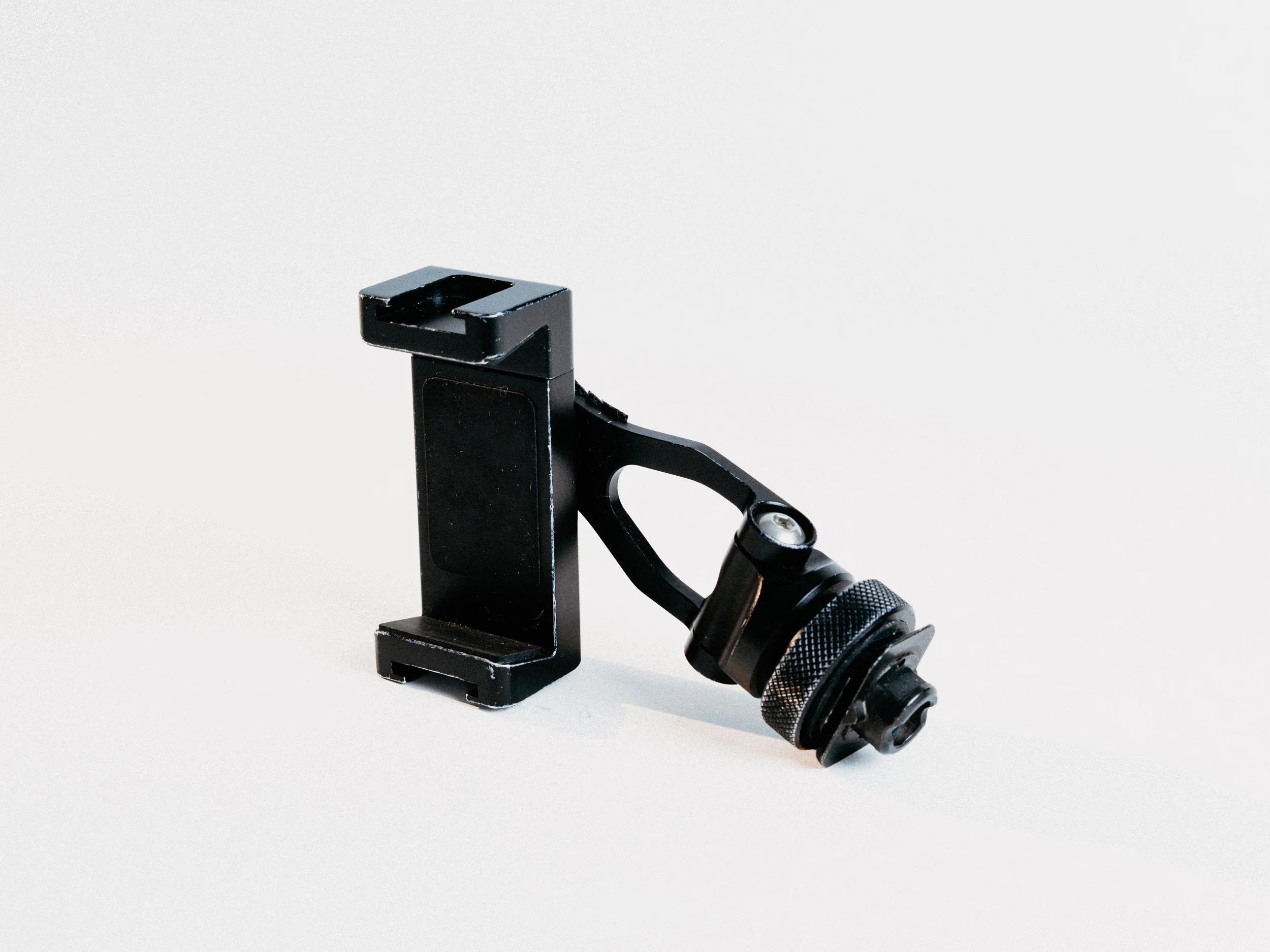
ULANZI Metal Phone Tripod Mount ST-10
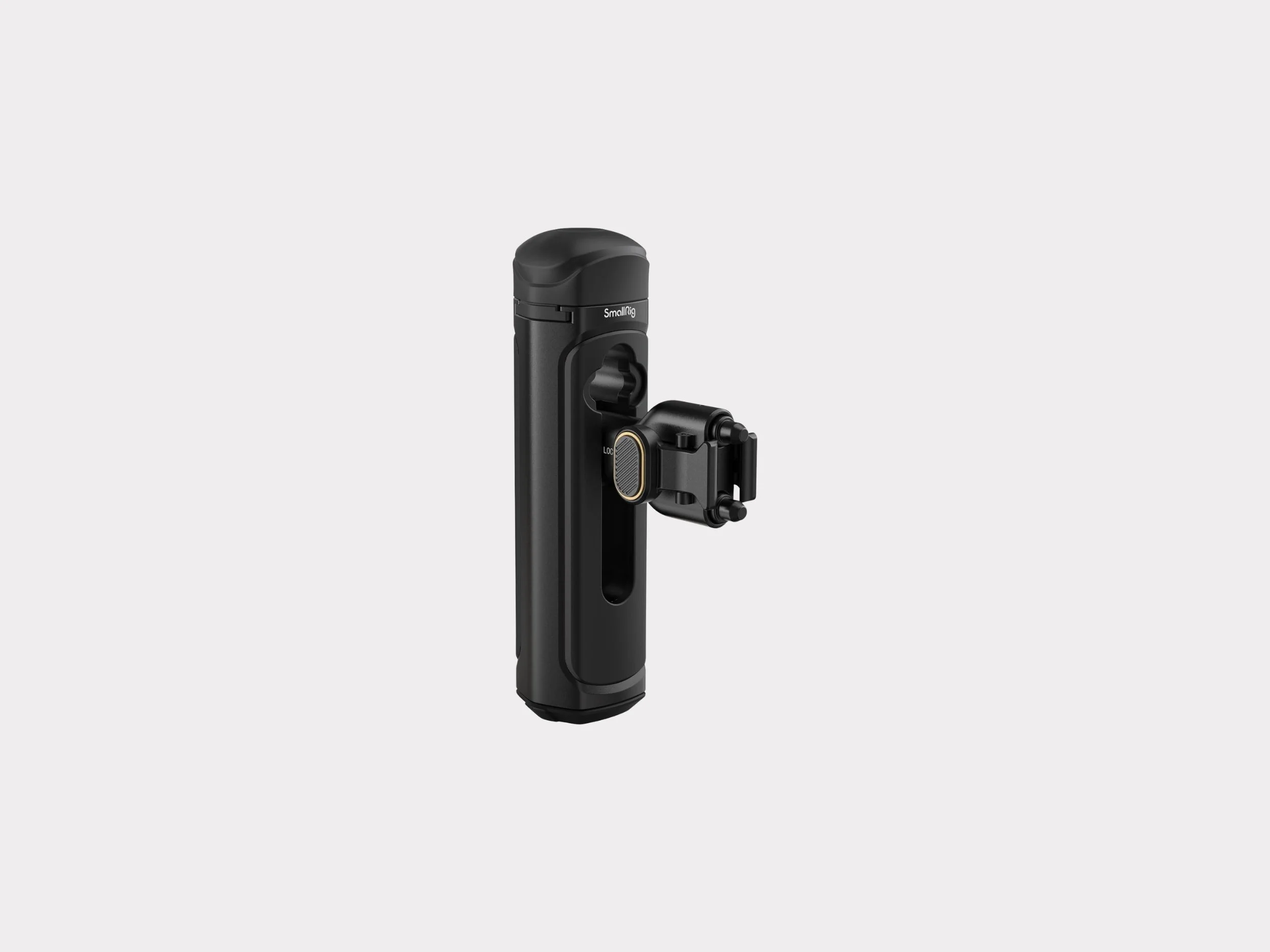
SmallRig Quick Release Side Handle (4403)