Moment
Quicklock Filters Set
Moment Quicklock Filters Set (VND, CPL, Cinebloom)
-
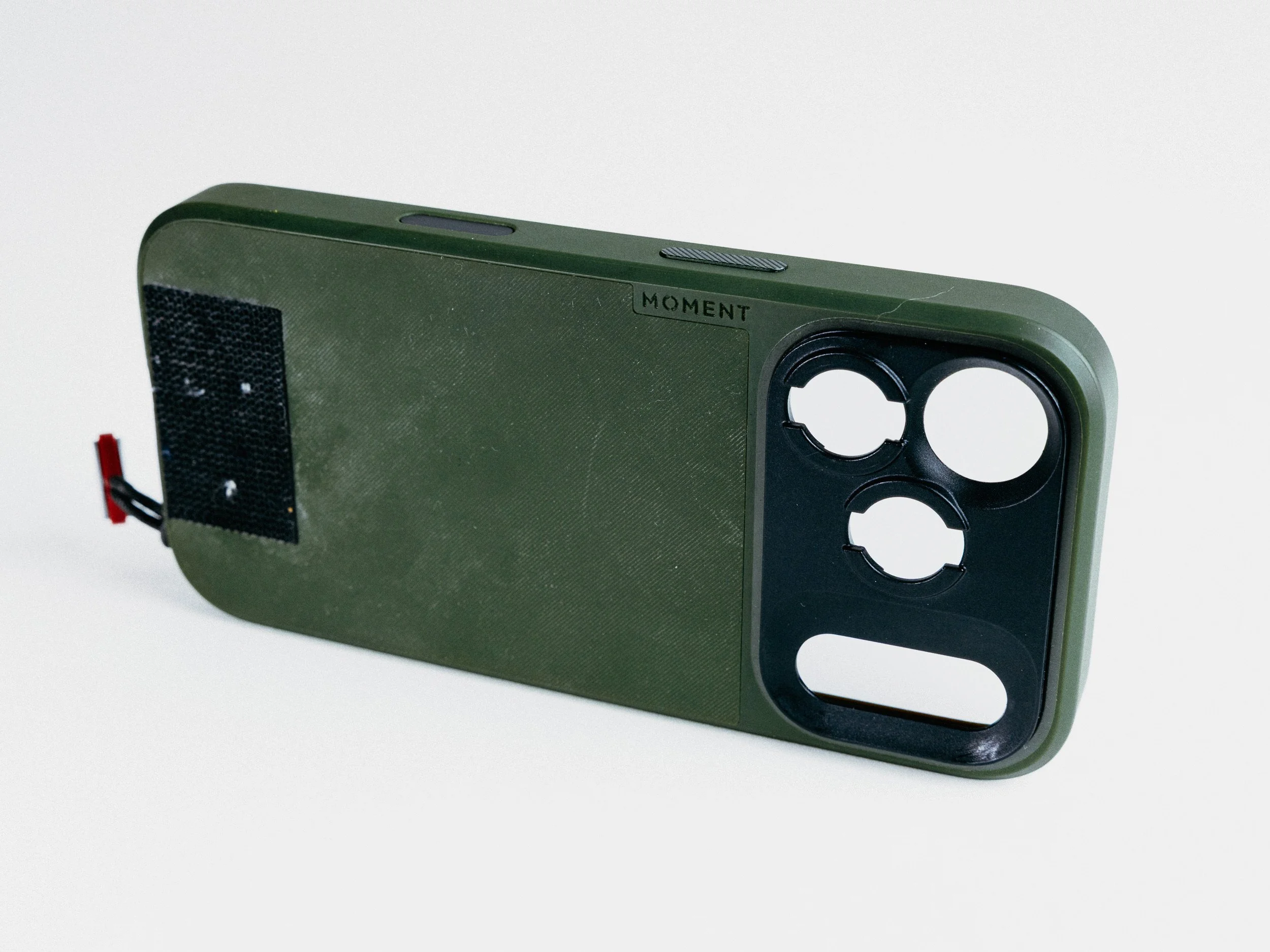
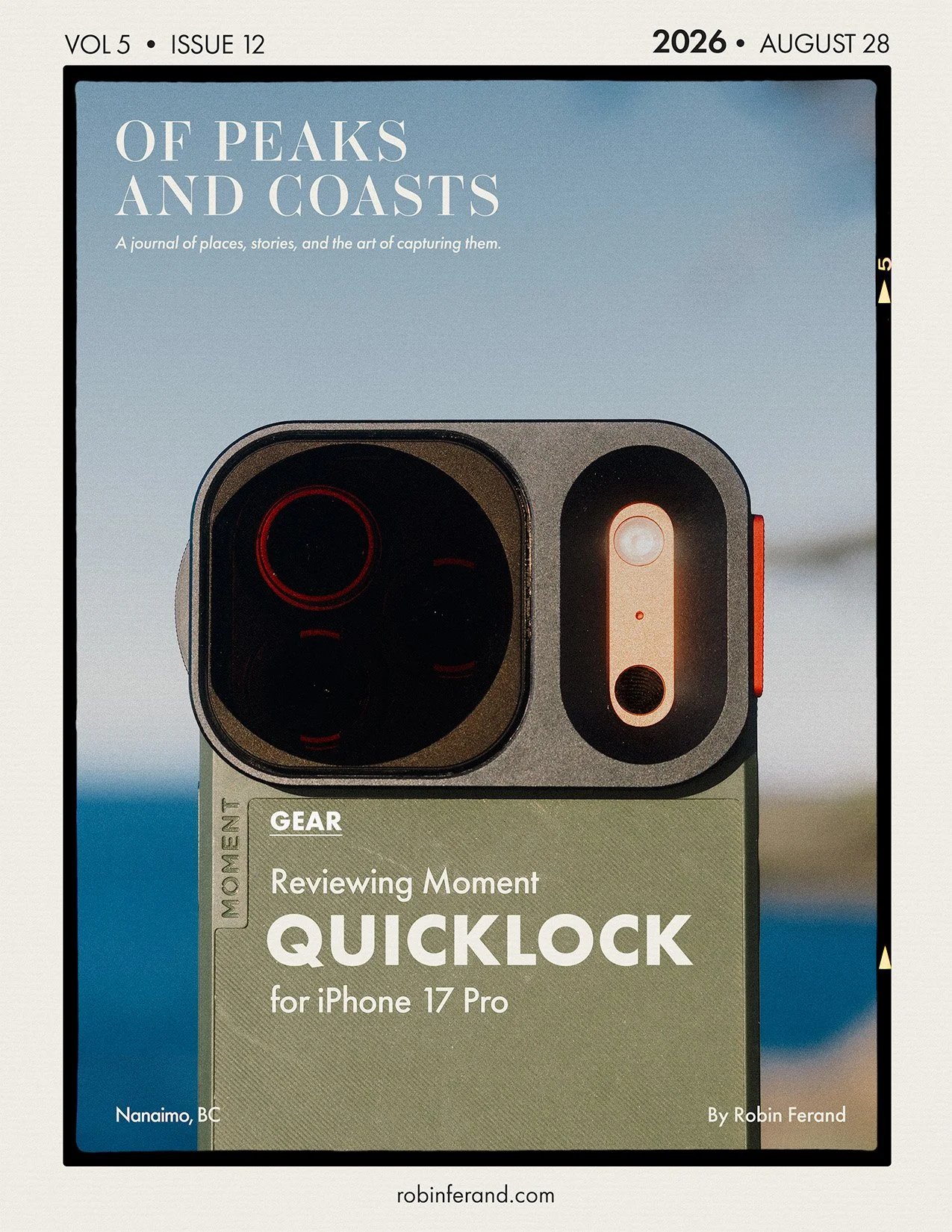
Moment QuickLock is a dedicated mobile filter system for compatible Moment iPhone cases.
Filters attach with a quick twist-lock mechanism instead of threading onto a lens or adapter.
Designed for fast mounting and removal (I mean it’s in the name.)
Slimmer and more pocketable than a traditional mobile rig with larger circular filters.
One shared system for multiple filter types: VND, CPL, and CineBloom.
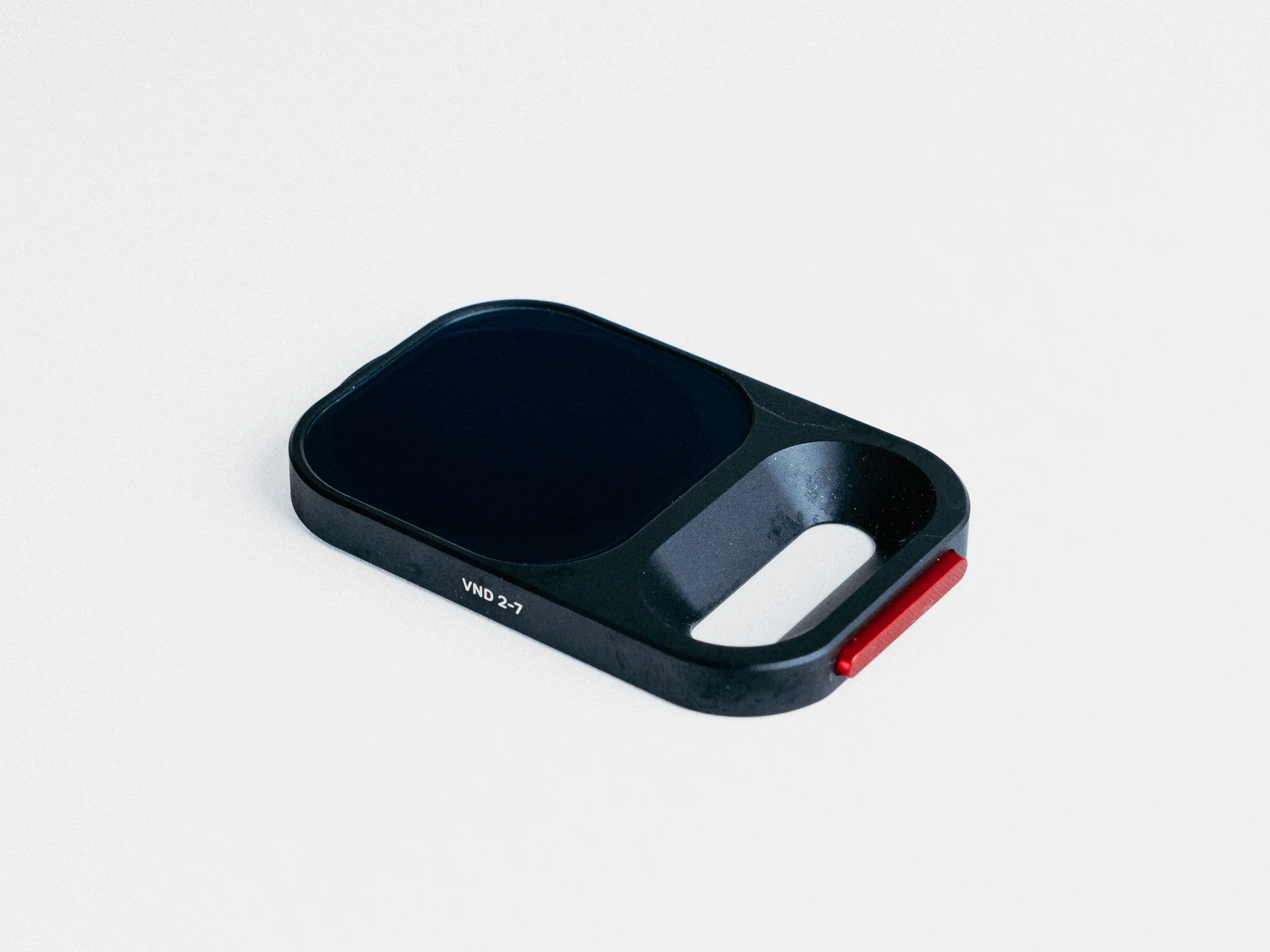
VND filter helps control exposure and keep shutter speed closer to the 180-degree rule for video.
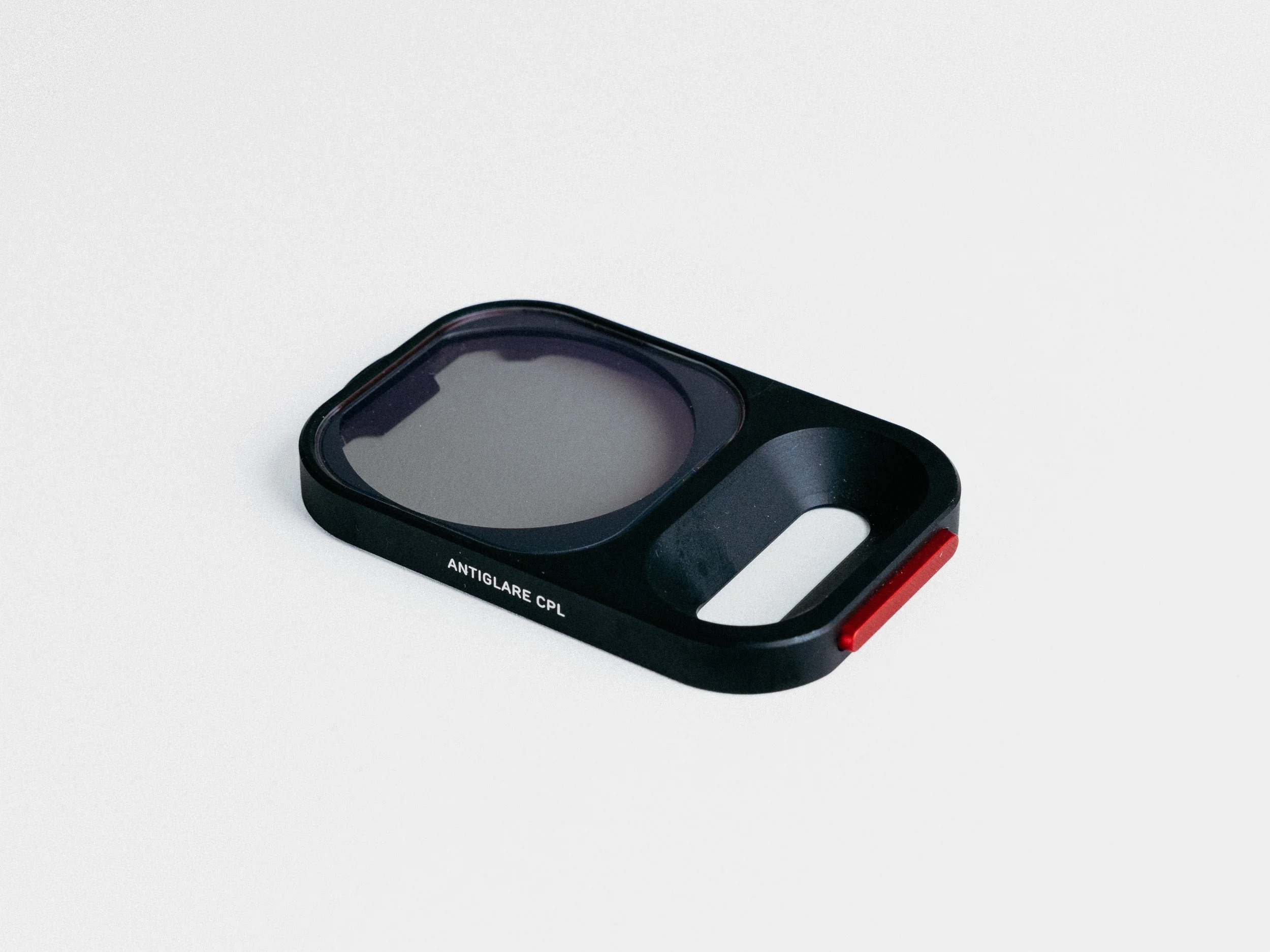
CPL filter helps cut reflections and boost colour in skies, water, foliage, windows, and cars.
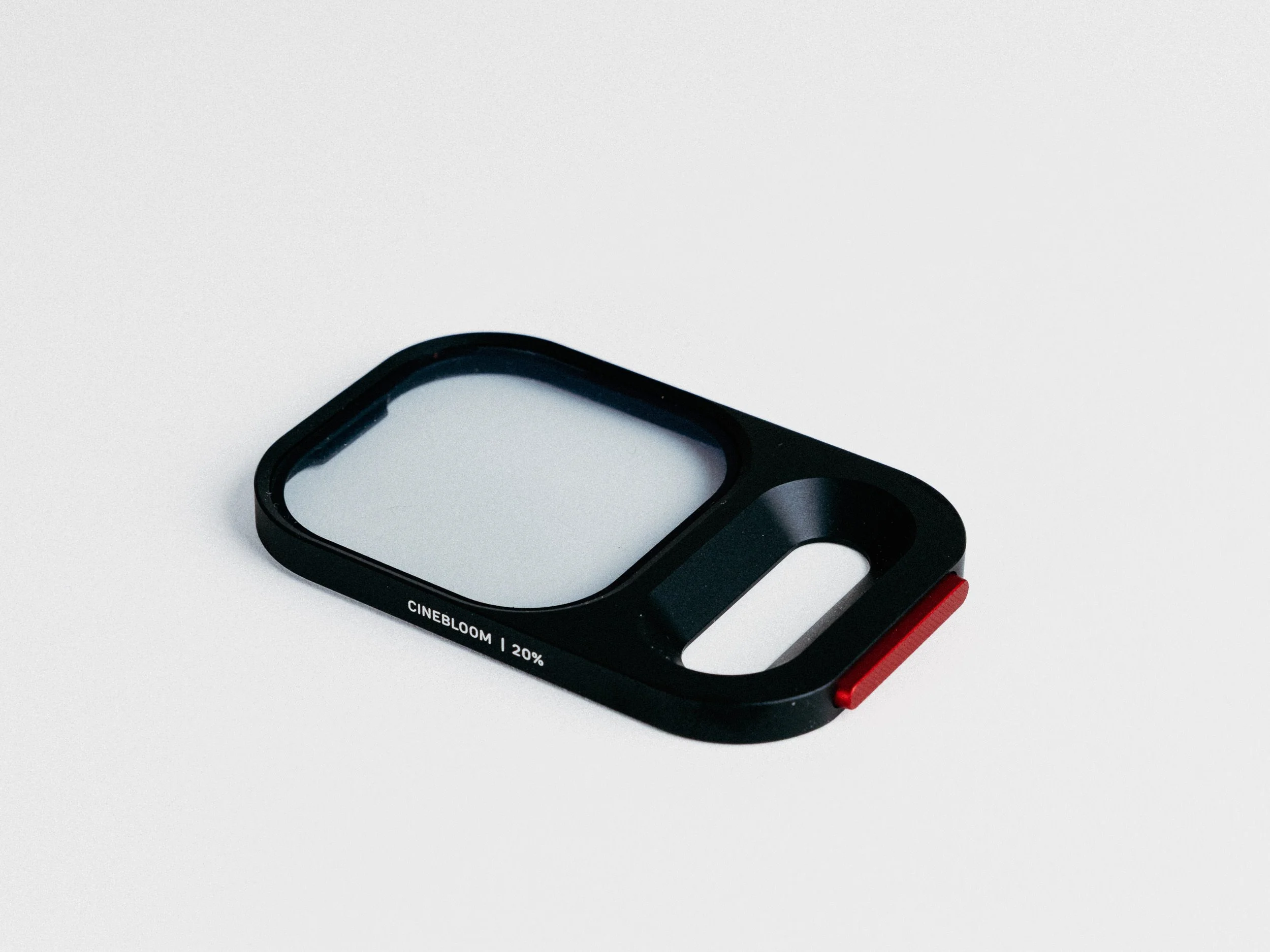
CineBloom filter adds diffusion, bloom, and a softer stylized look for portraits, street, and night scenes.
Works across the iPhone camera lenses without constantly repositioning the filter.
Best for iPhone creators who want a faster, cleaner filter workflow without building a full phone rig.
Available for the iPhone 15 Pro, 16 Pro and 17 Pro.
-
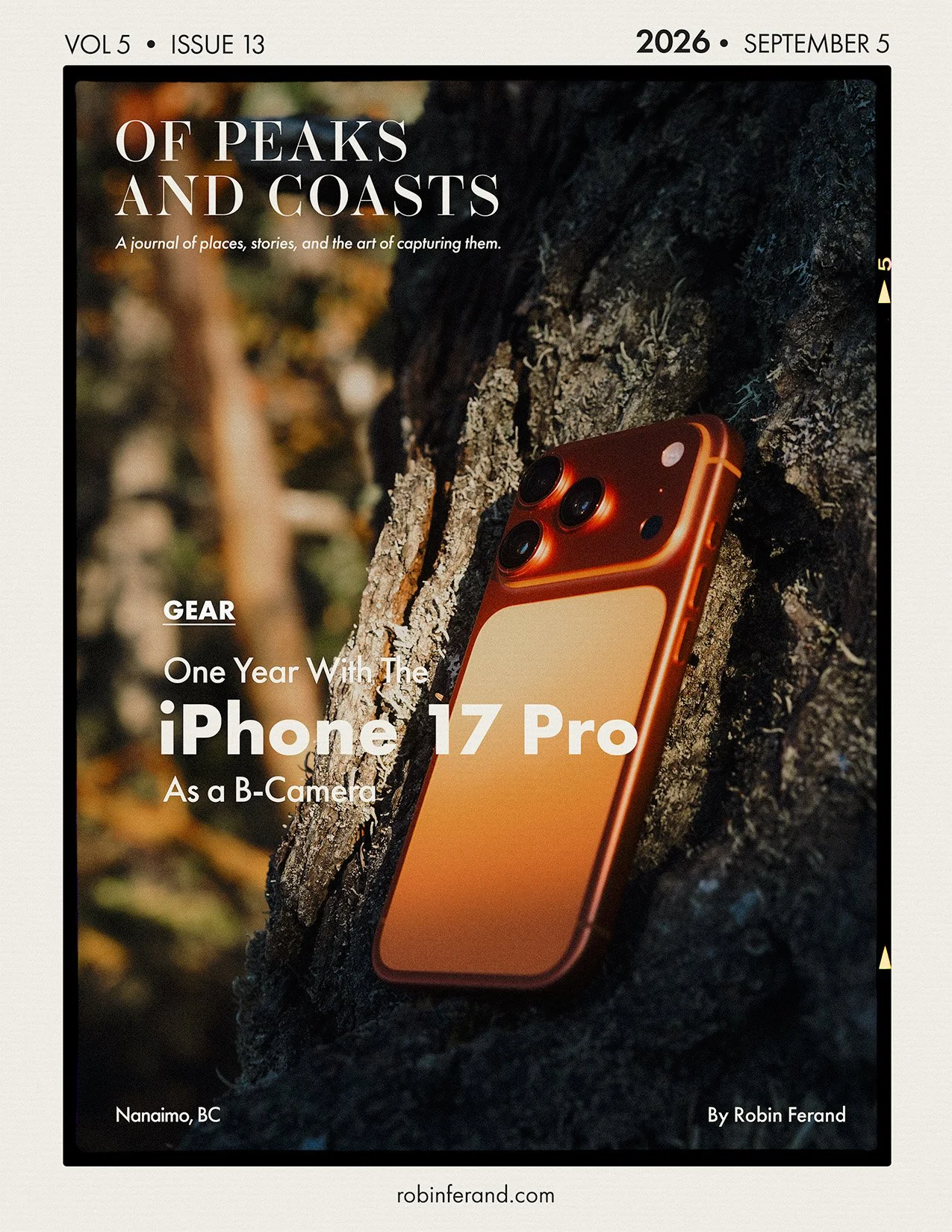
When I first saw Moment’s QuickLock filter system for the iPhone 15 Pro, I knew it would be the first accessory I would buy for my next phone. When I upgraded from the iPhone 13 Pro to the iPhone 17 Pro, I did exactly that: I ordered the QuickLock VND 2–7 stop filter alongside the Moment camera case.
As I sometimes write content for Moment, they were also kind enough to send me two additional filters: the CPL and the CineBloom 20%. Together, these are the iPhone accessories I keep with me all the time. They make the phone feel like a much stronger camera without adding the bulk of a full mobile rig.
The VND is the most important one for video. It lets you keep your shutter speed closer to the 180-degree rule, which helps avoid that jittery, over-sharp phone footage look. The CPL is my go-to for photography because it enhances the colours in the sky and foliage while reducing reflections on water, windows, and cars.
I use the CineBloom less because I usually prefer having a polarizer on the phone, but it is still an excellent creative filter. It works well for street photography when the light starts to dim, for enhancing street lights and neon, or for softening portraits.
Of all the iPhone accessories I have tried over the years, QuickLock is by far one of the best. Moment really nailed this system, and so far, it is the smartest phone-filter workflow I have used.
-
The Good:
Lets you control how much light hits the sensor and keep shutter speed more natural for video.
Hard stops help avoid cross-polarization issues.
Works across the three iPhone lenses without repositioning the filter.
One of the smallest VND solutions available for iPhone, keeping the setup relatively thin.
The Bad:
At 7 stops, you can see corner darkening / vignetting, though it can be corrected to an extent in post.
You cannot control the polarization angle.
A QuickLock VND + CPL would be amazing, but probably difficult to build in such a tiny package.
A rubber lens cap would be useful if you want to leave the filter mounted on the case.
The iPhone 17 Pro version is much larger than the iPhone 15 / 16 Pro version and covers the full camera plateau, adding bulk.
-
The Good:
Boosts colours in skies, foliage, and landscapes.
Cuts a good amount of reflection on water, windows, cars, and other reflective surfaces.
Reduces around one stop of light, which can be useful when the VND 2–7 stop is too strong.
Works across the three iPhone cameras without readjusting the filter.
The Bad:
On the iPhone 17 Pro ultra-wide camera, I have sometimes noticed an onion-ring effect in the centre of the image.
A rubber lens cap would be useful if you want to leave the filter mounted on the case.
The iPhone 17 Pro version is much larger than the iPhone 15 / 16 Pro version and covers the full camera plateau, adding bulk.
-
The Good:
Very dreamy look.
Strong highlight blooming, which can work well for creative portraits.
Good for street, night, neon, and moodier scenes.
Also available in 10% for a more subtle everyday look.
The Bad:
It is a creative filter, not something I would use for every subject.
A rubber lens cap would be useful if you want to leave the filter mounted on the case.
The iPhone 17 Pro version is much larger than the iPhone 15 / 16 Pro version and covers the full camera plateau, adding bulk.
Not really a flaw, but something to know: the iPhone may show a “clean lens” warning when the CineBloom 20% is mounted because the diffusion makes the phone think the lens is dirty.
-
Get it if you want to step up iPhone photo and video without adding the bulk of a standard mobile rig.
Get it if you use a Moment case and want a fast filter workflow.
Get the VND if your main focus is video.
Get the CPL if your main focus is photography, landscapes, travel, water, cars, or reflective surfaces.
Get the CineBloom if you want a more stylized look for portraits, street, and night photography.
Pass if you do not want to use a case on your phone.
Pass if you only shoot casual clips and do not want to think about filters.
-
If your main goal is video, I would start with the QuickLock VND. It is the most useful filter for controlling shutter speed and making iPhone footage feel less harsh in bright daylight.
If you mainly shoot photos, landscapes, travel, water, cars, or reflective surfaces, the CPL is the strongest everyday choice. It is probably the filter I reach for most often for photography.
The CineBloom is more specific. It is great for portraits, street, and night photography, especially if you want a glow around highlights, neon, and street lights. The 20% version is very noticeable, while the 10% version is probably better for a more subtle everyday look.
One important note is that you need different filter sizes for the iPhone 17 Pro and the iPhone 17 Pro Max. Buy accordingly.


ACCESSORIES
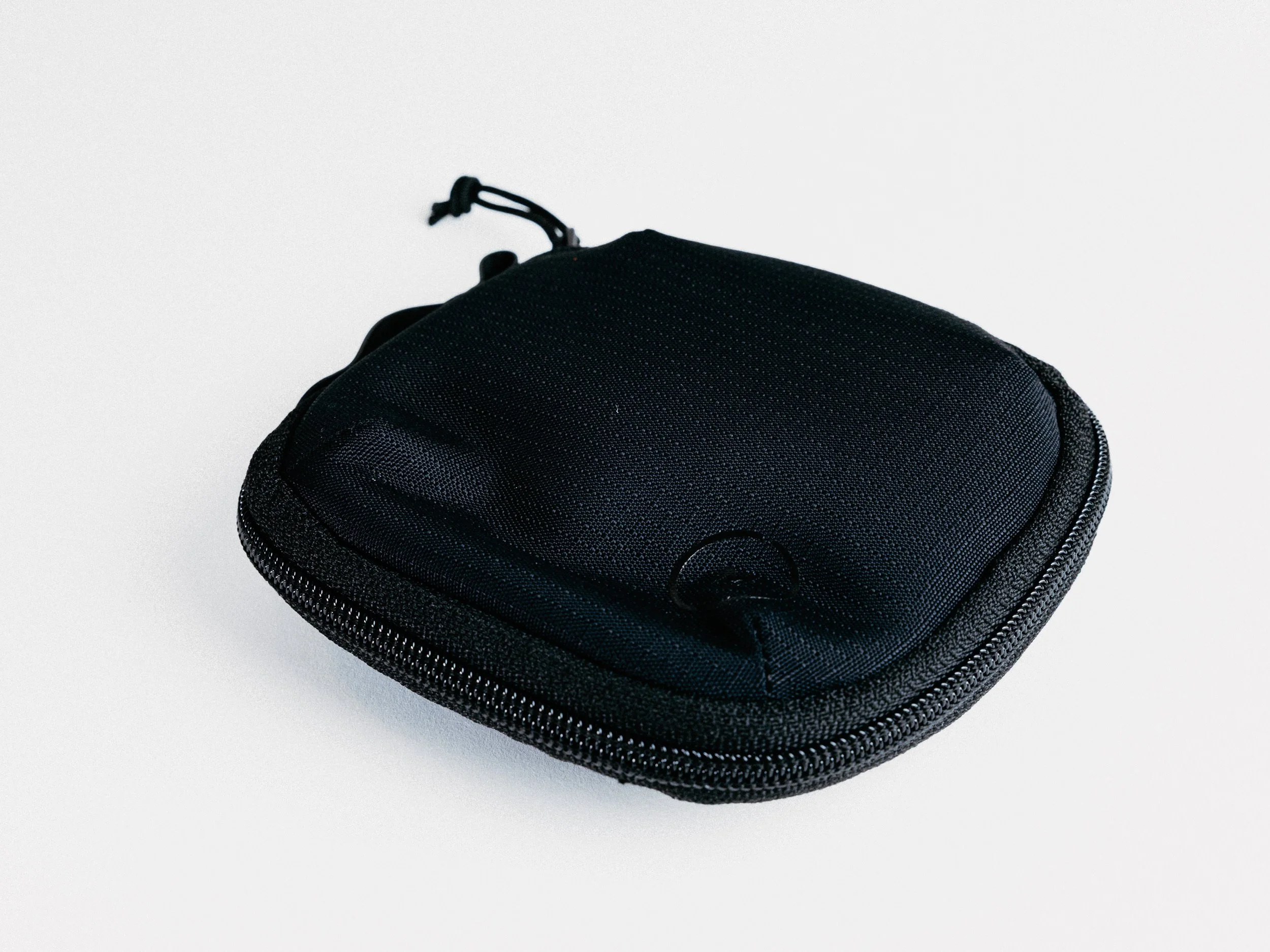
Moment Filter Case