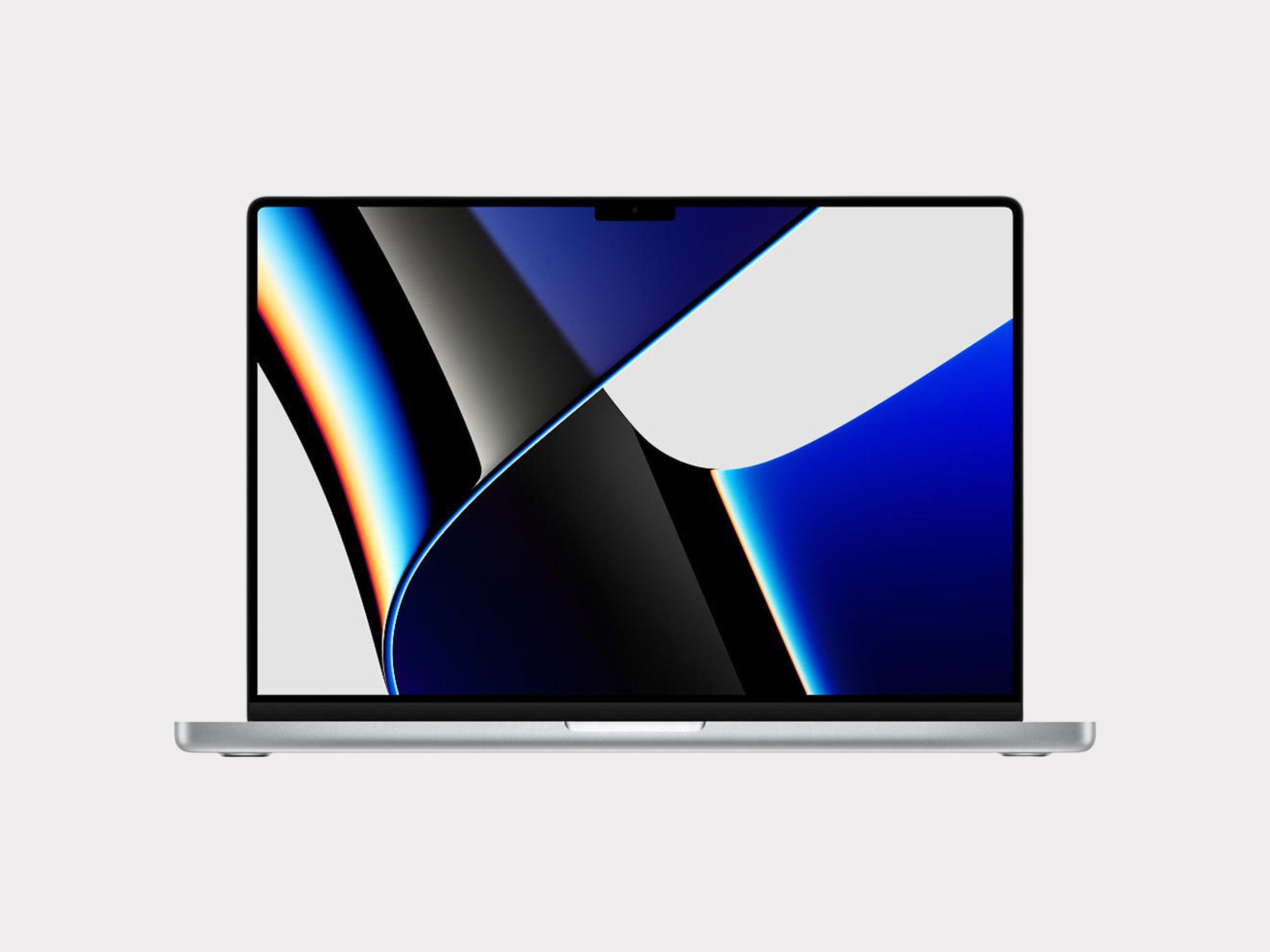
MacBook Pro 16
& Tech Accessories
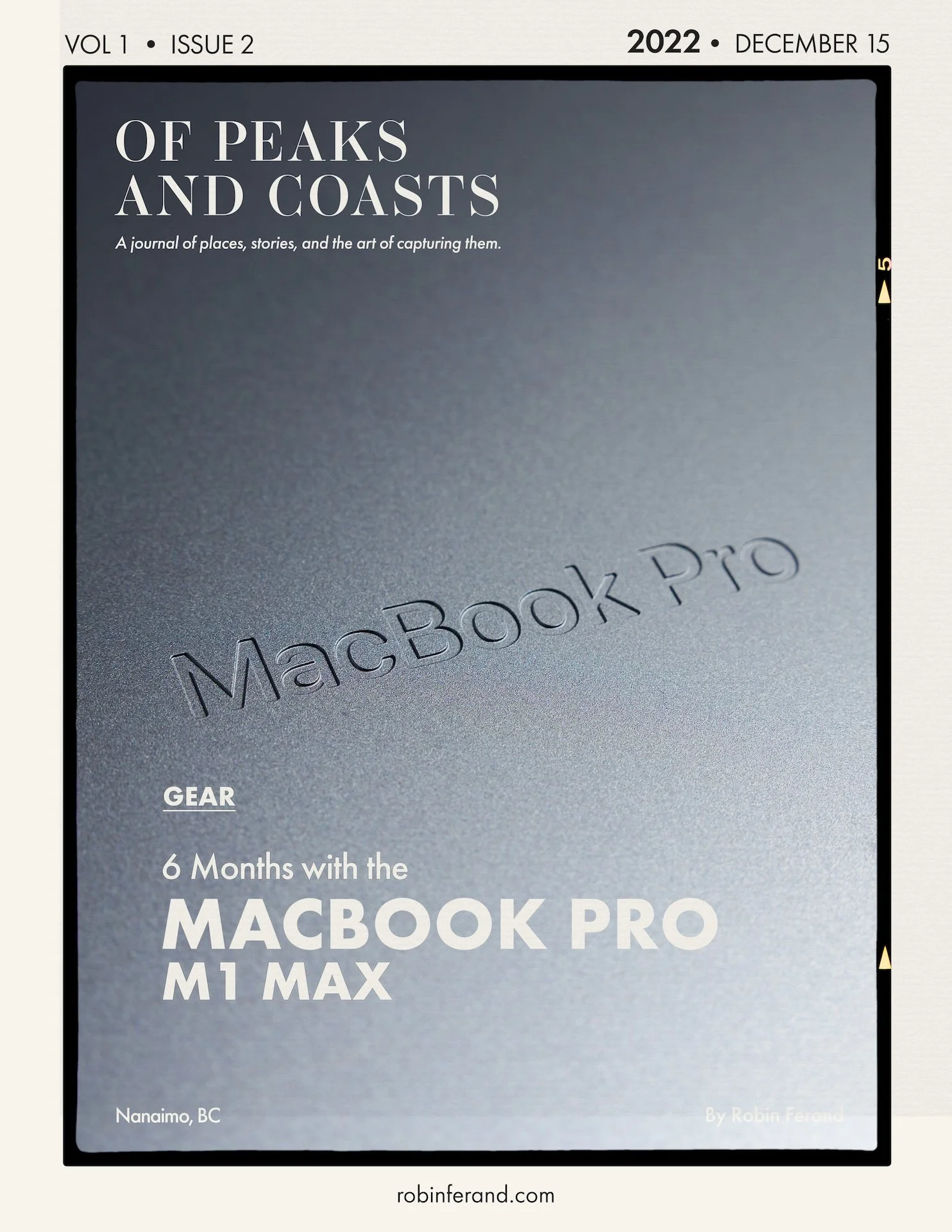
MacBook Pro 16” M1 Max 2021


-
2021 16-inch MacBook Pro with Apple M1 Max chip.
My configuration: 10-core CPU, 24-core GPU, 16-core Neural Engine, 32GB of unified memory, and 1TB internal SSD.
16.2-inch Liquid Retina XDR display with ProMotion up to 120Hz.
Hardware-accelerated H.264, HEVC, ProRes, and ProRes RAW media engine.
M1 Max includes two video encode engines and two ProRes encode/decode engines.
Ports include MagSafe 3, three Thunderbolt 4 ports, HDMI, SDXC card slot, and headphone jack.
Supports multiple external displays, making it work as both a laptop and main desk machine.
Larger 16-inch chassis gives more screen space, better battery life, and more thermal headroom than the smaller model.
-
My 16-inch MacBook Pro M1 Max is not just a laptop in my kit; it is my main computer tool. I do not have a Mac Studio because I would rather have one single machine that can live on the desk, travel with me, edit on location, and connect to a larger setup when needed.
I originally wrote about this Mac after a year of use, and the main takeaway still mostly stands: the best computer is the one that disappears behind the work. I do not want to think about the processor, GPU, RAM, or whether the computer can handle the edit. I want to open DaVinci Resolve, Lightroom, Photoshop, Logic, or Final Cut Pro and simply work.
In 2026, the M1 Max is starting to show its age a little, mostly in DaVinci Resolve Studio. Final Cut Pro still feels better optimized, and ProRes workflows remain strong, but heavier Resolve projects can now make the machine chug in a way it did not when it was new. That does not make it obsolete; it just means the newer Apple Silicon chips have moved the goalposts quite a bit.
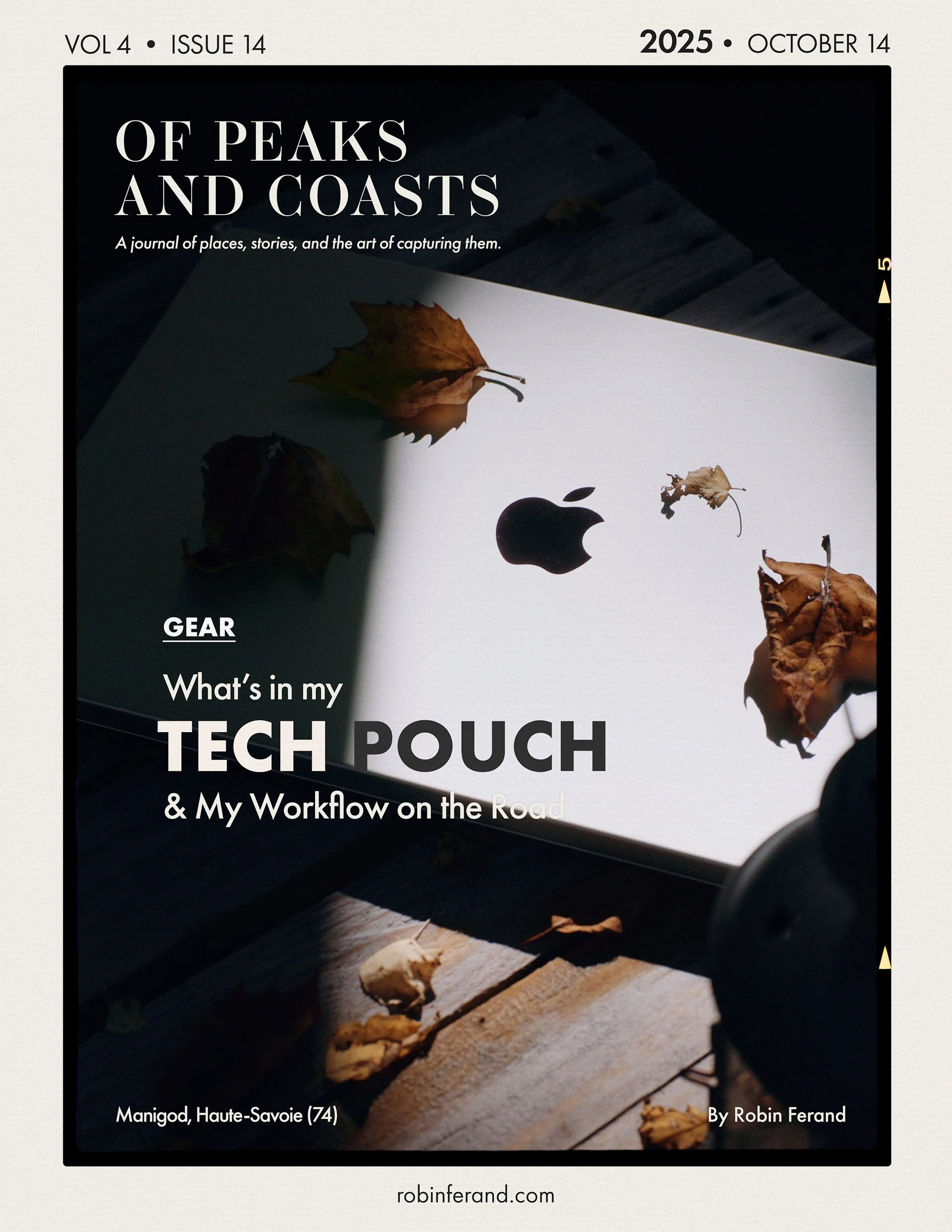
For photography, it remains close to my initial review. Lightroom brushes, high-resolution RAW files, Photoshop round-trip workflows, and denoise workflows still feel fluid enough that I can focus on the image rather than wait on the computer. The XDR display is also a major reason I like the 16-inch version. It gives me enough room to work properly when I am away from a monitor, while still fitting into a mobile workflow. The Nano-Texture option on newer Macs also feels like a no-brainer, although expensive, if you often use your Mac outdoors.
The trade-off is size. Compared with a MacBook Air or even a 14-inch MacBook Pro, the 16-inch is noticeably bigger in a bag, on a plane, or in a coffee shop. But for me, that is the compromise I accept to have one main machine instead of splitting work between a laptop and a desktop.
The Good:
Powerful enough to be my main computer instead of needing a separate desktop, even if it is starting to chug a little in 2026, mostly in Resolve Studio.
Strong ProRes, H.265, 4K, 6K, and occasional 8K workflow performance.
16-inch XDR display is genuinely useful for editing away from a desk.
Great port selection compared with the old USB-C-only MacBook Pro generation.
Can run multiple displays and work as the centre of a full desk setup.
Battery life and unplugged performance are still excellent compared with older Intel laptops.
Quiet enough that the fans rarely become part of the experience.
Recent Apple Silicon M chips are absolutely insane in performance.
The Bad:
M1 Max starts to feel old in 2026.
Large and heavy compared with a MacBook Air or 14-inch MacBook Pro.
Overkill if you mostly write, browse, edit documents, or do light photo and video work.
1TB is too tight for serious photo/video work.
Apple’s internal storage upgrades are expensive, especially once you reach 4TB.
Not the model I would recommend buying today unless the price is extremely good.
-
Creators who want one main machine instead of a laptop plus a desktop.
Video editors working with ProRes, H.265, multicam, 4K, 6K, and heavier export workflows.
Photographers who edit large RAW files, use Lightroom and Photoshop heavily, and want a strong built-in display.
People who spend most of their time at a desk but still need to travel with their full editing setup.
Users who value ports, screen size, battery life, and sustained performance over minimum weight.
Anyone choosing a modern M3, M4, or M5 MacBook Pro as a true main machine.
Not Good For:
Anyone who mainly needs a light travel laptop.
Writers, students, planners, and general users who would be better served by a MacBook Air.
Creators who travel constantly and would benefit from the smaller 14-inch MacBook Pro.
People who already have a powerful desktop and only need a secondary portable machine.
Buyers who want the cheapest way into the Apple ecosystem.
-
I would not recommend buying an M1 Max MacBook Pro as a main purchase today unless the price is extremely good and you know exactly why you want it. It is still a capable machine, but it is no longer the sweet spot.
If you are buying new, get the latest MacBook Pro you can reasonably afford. For photo and video work, I would prioritize enough unified memory and internal storage over chasing the absolute highest chip configuration. A Pro chip with the right RAM and SSD may be a better long-term tool than an overpowered chip with too little storage.
If buying used, I would look at the M4 generation first. A used M4 Pro or M4 Max MacBook Pro gives you a newer machine, a longer software runway, better resale value, and more modern performance than buying into the M1 generation now.
The main decision is size. Get the 16-inch if this is your main machine, you edit a lot, you want the bigger display, and most of your work happens at a desk or semi-fixed setup. Get the 14-inch if you travel constantly, work in small spaces, or already have an external monitor waiting for you most of the time. With the M1 Pro and M1 Max, there was more reason to think about thermal differences between the 14-inch and 16-inch models. With newer M chips, I would worry less about that and choose mostly based on size, comfort, and how you actually work.
The MacBook Air still makes the most sense for writing, planning, admin, travel, and light photo and video work, but it is not the machine I would choose as a main video editing tool. For my use, the 16-inch MacBook Pro remains the better “one computer to do everything” machine.
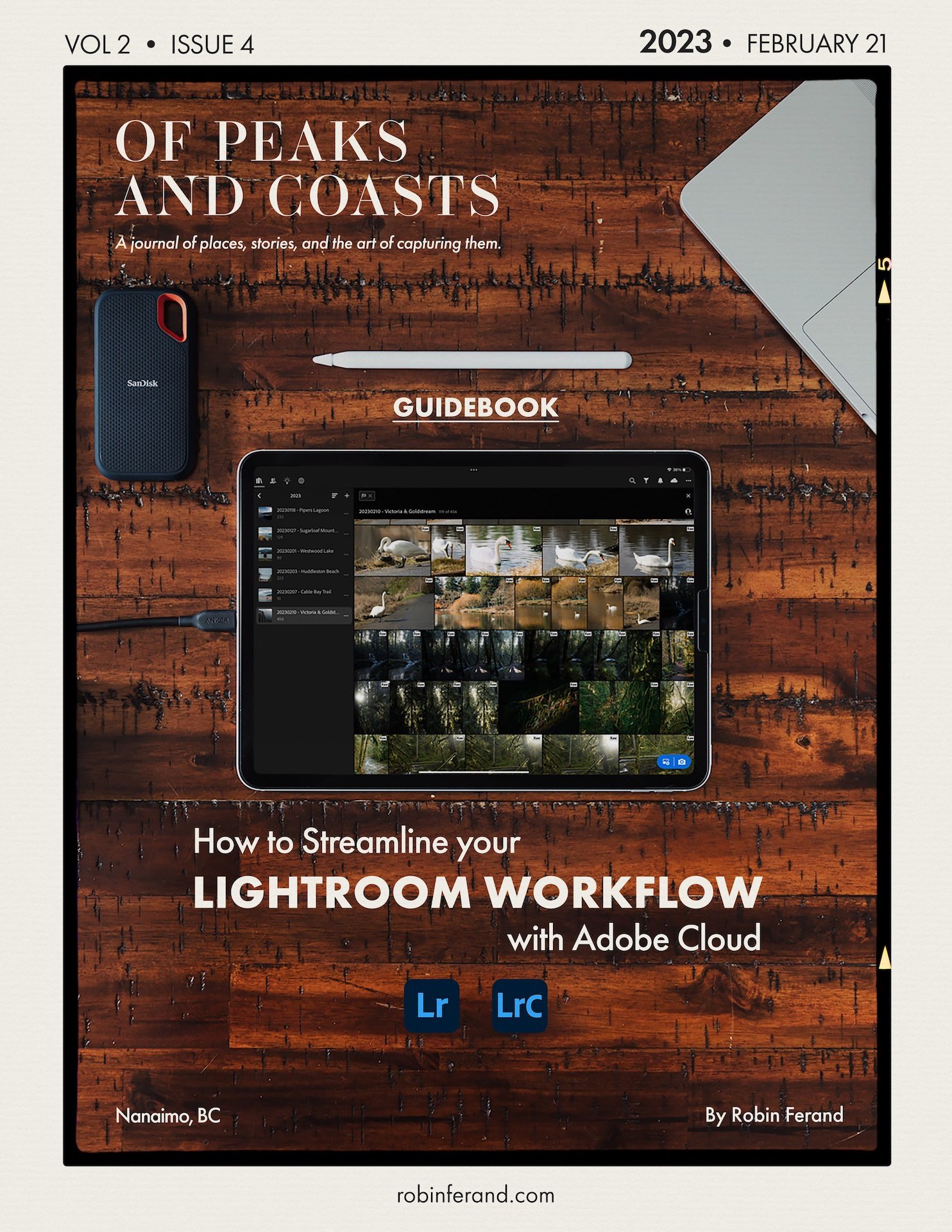
Discover past reviews

ACCESSORIES
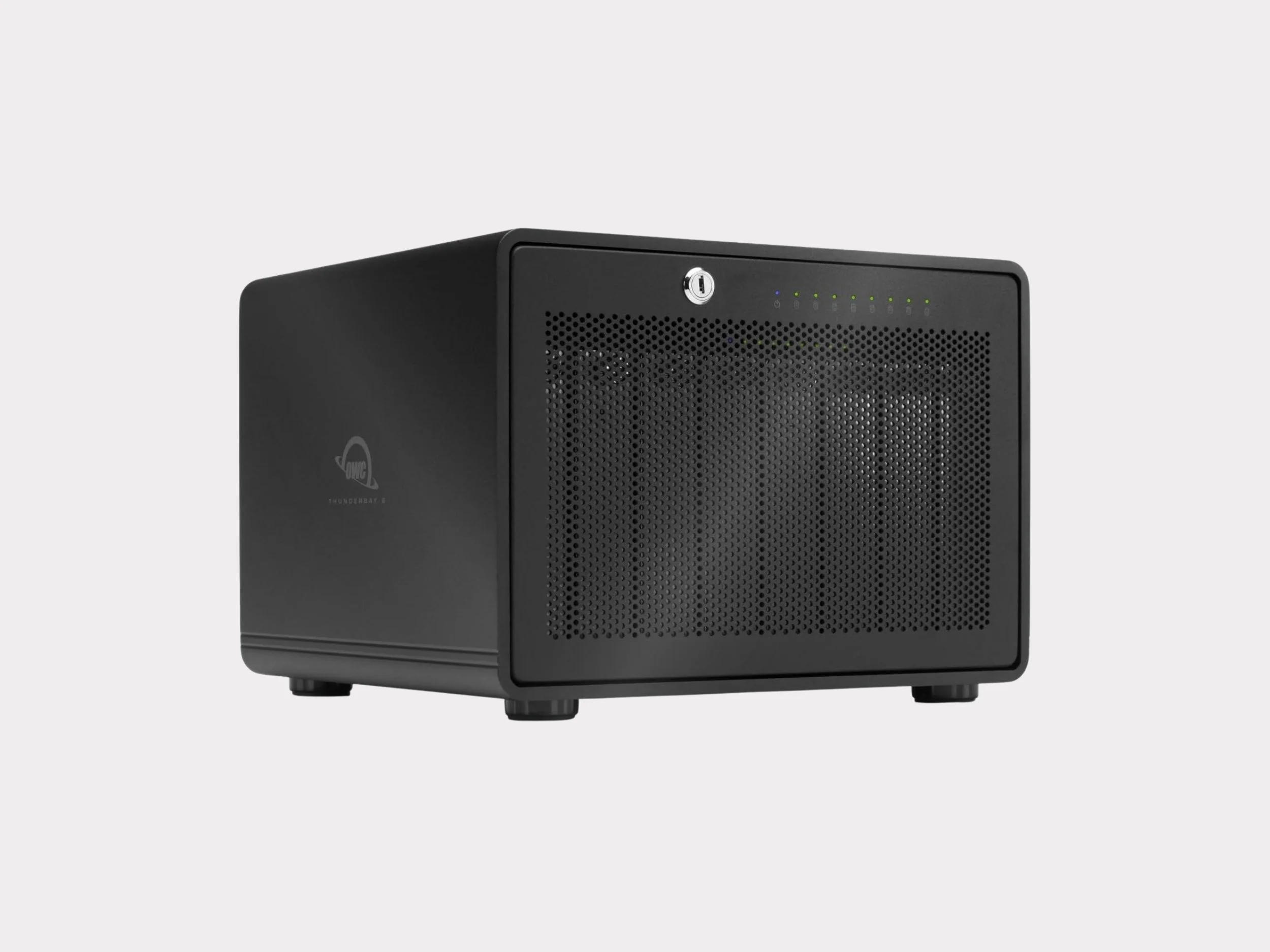
OWC Thunderbay 8
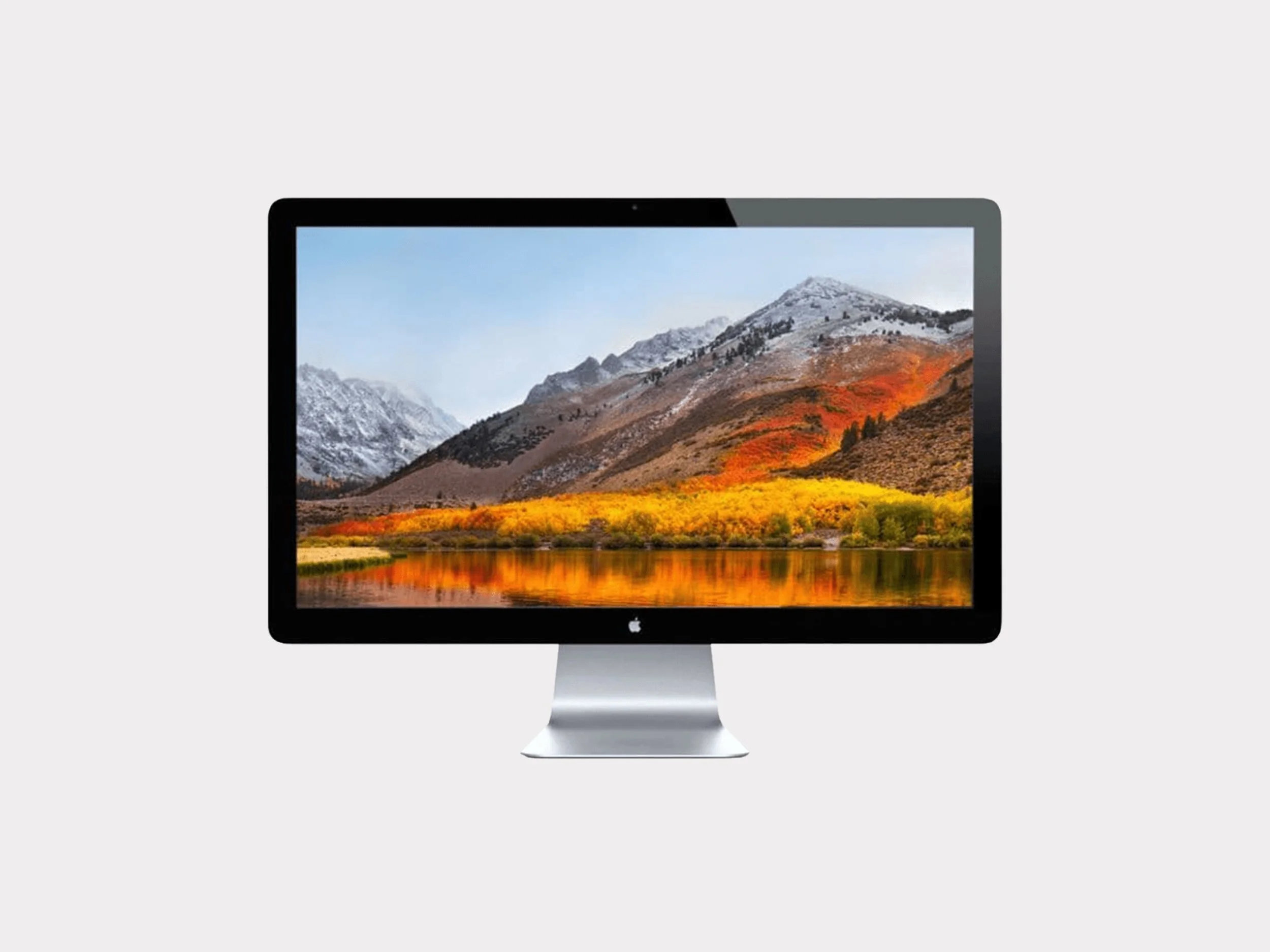
Apple 27” Cinema Display Thunderbolt
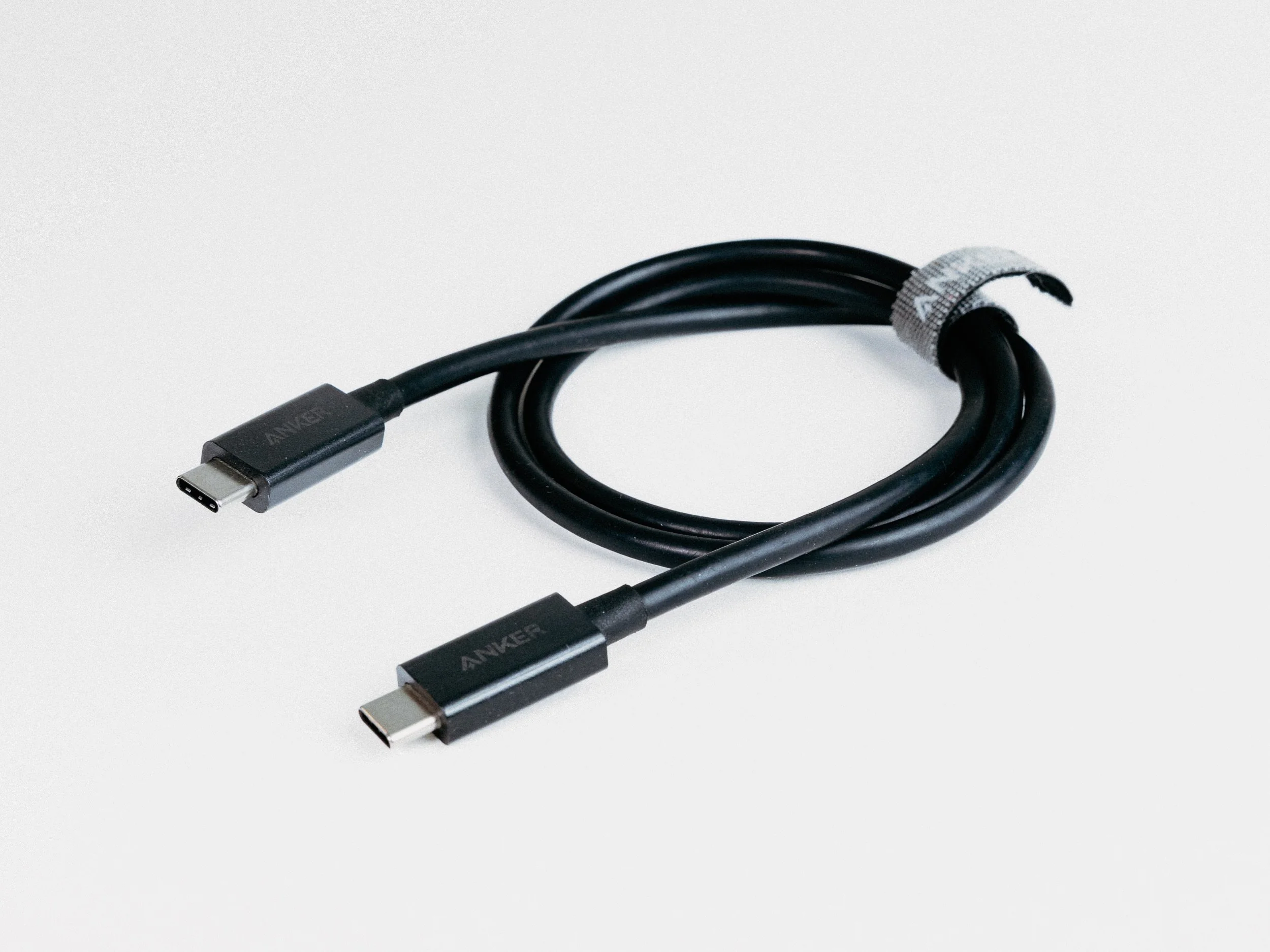
Anker Thunderbolt 4 Cable
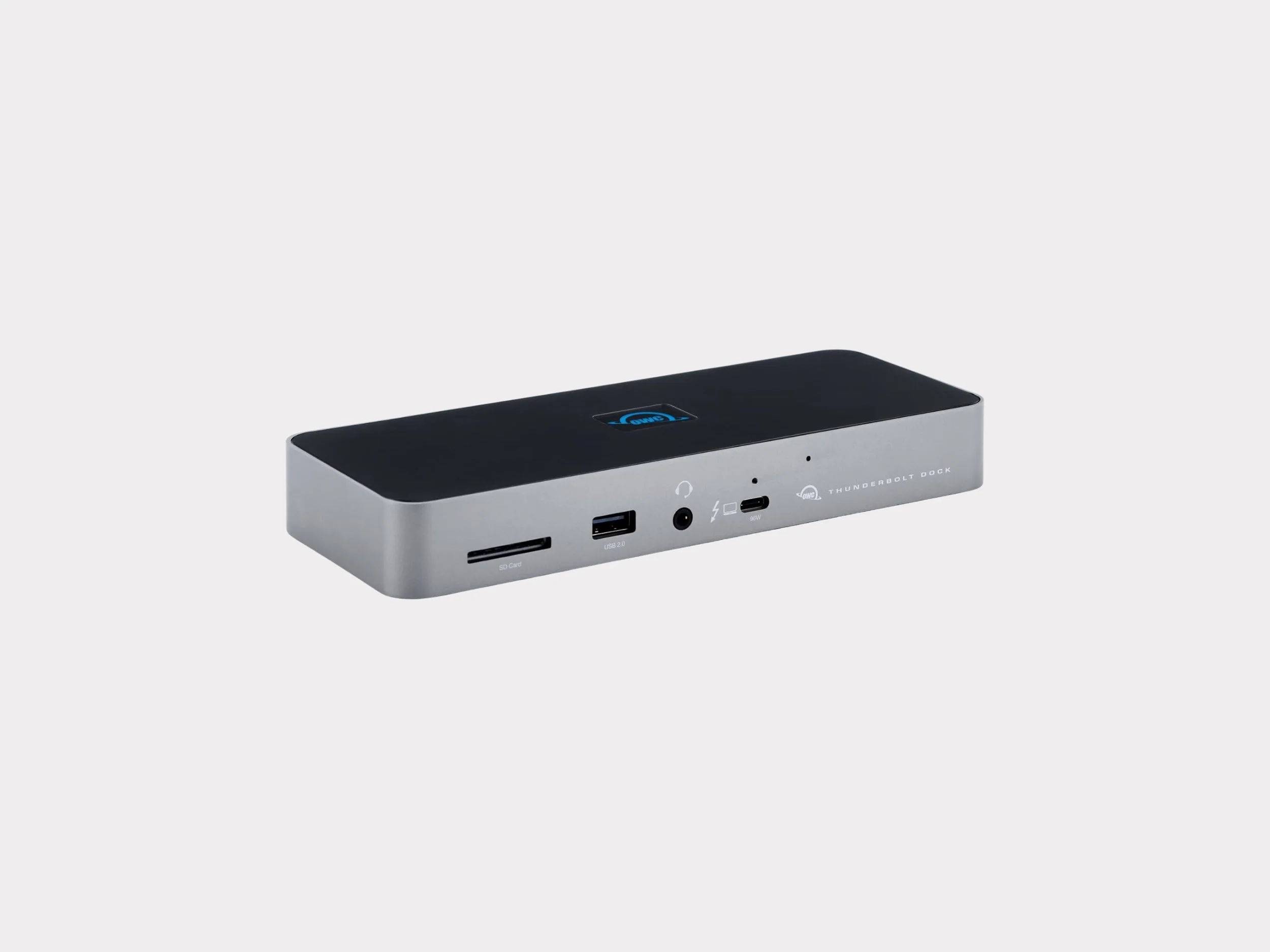
OWC Thunderbolt Dock
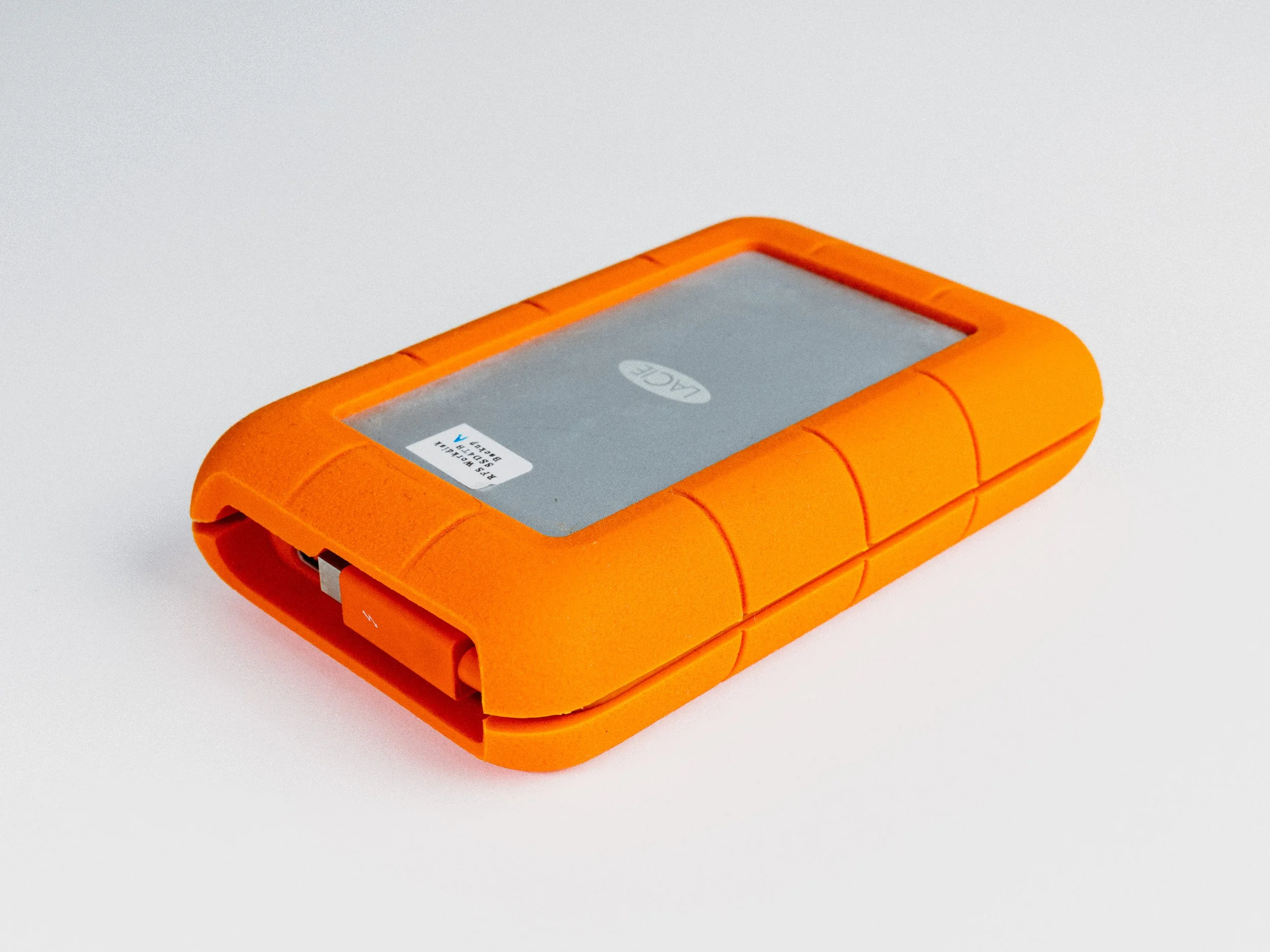
LaCie Rugged USB-C & Thunderbolt 4TB RAID
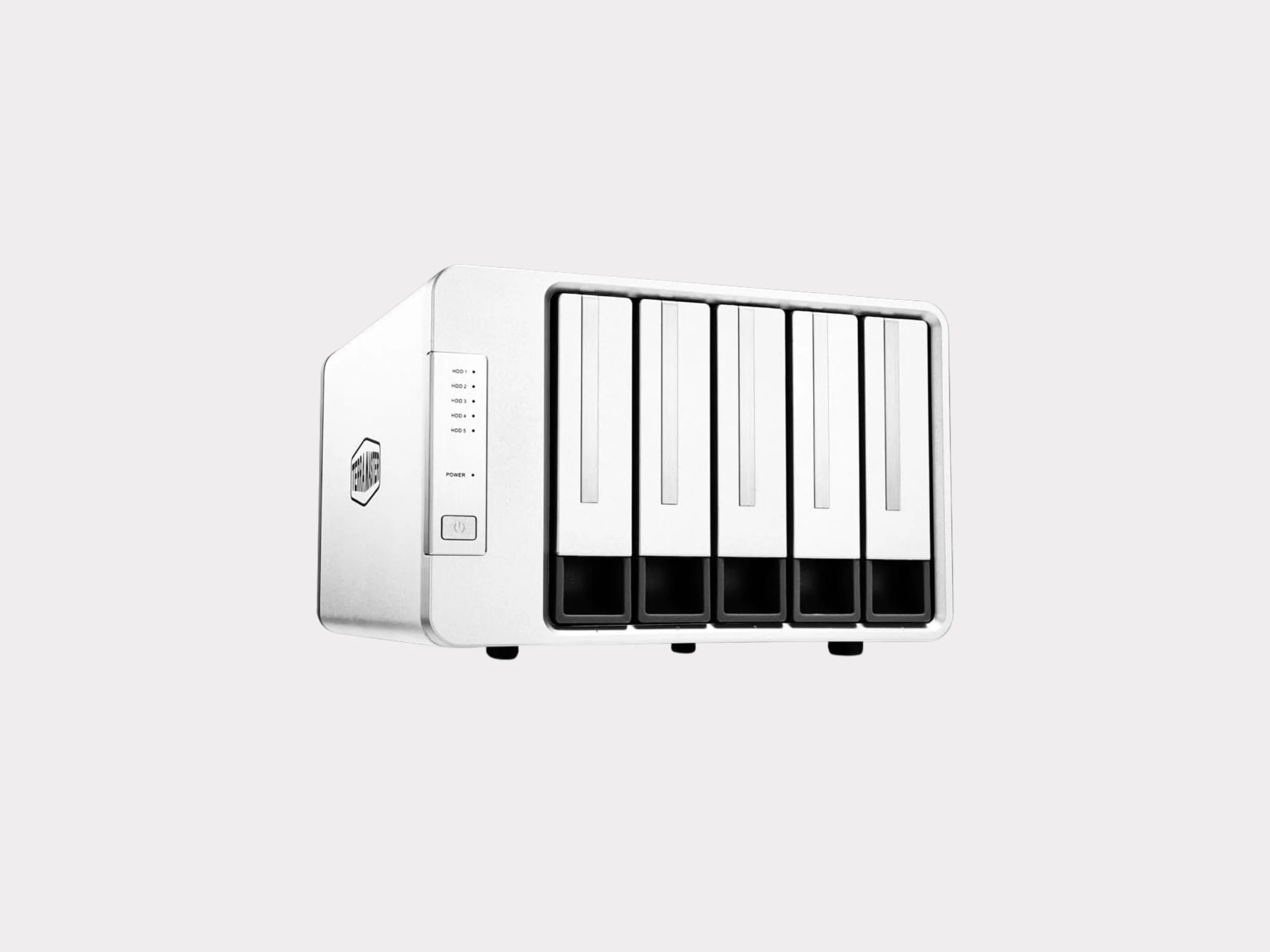
TerraMaster RAID 5 Bays
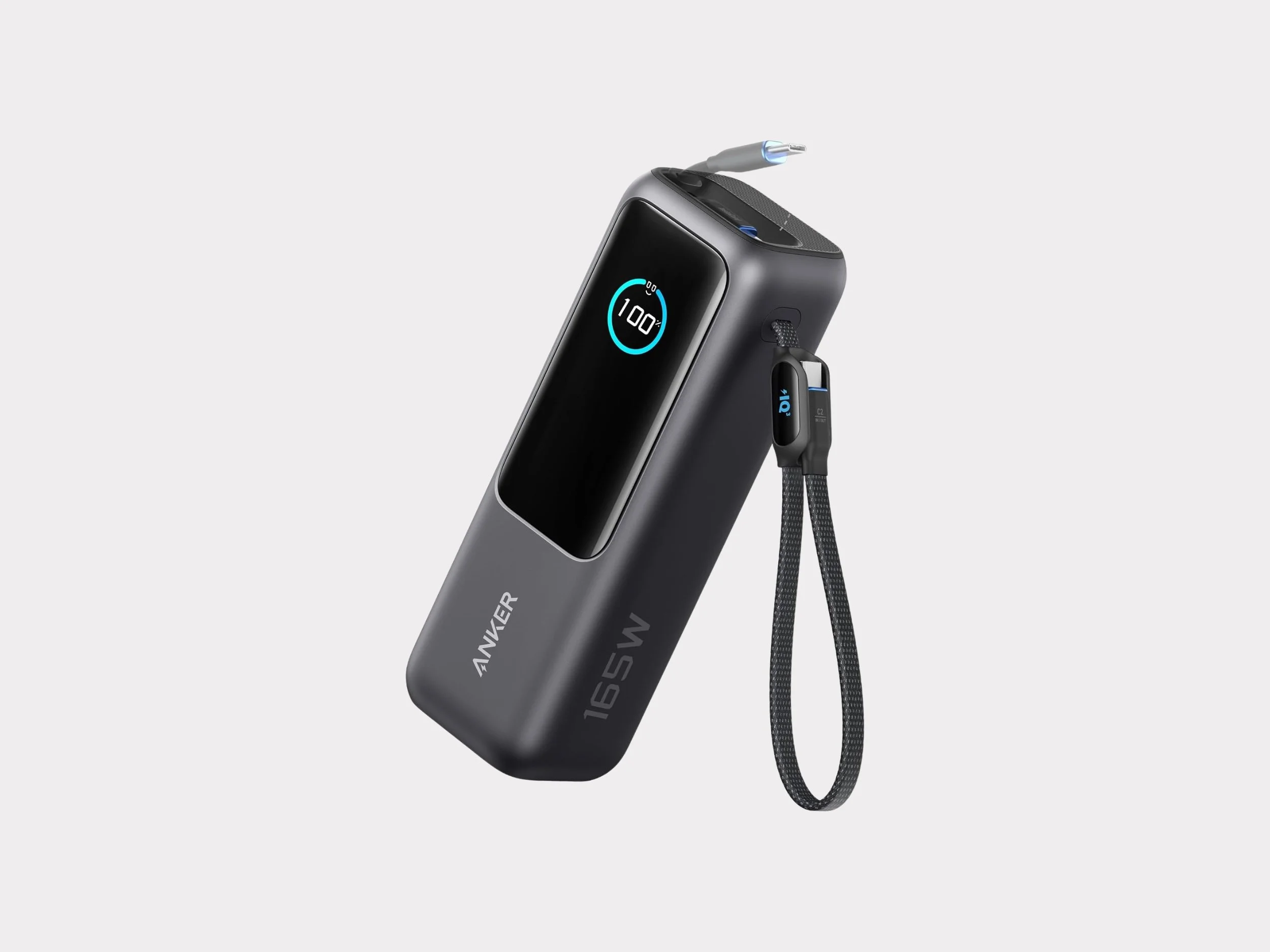
Anker Power Bank 25K 165W
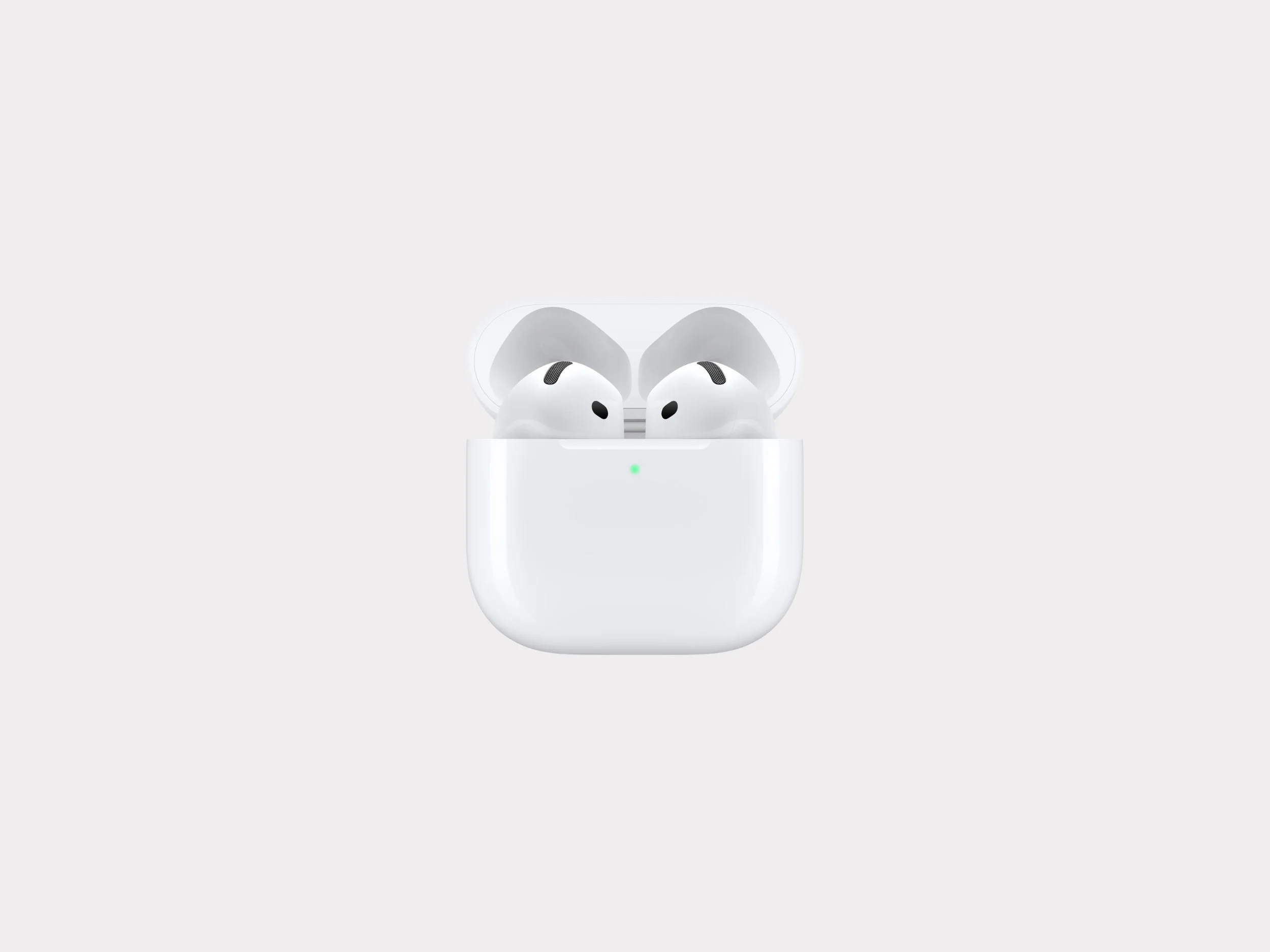
Apple Airpods 3
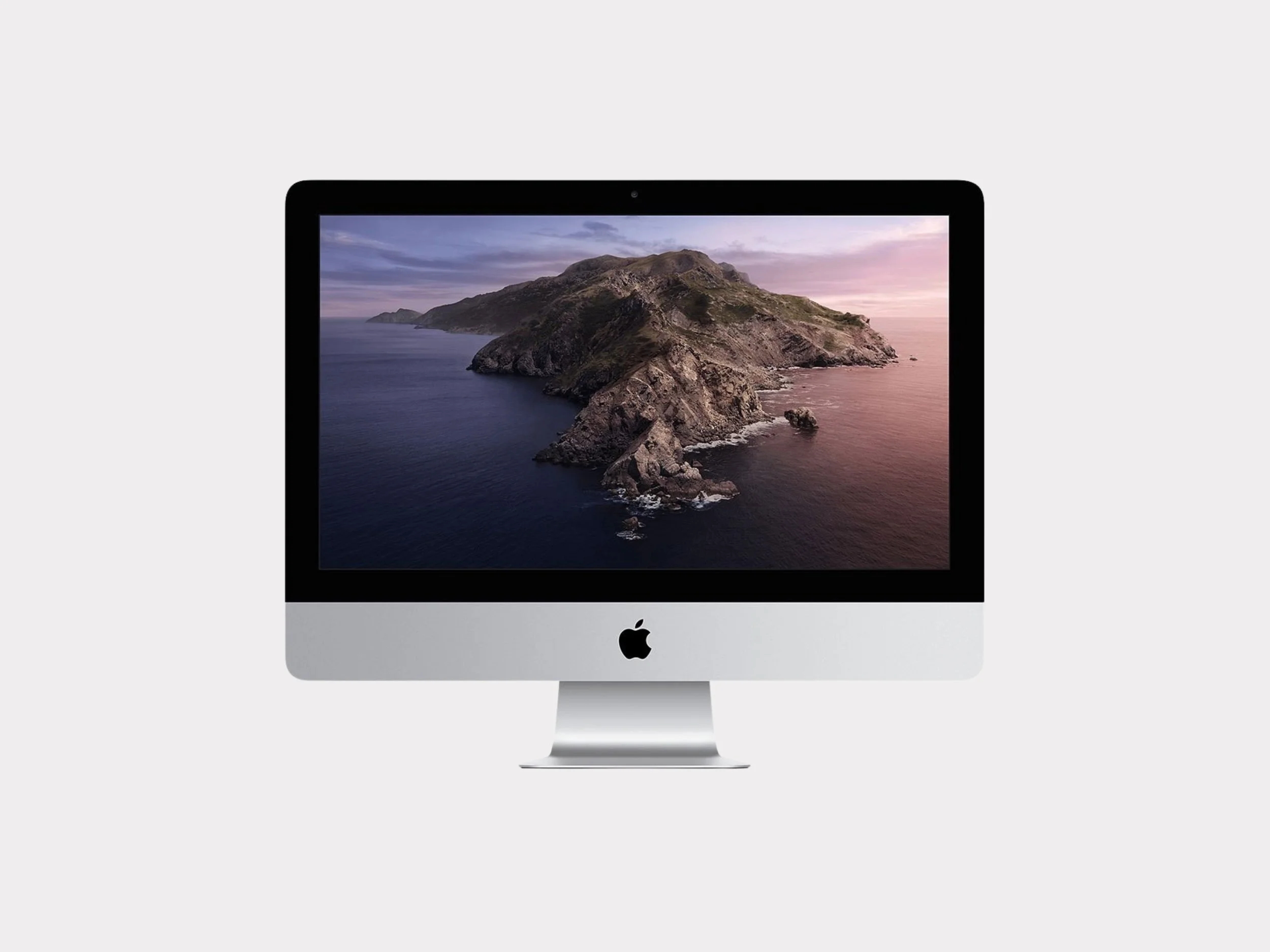
iMac 27” (Late-2009) Target Display
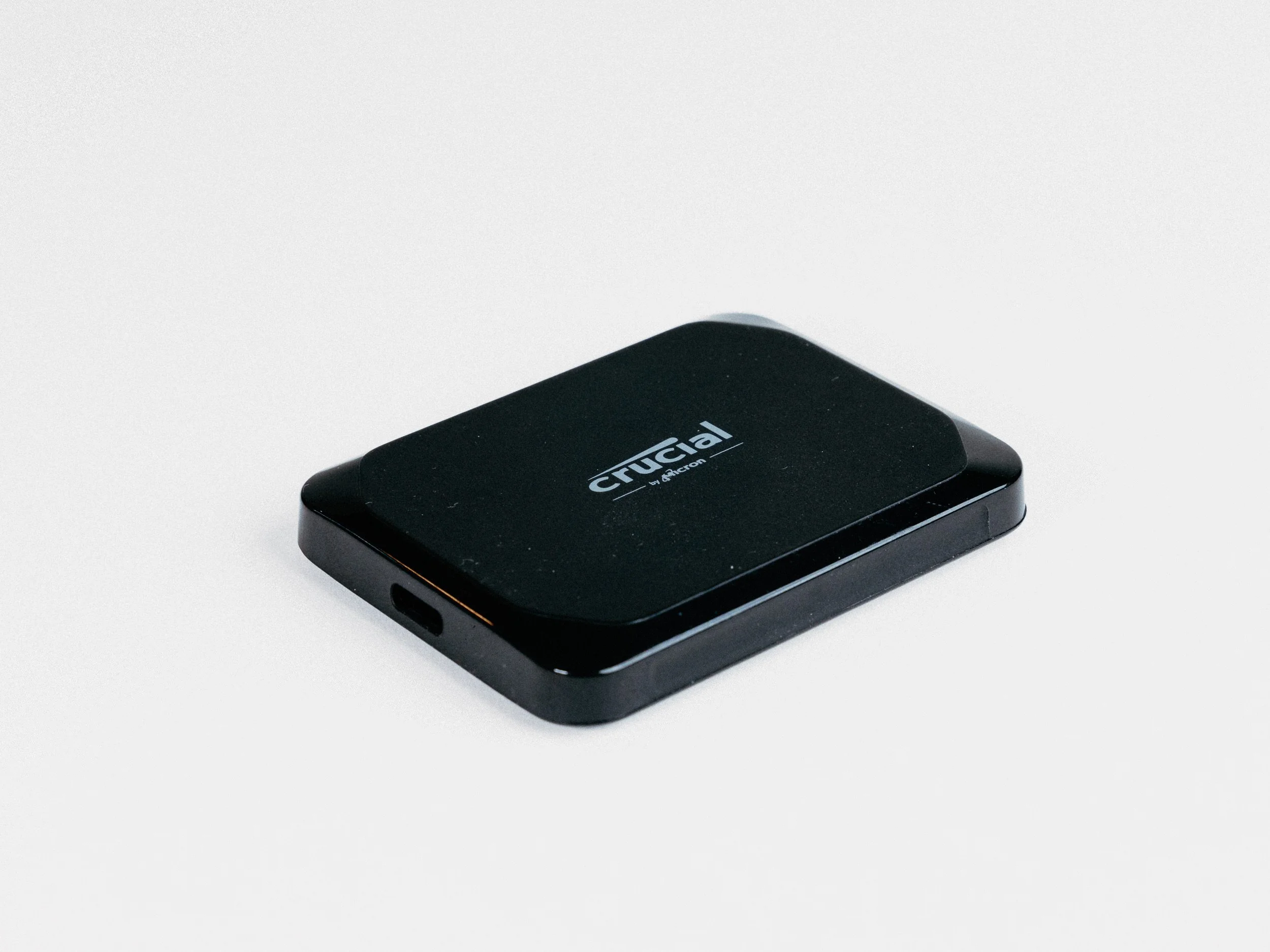
Crucial X9 SSD 4TB
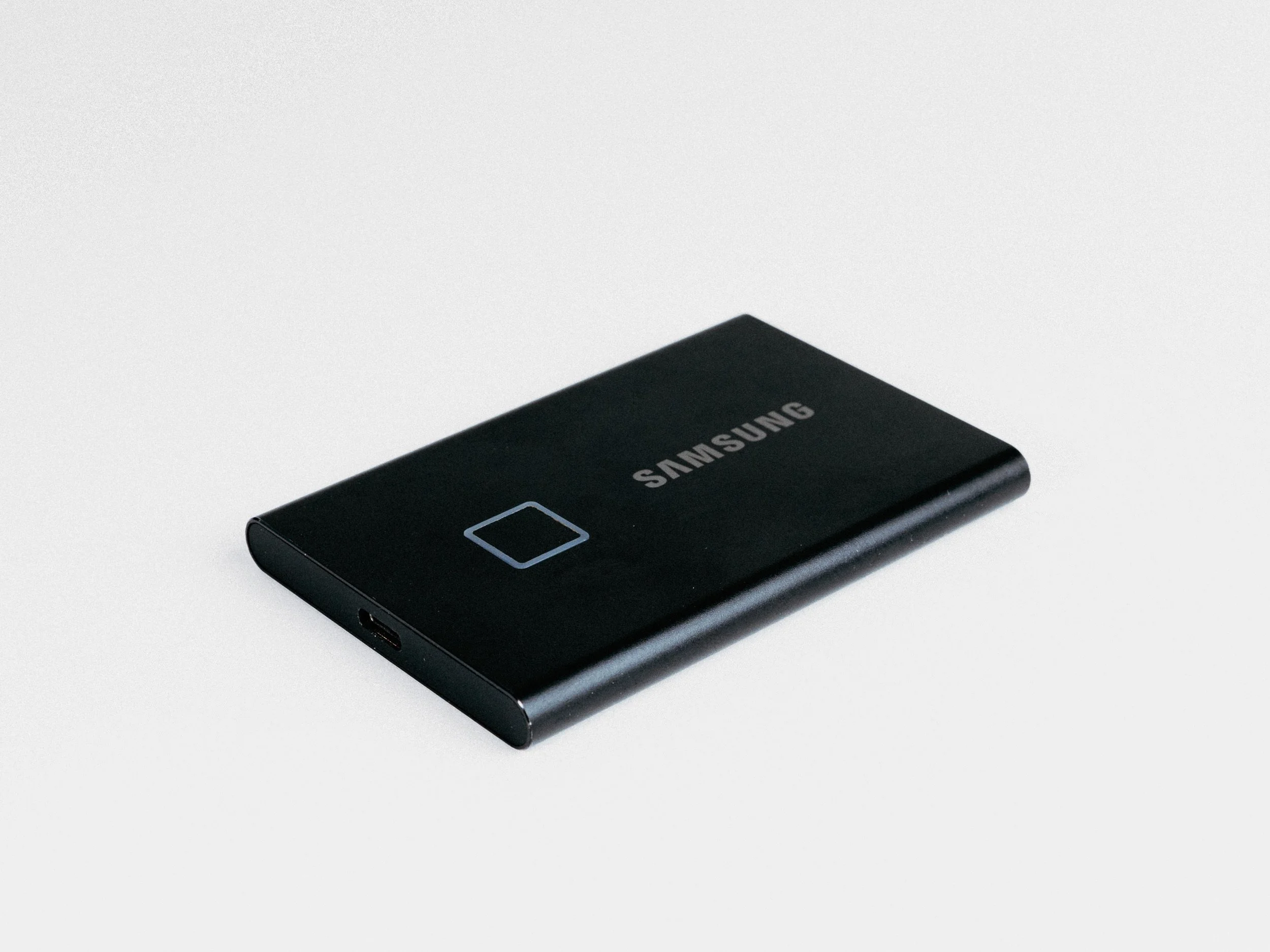
Samsung SSD T7 2TB
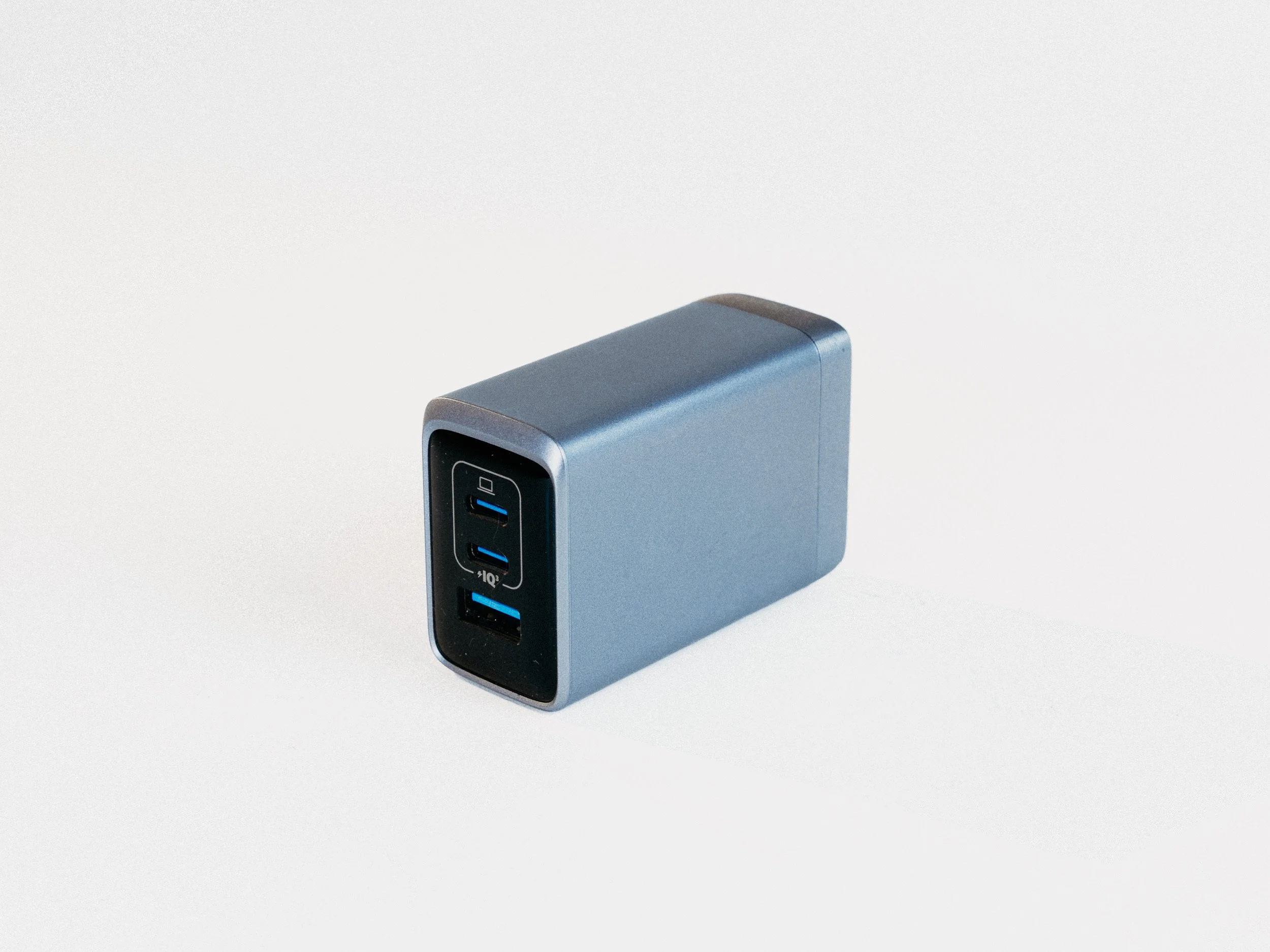
Anker Prime Charger, 100W 3-Port GaN USB-C
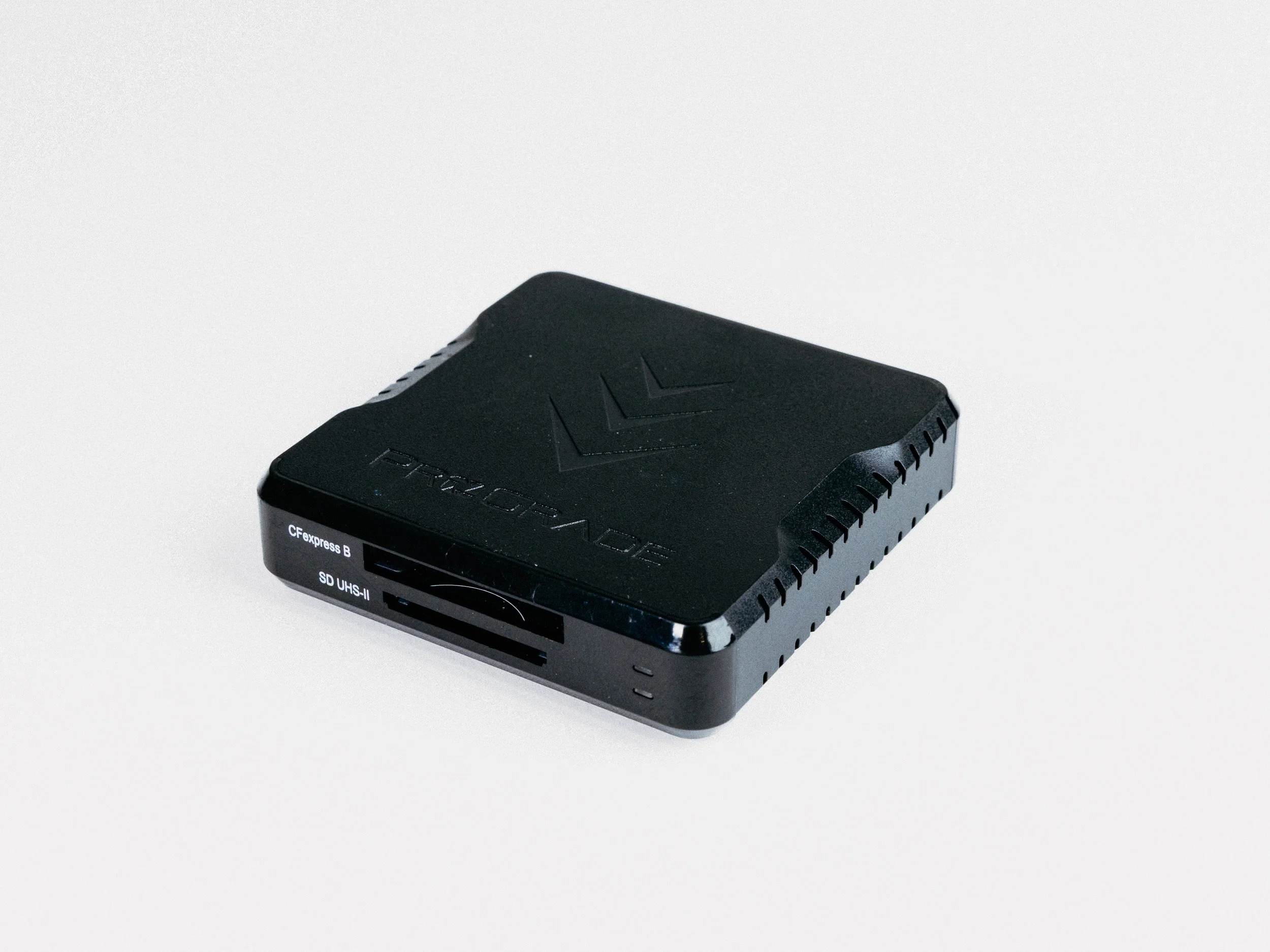
ProGrade CFexpress Type B and SD UHS-II Dual-Slot Memory Card Reader
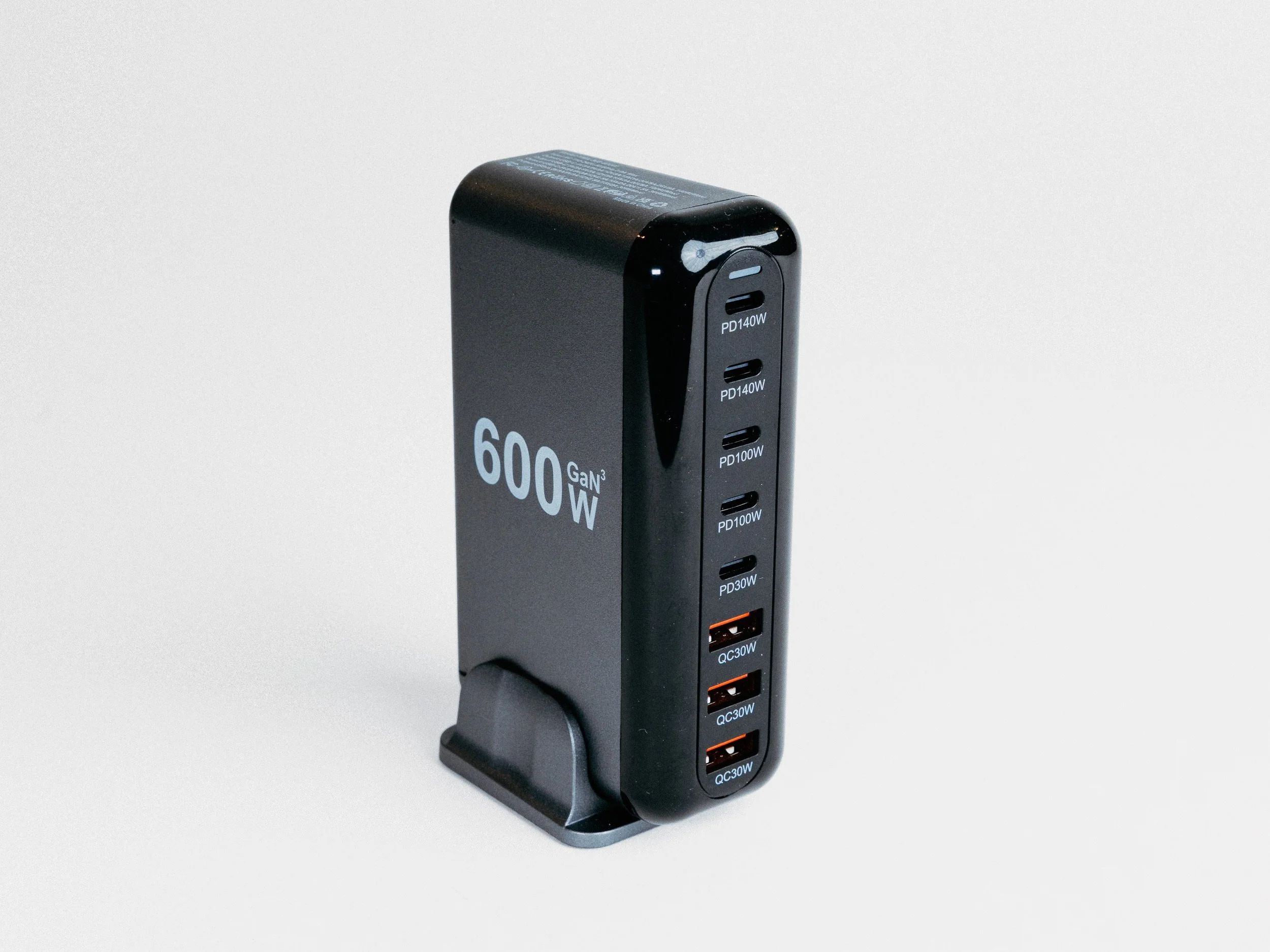
NXPGKEA 600Gan3W USB-C Charger
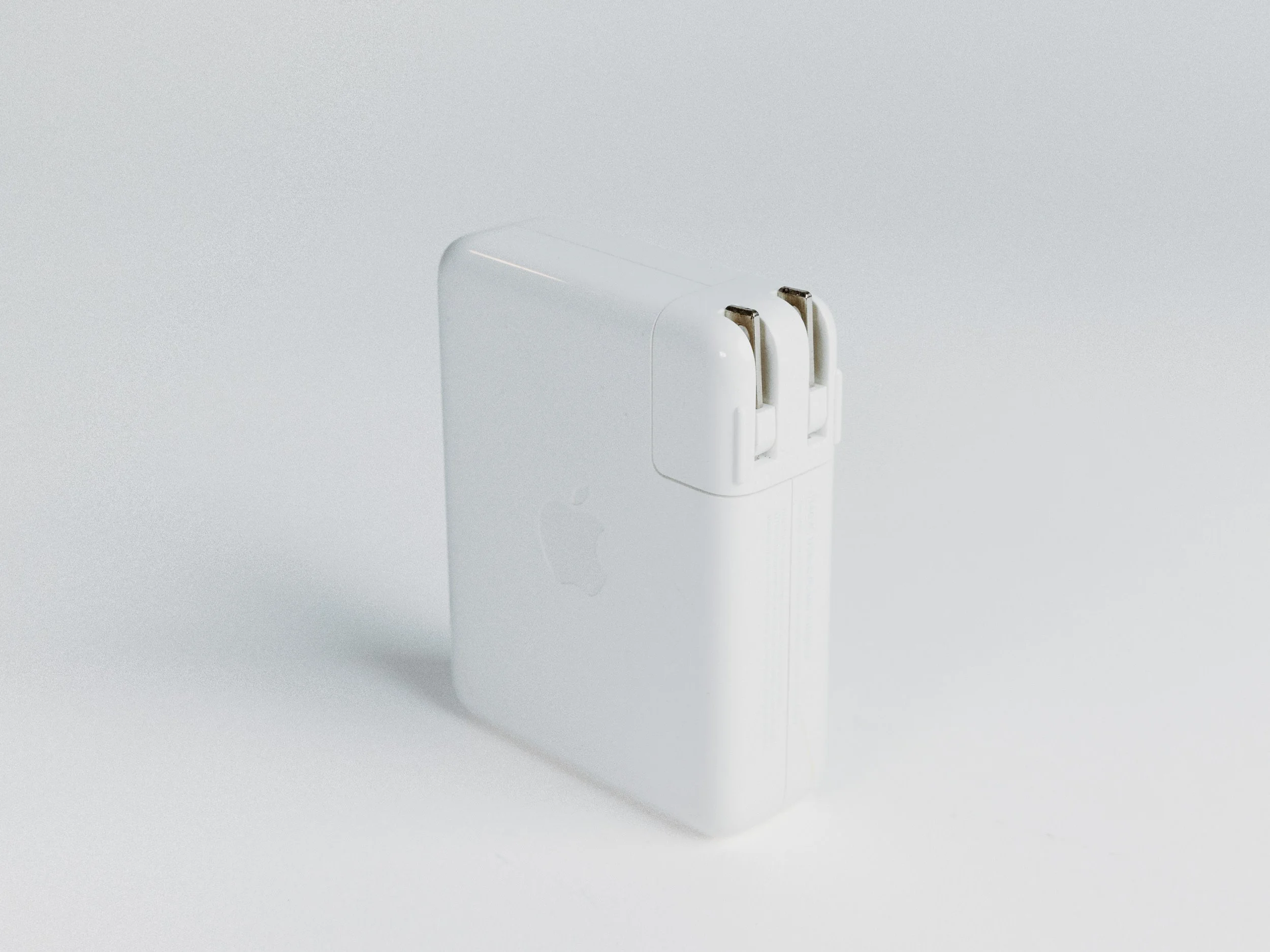
Apple 140W USB-C Power Adapter
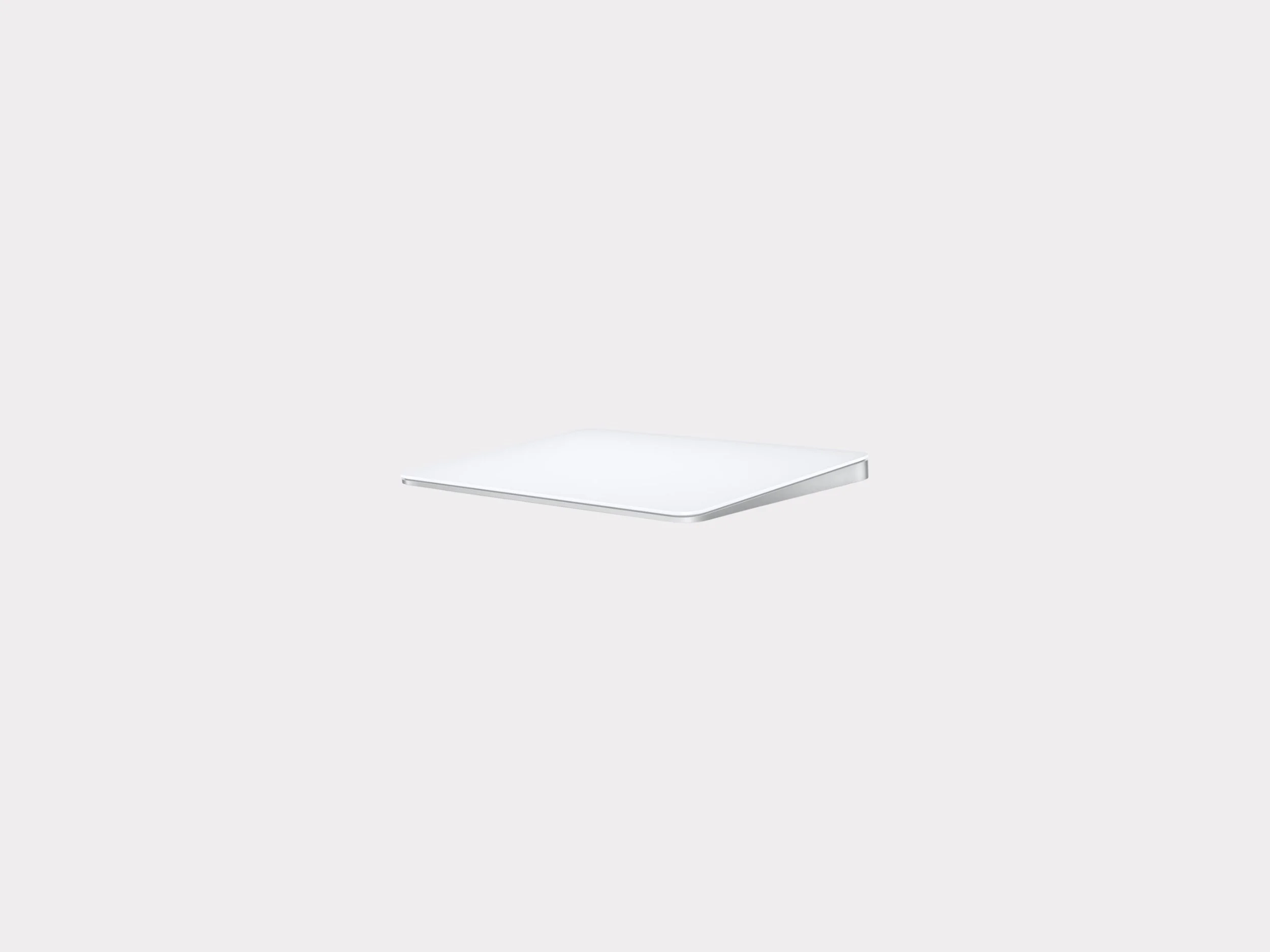
Apple Magic Trackpad 2
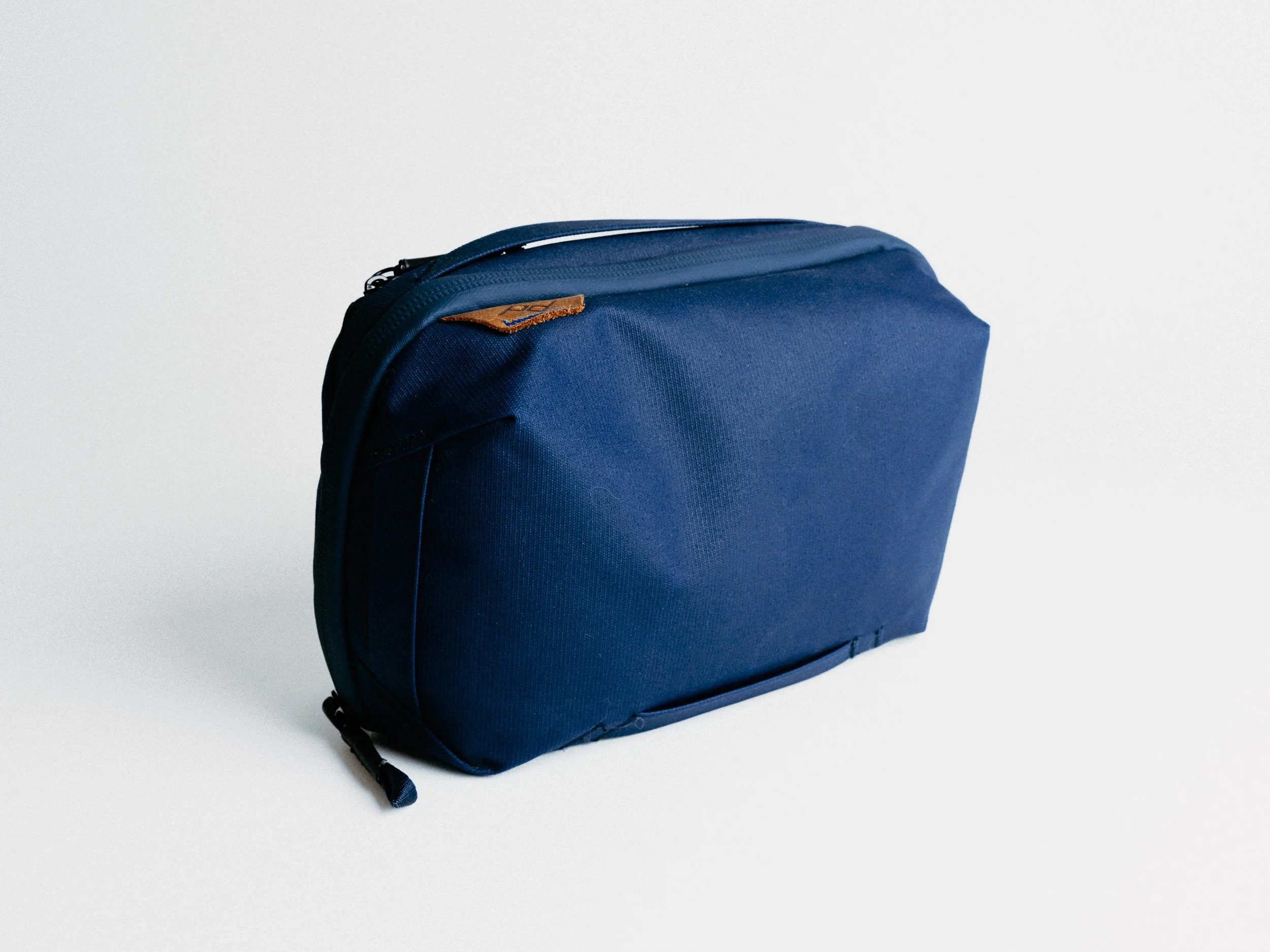
Peak Design Tech Pouch (Midnight)
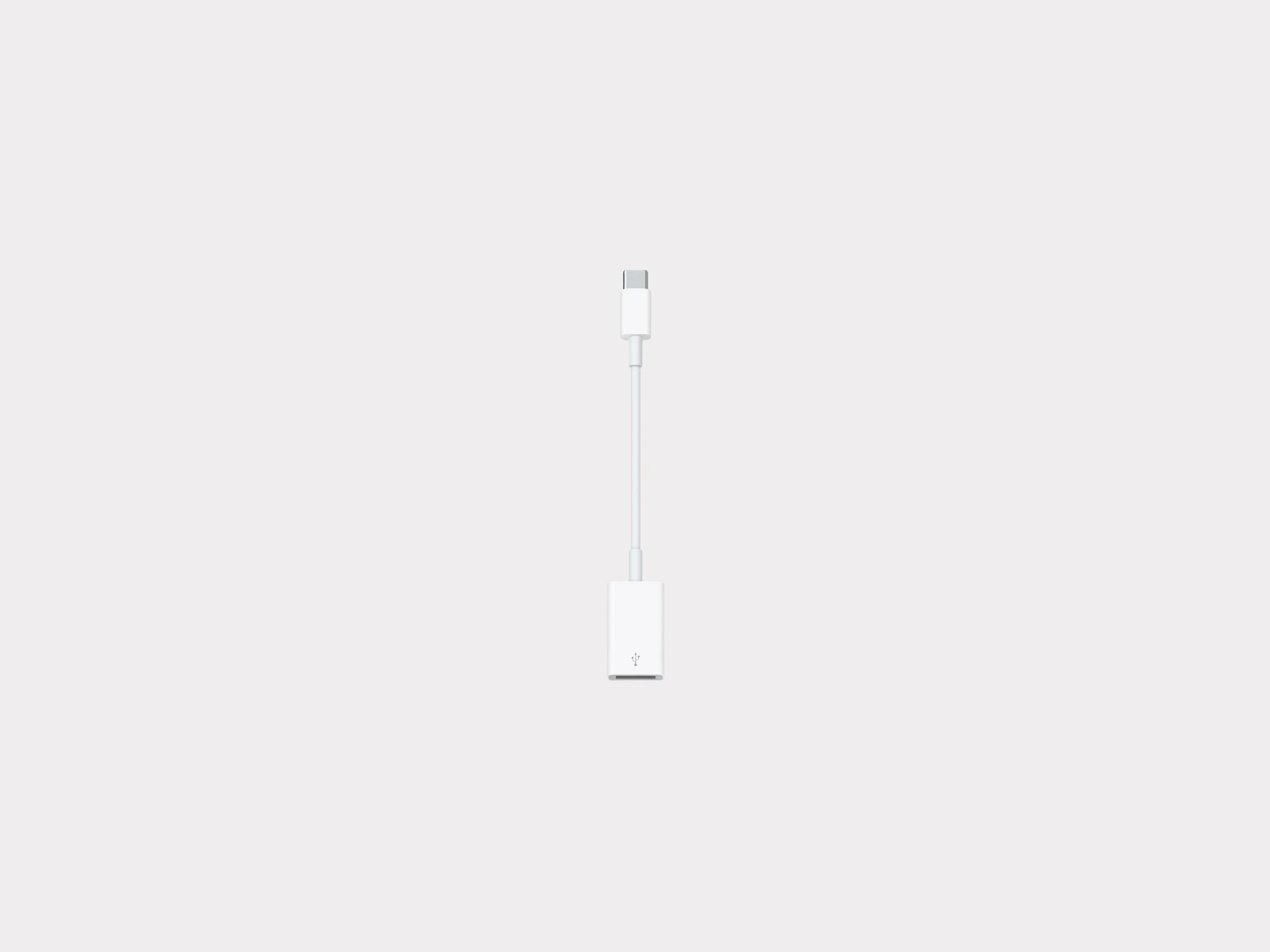
Apple USB-C to USB Adapter
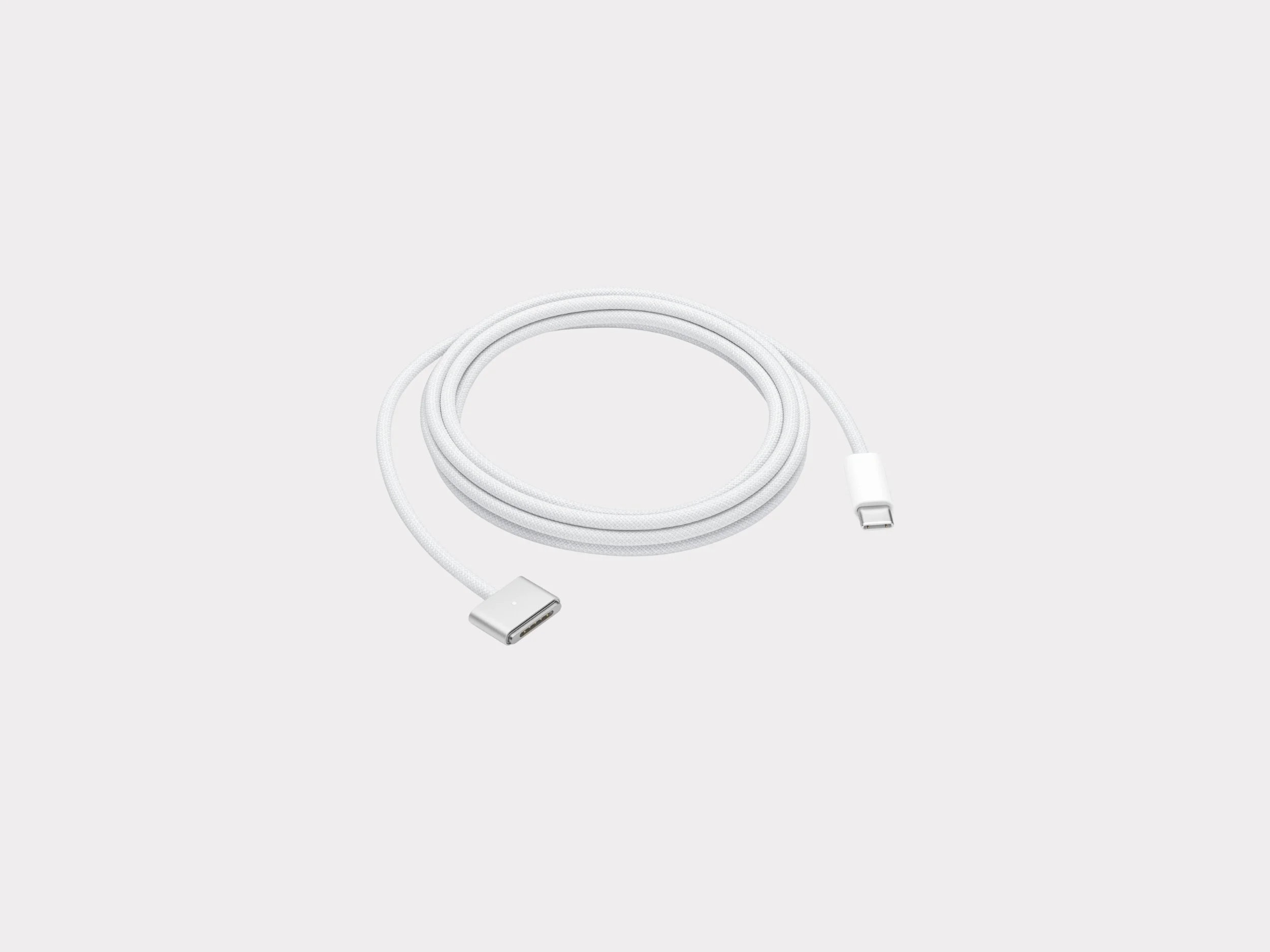
Apple USB-C to MagSafe 3 Cable (Silver)
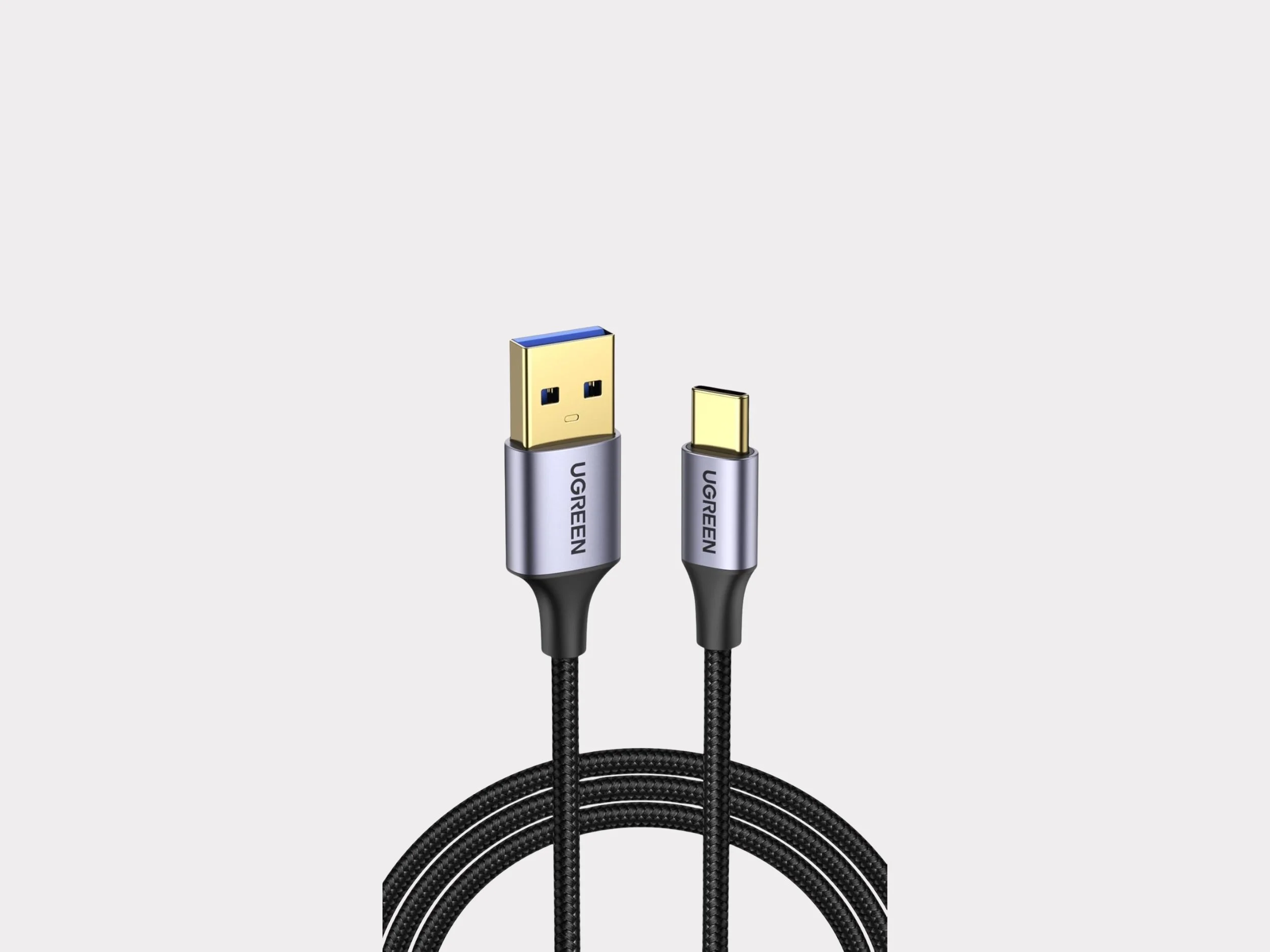
UGreen USB to USB-C Cable USB 3.0 5Gbps Data Transfer Cable
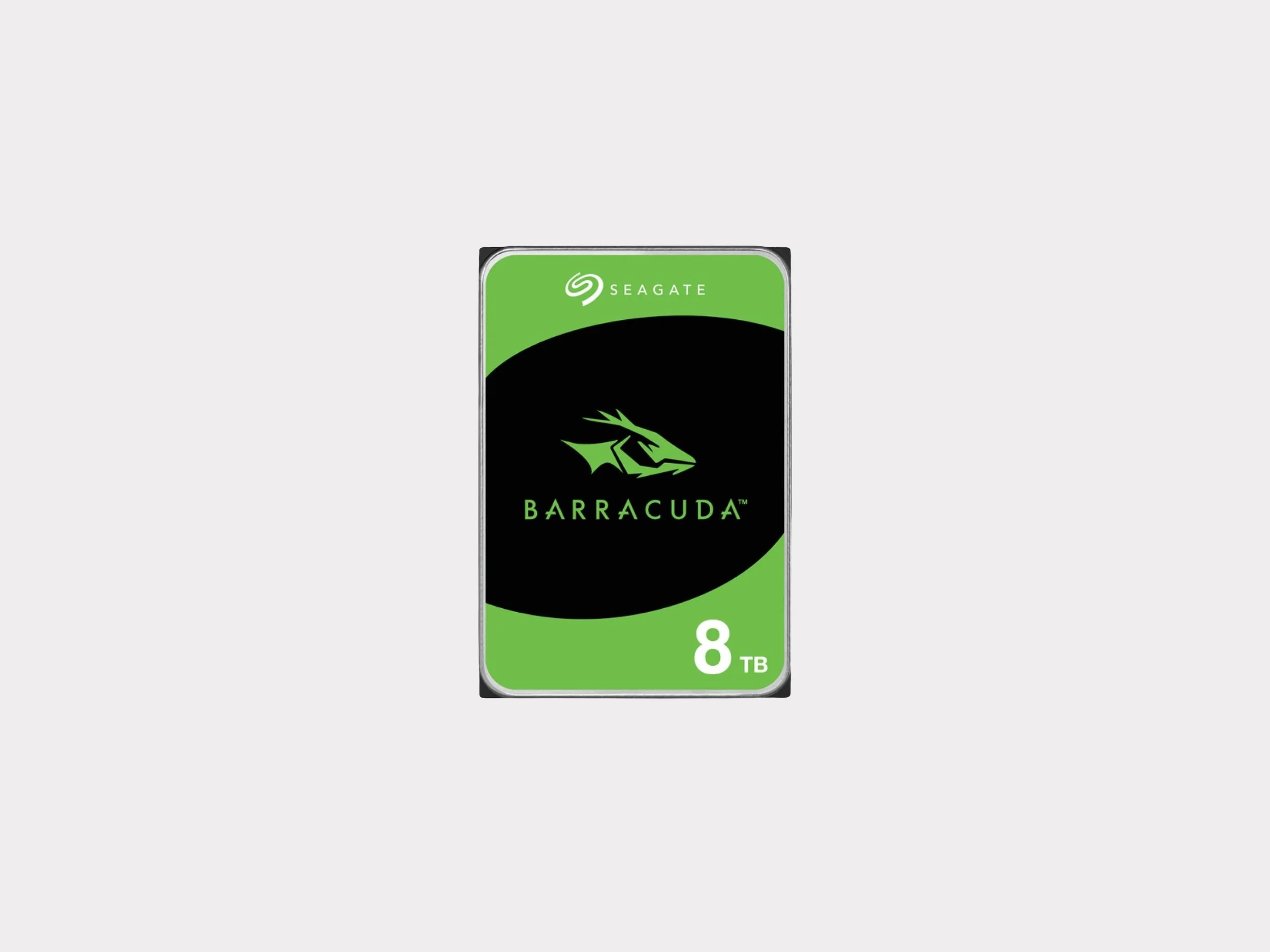
SeaGate Barracuda 8TB
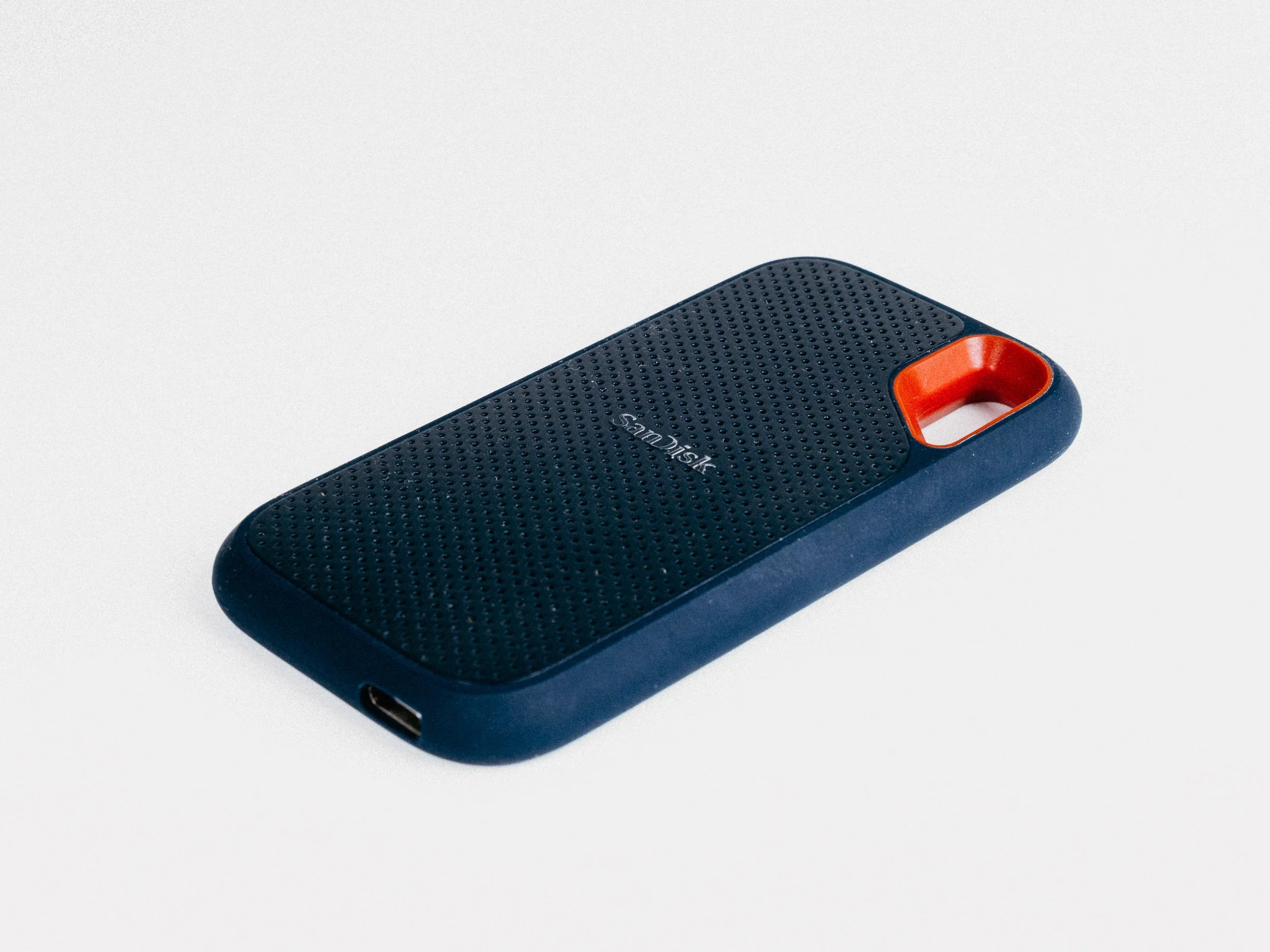
SanDisk SSD 4TB
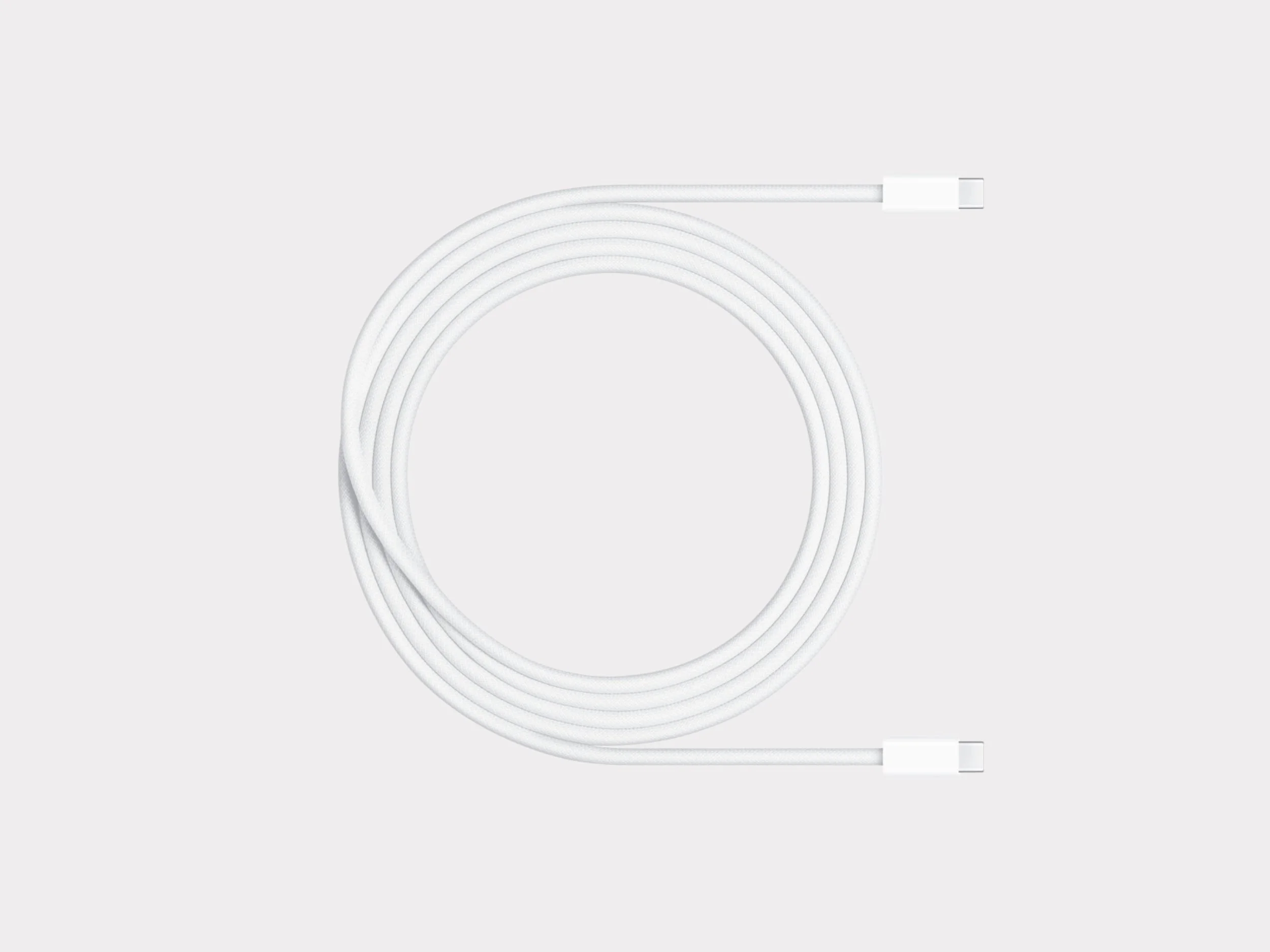
Apple USB-C Charging Cable