iPad Pro 11”
& Accessories
iPad Pro 11” M1 2021

-
11-inch Liquid Retina display with ProMotion, True Tone, P3 wide colour, and 2388 × 1668 resolution.
Apple M1 chip with 8-core CPU, 8-core GPU, and 16-core Neural Engine.
8GB unified memory on 128GB, 256GB, and 512GB models; 16GB unified memory on 1TB and 2TB models.
Pro camera system with 12MP Wide and 10MP Ultra Wide rear cameras, plus LiDAR Scanner.
12MP Ultra Wide front camera with Centre Stage.
USB-C / Thunderbolt port for fast accessories, external drives, docks, and displays.
Compatible with Apple Pencil 2 and Magic Keyboard.
-
The 11-inch iPad Pro M1 is one of those devices that still feels more powerful than most of what I actually ask it to do. The M1 chip gave this generation a huge jump, and even years later, it remains fast for reviewing selects, editing photos, sketching ideas, writing, watching references, managing files, and doing light creative work away from the main computer.
But since the original iPad Pro, the black beast has always been the software. Apple sells the Magic Keyboard hard, and once attached, the iPad starts to feel like - and I still cannot believe I am writing - an Apple-looking Microsoft Surface. The hardware is more than capable, but iPadOS keeps reminding you that this is not quite a MacBook replacement.
File management has improved a lot, and the Files app is much better than it used to be, but offloading hundreds of gigabytes of photos and videos still feels more cumbersome than it should. You need the right dongle, the right drive, and the confidence that the transfer will not randomly fail halfway through. Creative apps like Lightroom, Final Cut, and others are useful, but they still feel limited, not necessarily because of the developers, but most likely due to iPad OS limitations.
Still, it is not all bad. Once you stop expecting the iPad to replace a MacBook, it makes more sense. It becomes a portable creative surface: great for reviewing images, quick photo edits, writing on the road, planning, browsing, email, reading, and light creative work.
The Good:
M1 chip still feels fast for everyday creative work.
11-inch display is compact but still useful for reviewing photos and video.
Decent screen quality with ProMotion and P3 colour but M1 models cannot get calibrated.
Thunderbolt/USB-C makes external drive and accessory workflows easier.
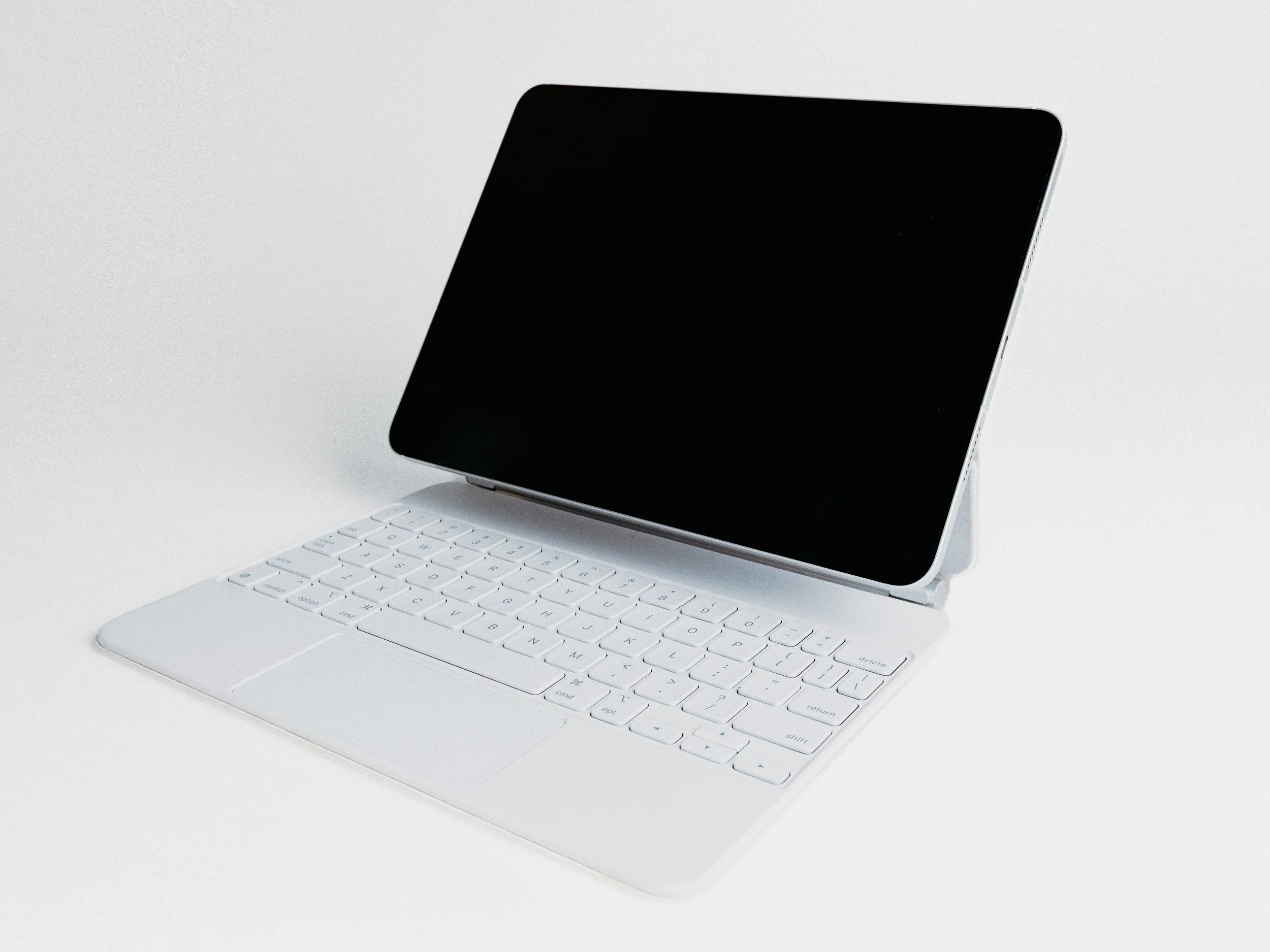
Magic Keyboard support makes it much better for writing and admin work, though it is more comfortable on the larger 13-inch model than on the 11-inch.
The Bad:
iPadOS can still get in the way of more advanced workflows.
11-inch screen can feel small for serious editing sessions, which is the main reason to consider the 13-inch.
Battery life will melt like ice under the sun. This could be a M1 iPad issue.
Accessories add a lot to the real cost, especially after recent price increases.
Once you add the Magic Keyboard and Apple Pencil, the setup can cost as much as, if not more than, a standard MacBook Air.
Not a full replacement for a MacBook when file management and desktop apps matter.
-
Get it if you want a compact creative tablet for photo review, writing, planning, sketching, email, web browsing, light RAW editing, and social content.
Get it as a companion to a computer, not as a full replacement.
Get it if you want an iPad that still feels powerful years after release.
Pass if you rely heavily on desktop creative apps, plugins, and advanced workflows.
Pass if your work depends on complex file management, long transfers, or a larger editing screen.
Pass if, after adding the accessories, a MacBook Air would serve you better for the same money.
Pass if your goal is more to browse the web, email, consume content and light photo editing. The iPad Air might be all you need and will be friendlier on the wallet.
-
Looking at the recent updates shown during WWDC 2026, I can no longer recommend the M1 iPad Pro as the model to buy today, even though it is still a capable device.
On the used market, I would look at the M2 iPad Pro first if you want to stay budget-friendly. It maintains strong performance and still works with the more affordable generation of Magic Keyboard and accessories.
The M4 iPad Pro is the better choice for a longer investment, but the design change means you may also need newer accessories, including the newer Magic Keyboard, Apple Pencil, cases, and other add-ons. That can quickly make the upgrade much more expensive than expected.
If you want the latest and plan to keep it for years, then the M5 iPad Pro is the obvious choice. Just make sure you are buying it because you actually want an iPad workflow, not because you are trying to force it to become a MacBook.
As for connectivity, mine has 5G cellular, which used to be one of the main advantages of an iPad over a MacBook. Unfortunately, I can no longer recommend a cellular iPad in Canada. Most providers no longer make it easy to share your existing phone plan data and instead push dedicated tablet plans, usually with less data for more money.
Discover past reviews

ACCESSORIES
Magic Keyboard for iPad Pro 11”
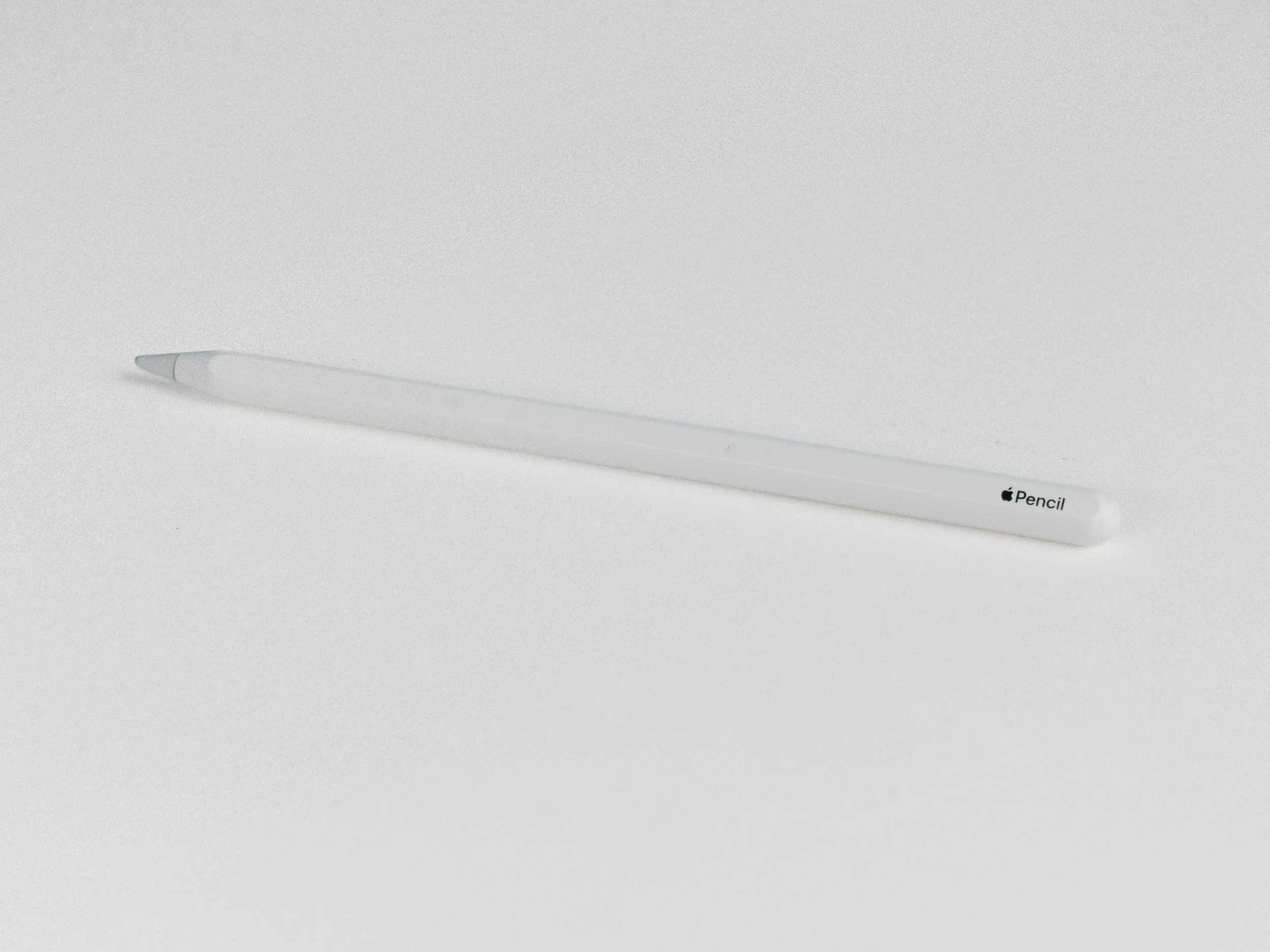
Apple Pencil
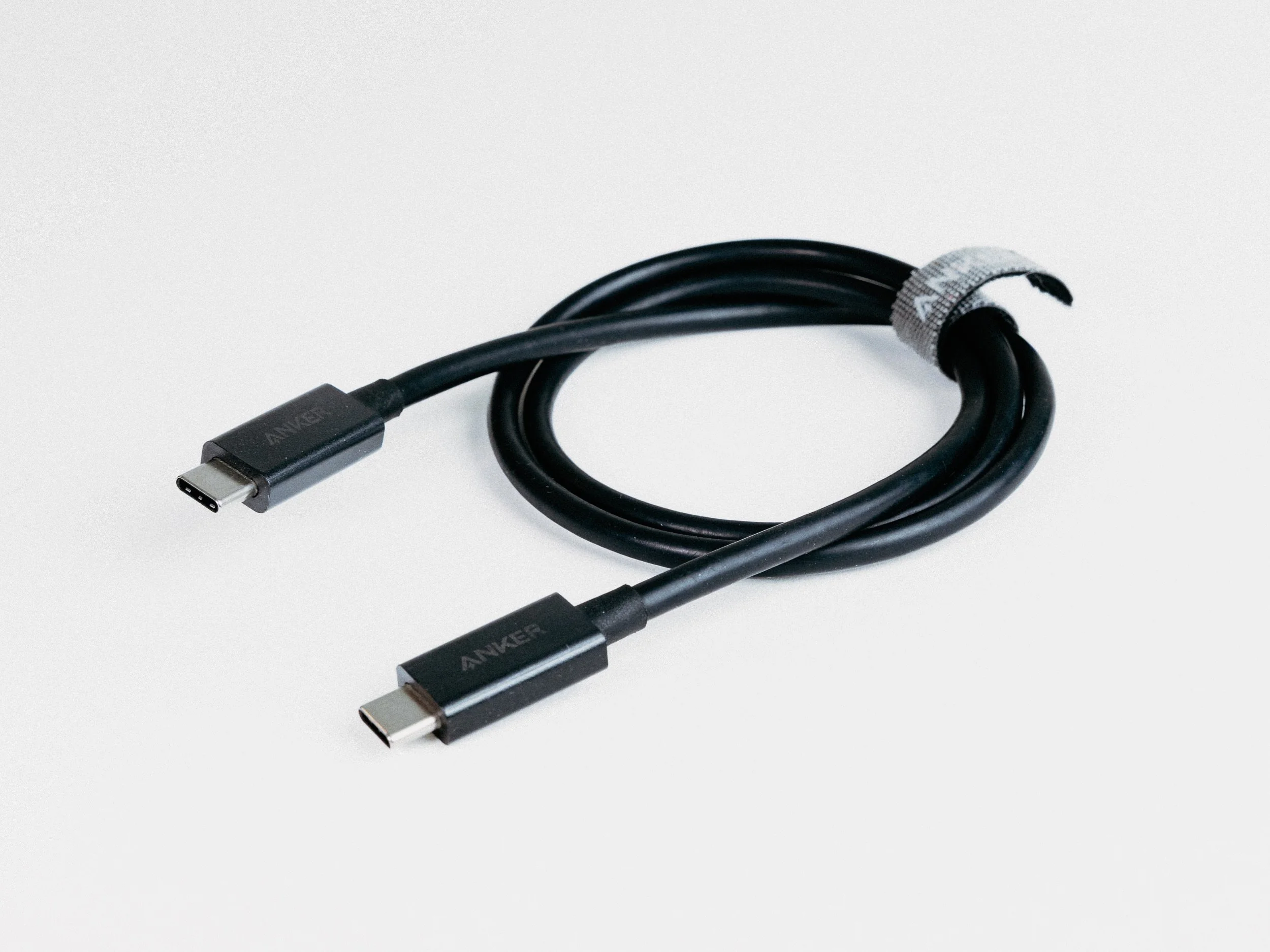
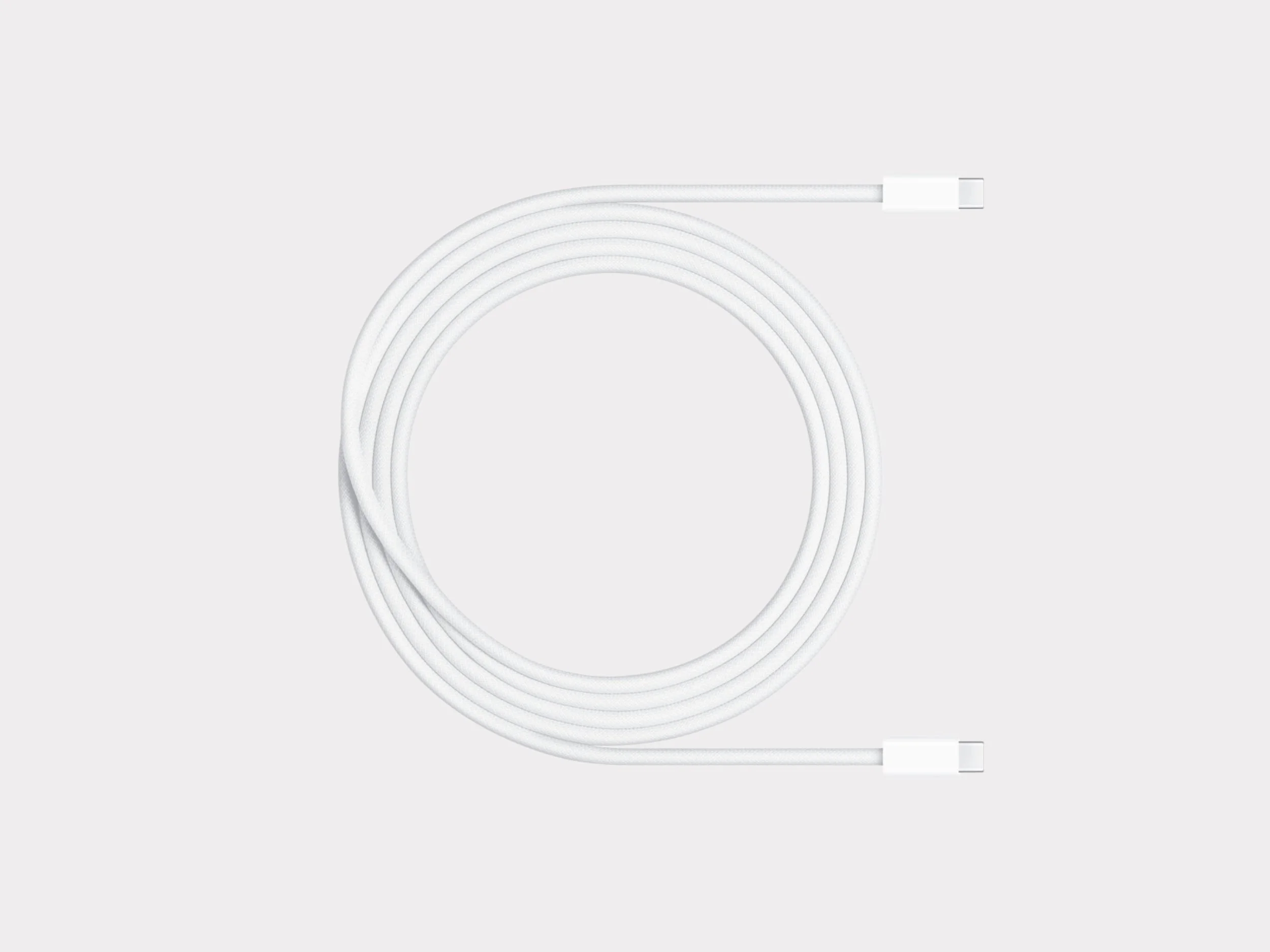
Anker Thunderbolt 4 Cable
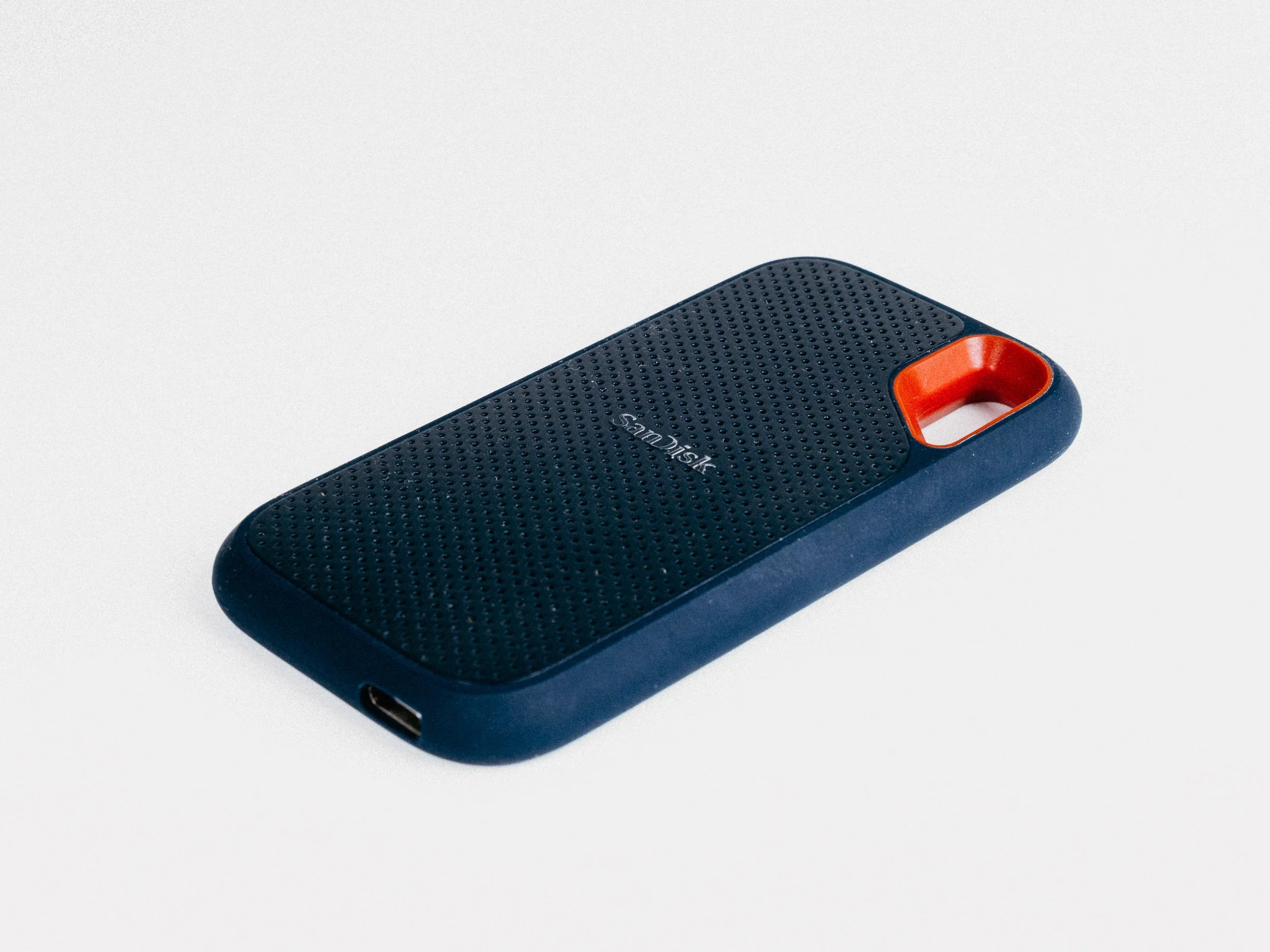
SanDisk SSD 4TB
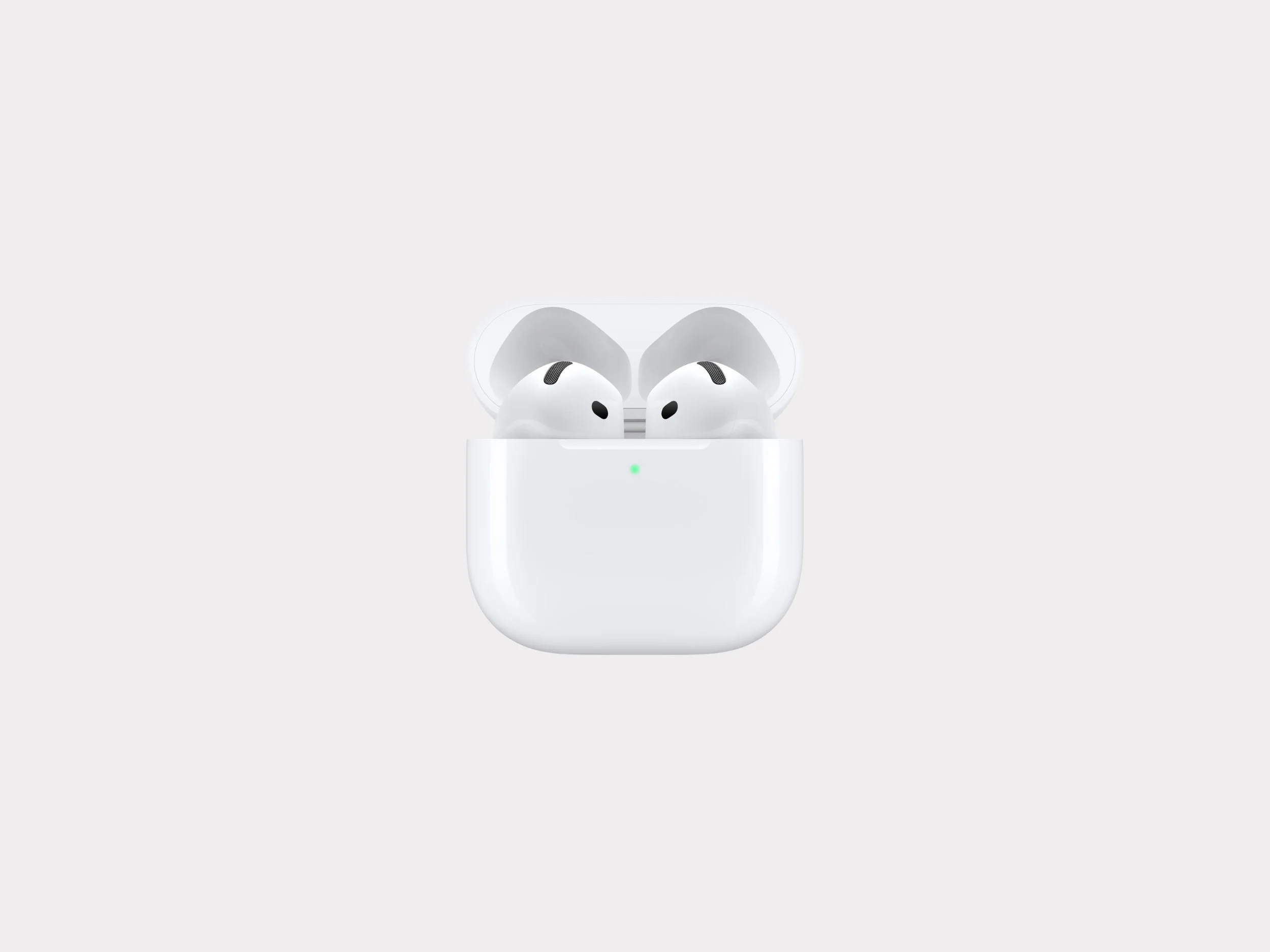
Apple Airpods 3
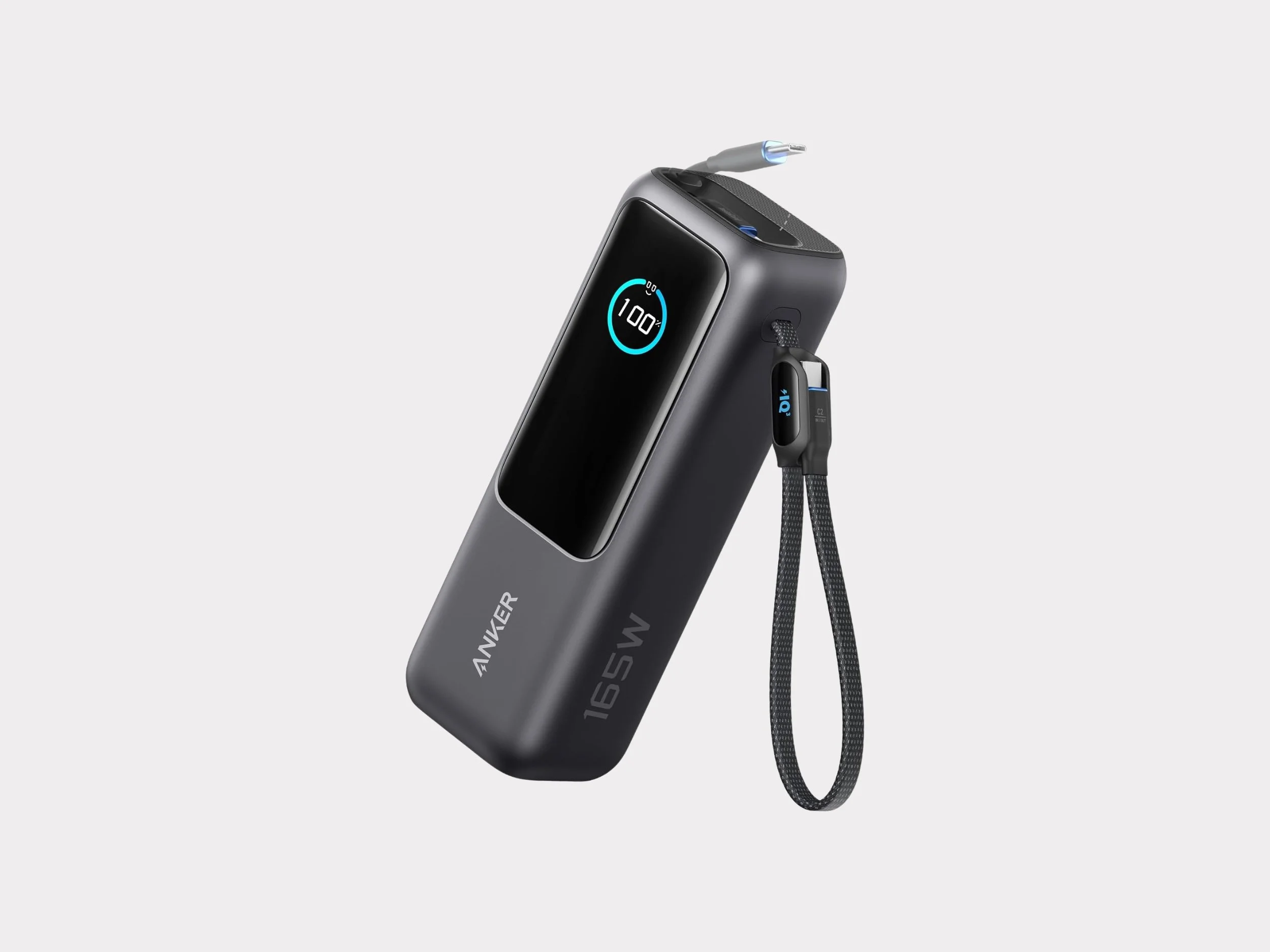
Anker Power Bank 25K 165W

Peak Design Tech Pouch (Midnight)
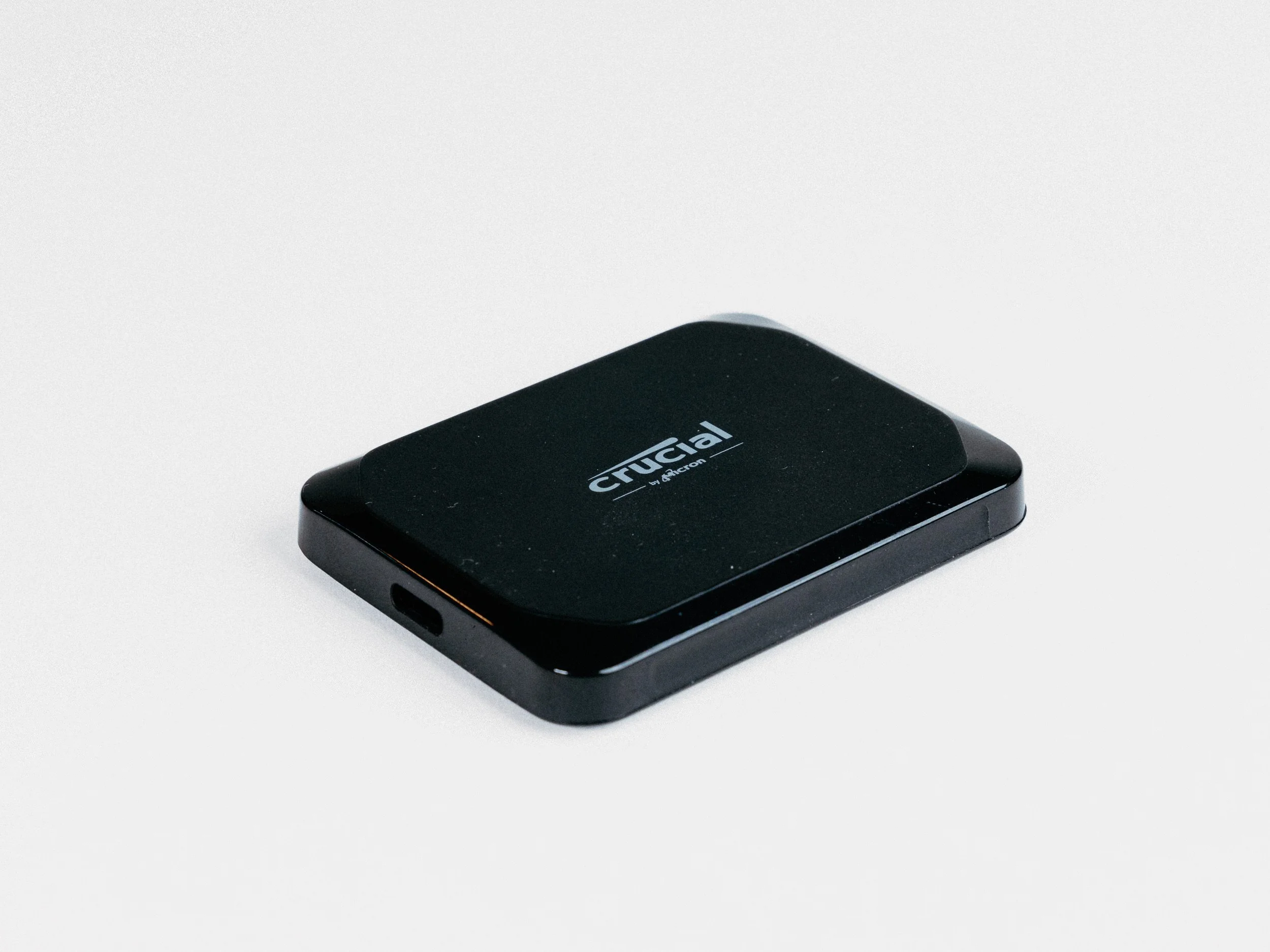
Crucial X9 SSD 4TB
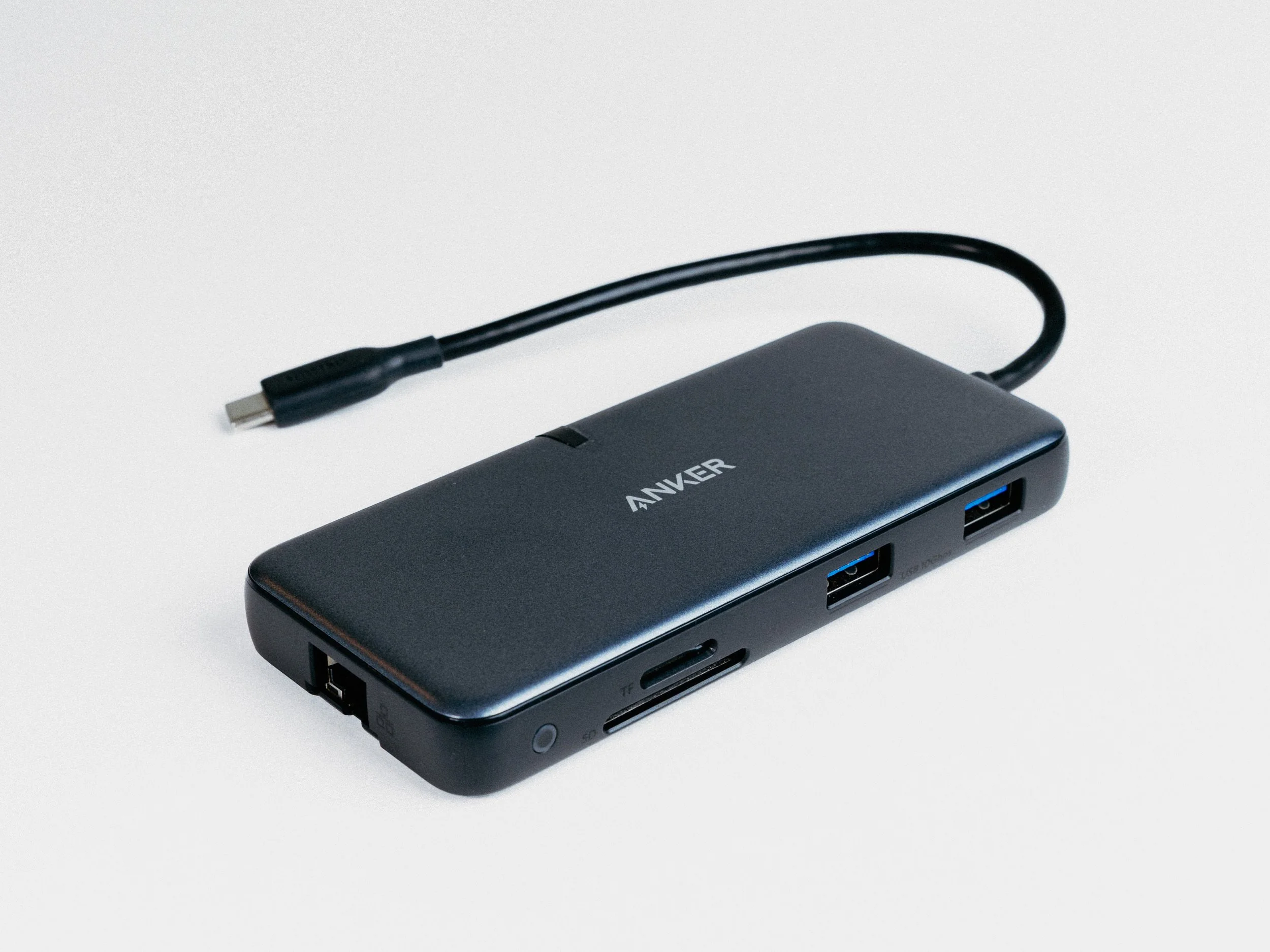
Anker 8 in 1 USB-C Hub
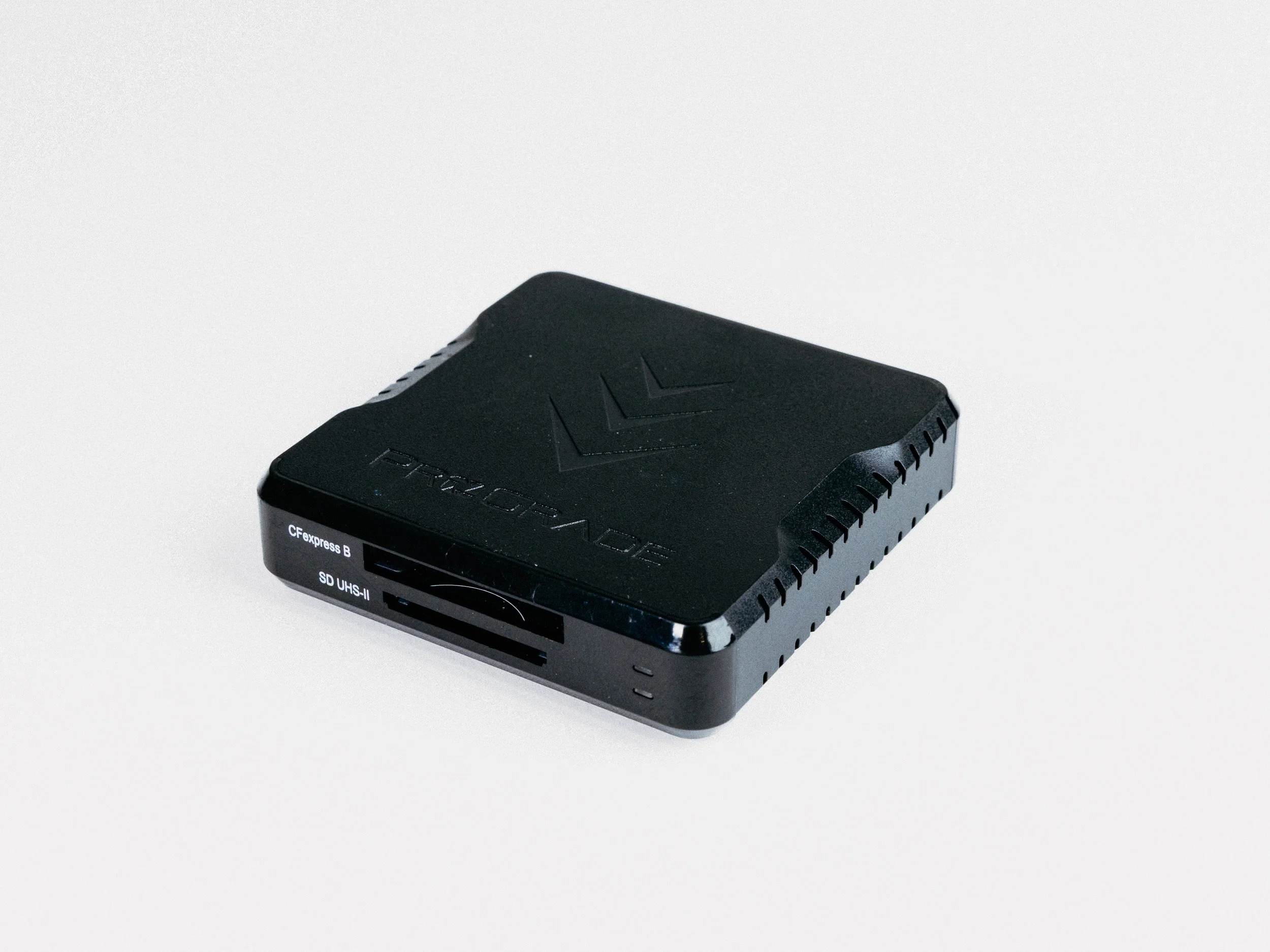
ProGrade CFexpress Type B and SD UHS-II Dual-Slot Memory Card Reader
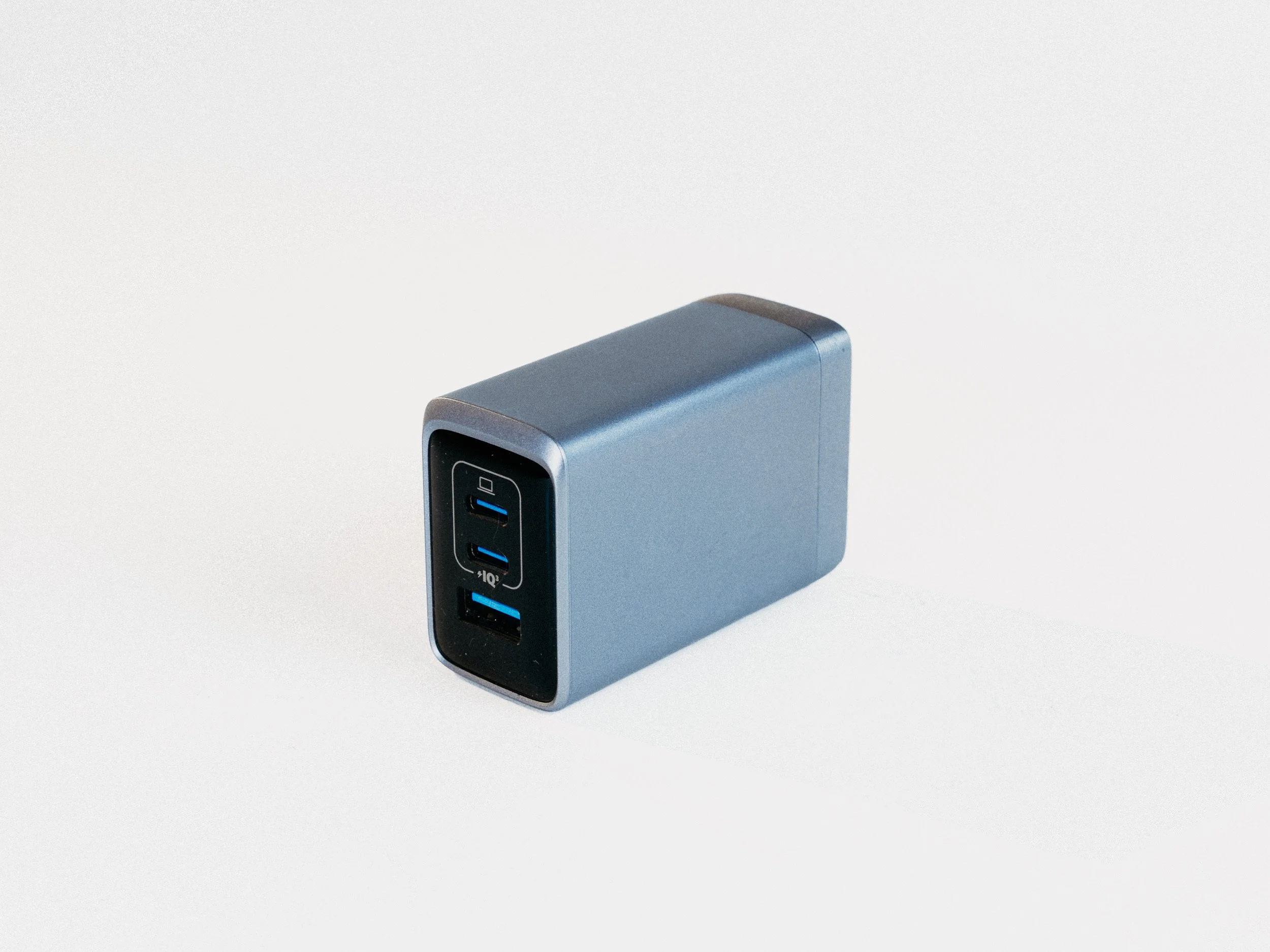
Anker Prime Charger, 100W 3-Port GaN USB-C
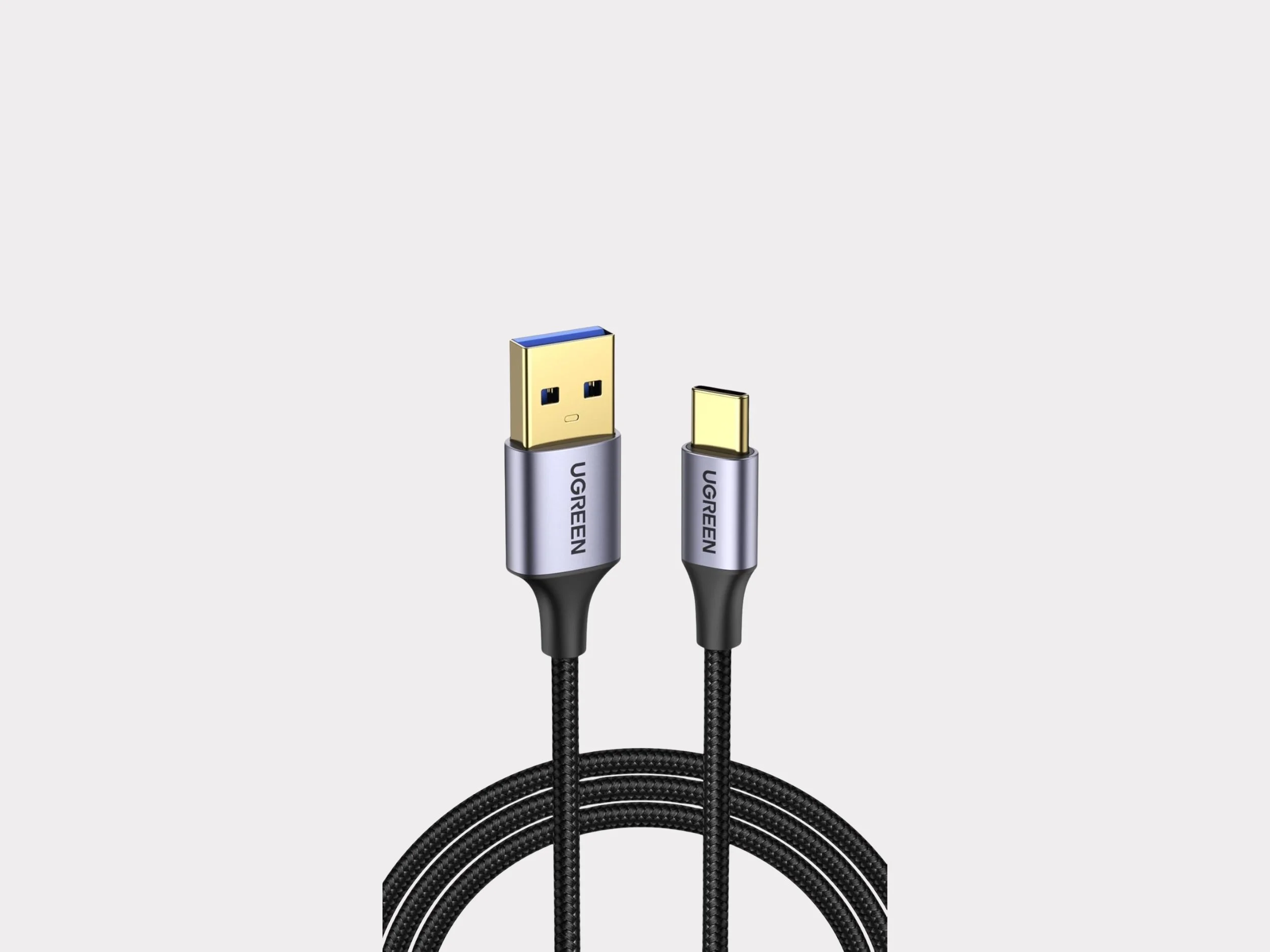
UGreen USB to USB-C Cable USB 3.0 5Gbps Data Transfer Cable